
7. How to remove a user from a MySQL database in cPanel
This demo assumes you've already logged in to cPanel, and are starting on the home screen.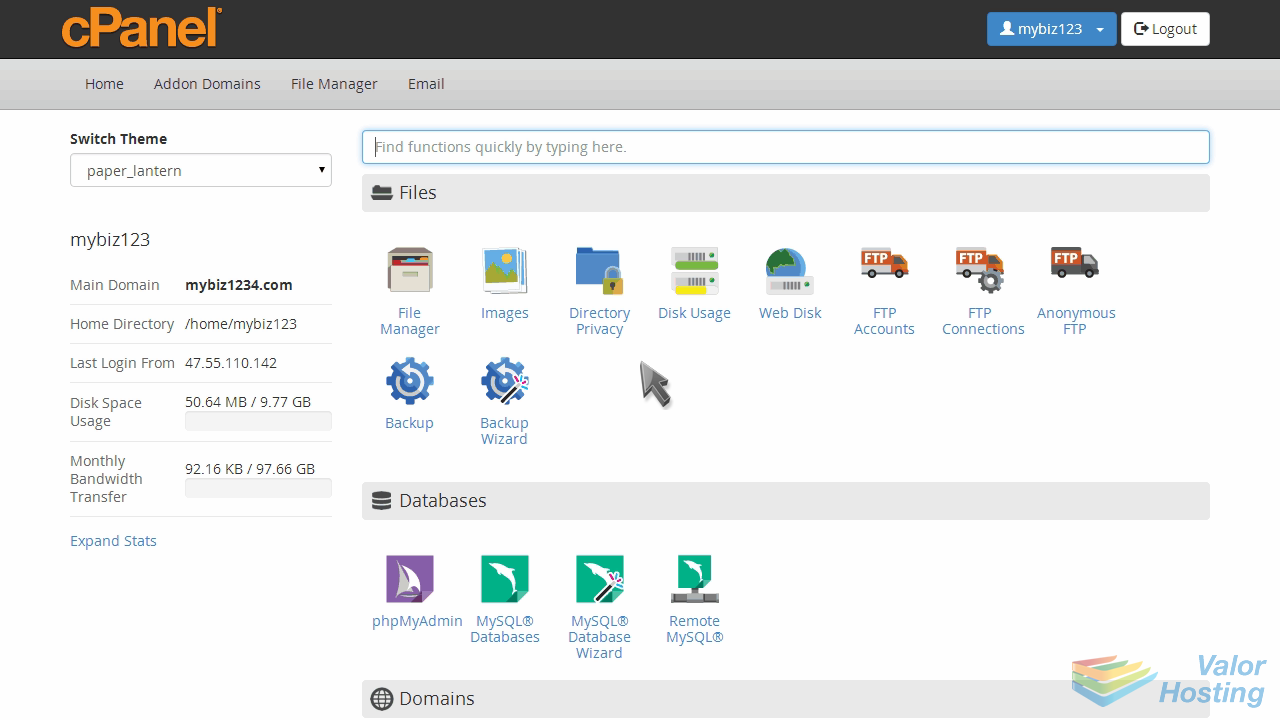
Now let's learn how to remove a user from a database.
Click the "MySQL Databases" icon.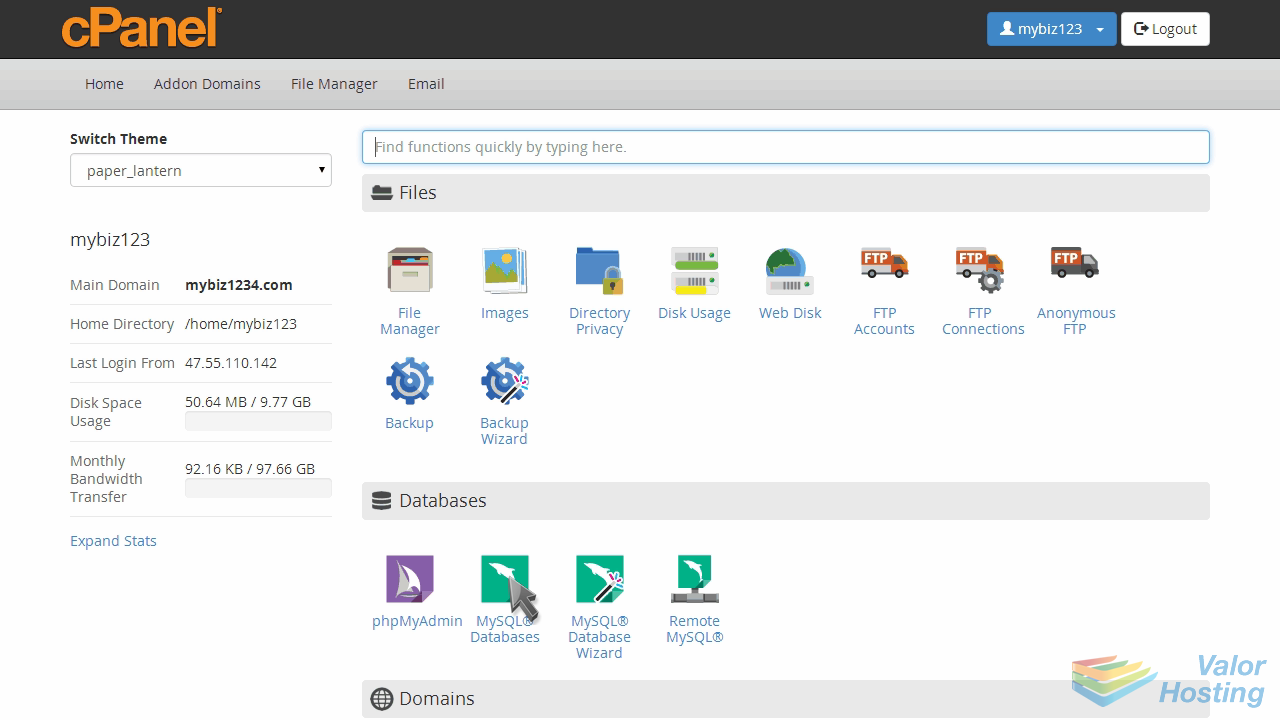
In the table of databases, locate the database you wish to remove a user from...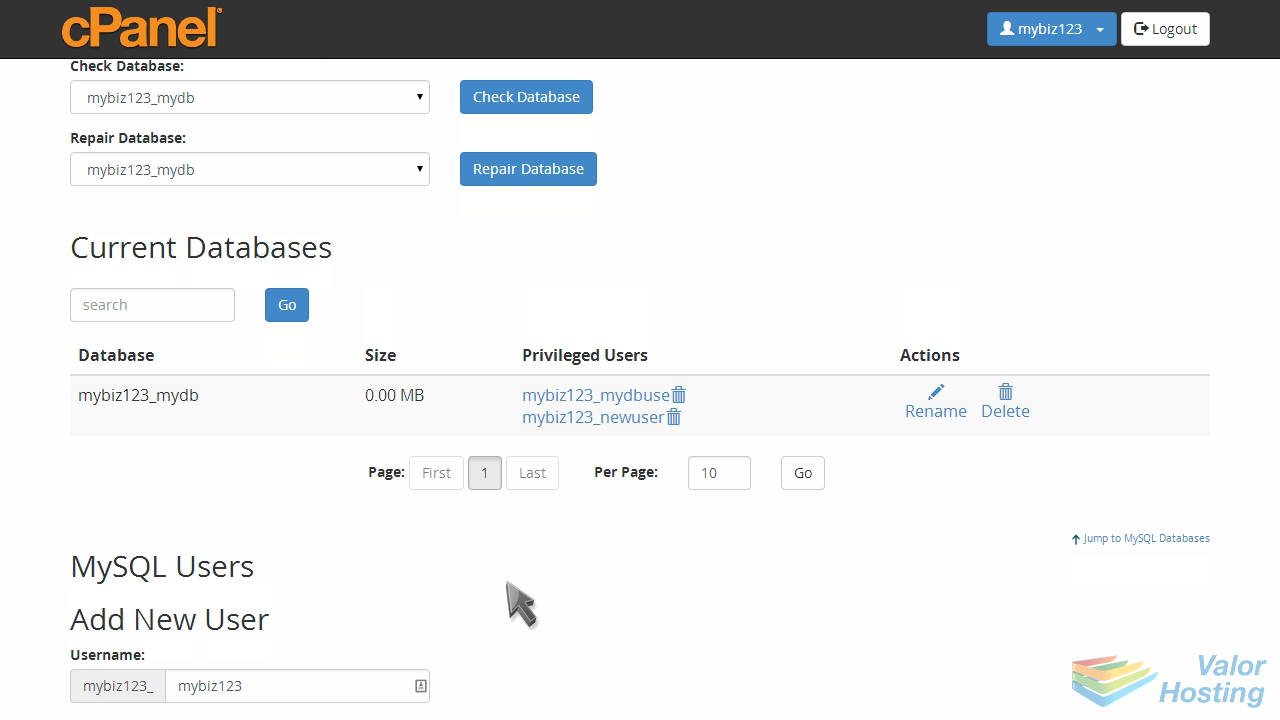
... then locate the specific user assigned to that database that you want to remove... and click the delete icon.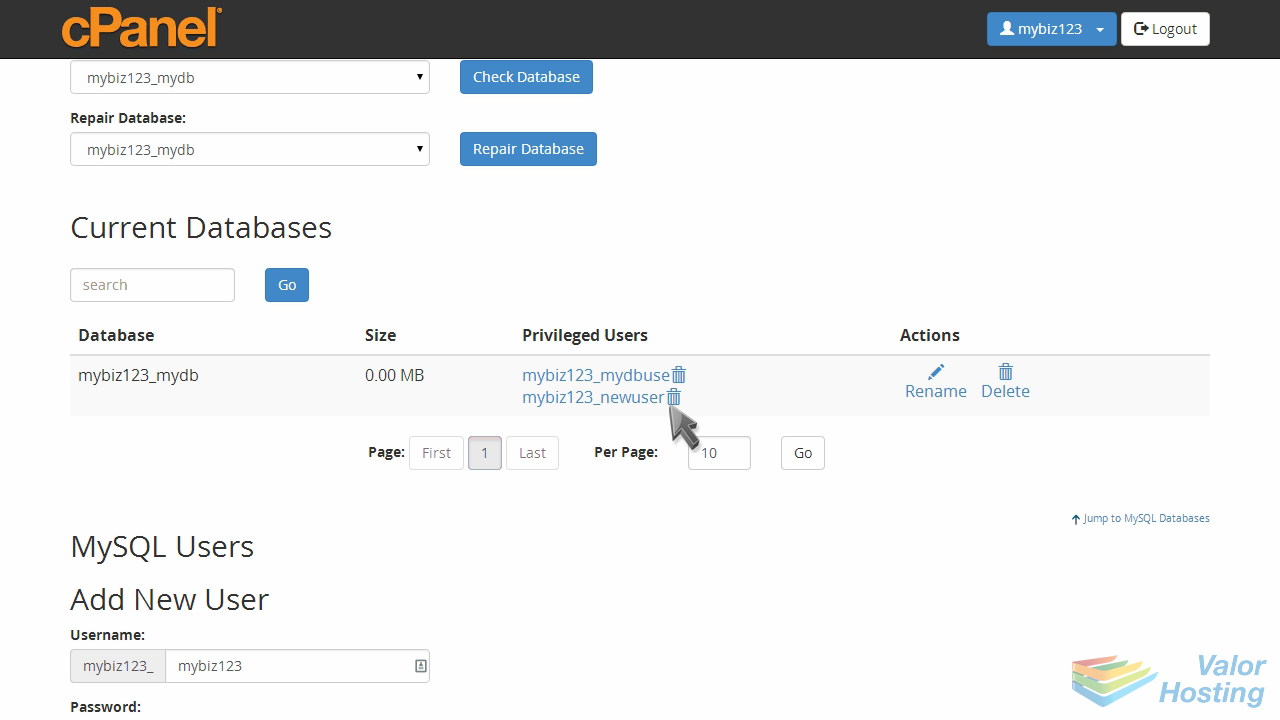
Click "Revoke User Privileges from Database" to confirm.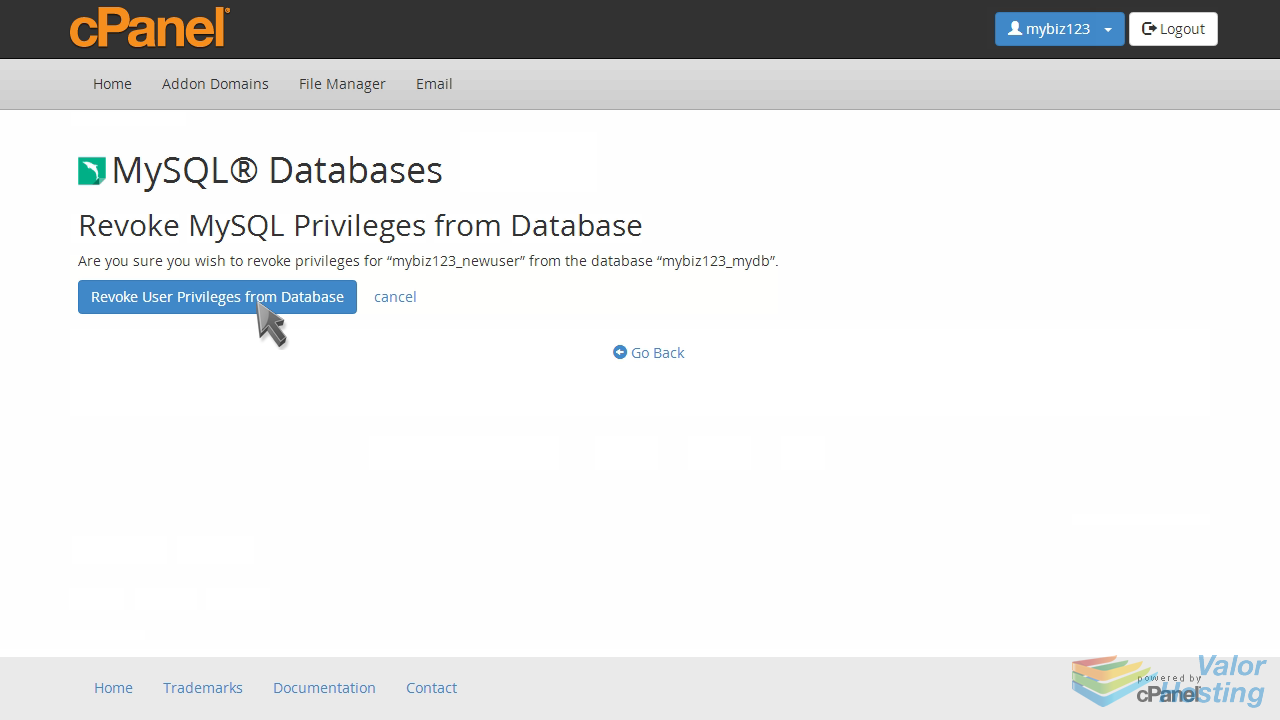
That's it! The user has been removed from the database.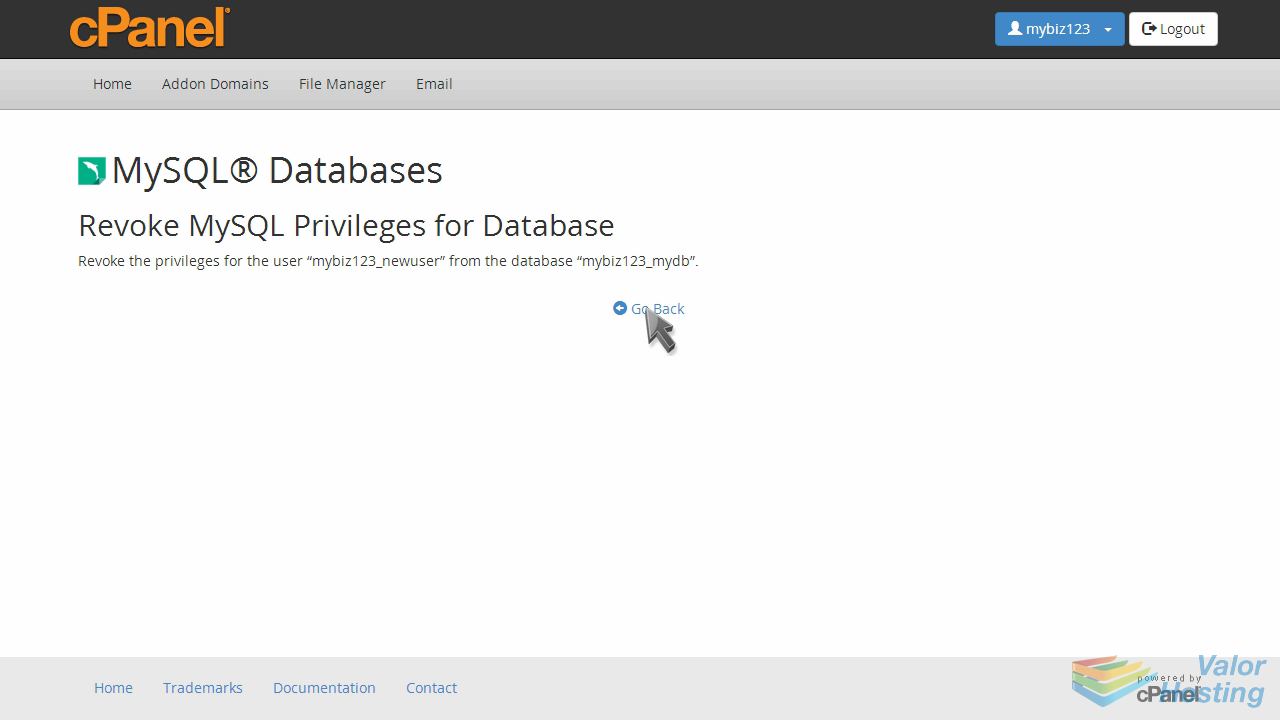
The user hasn't been deleted... you can see it's still listed in the list of current users.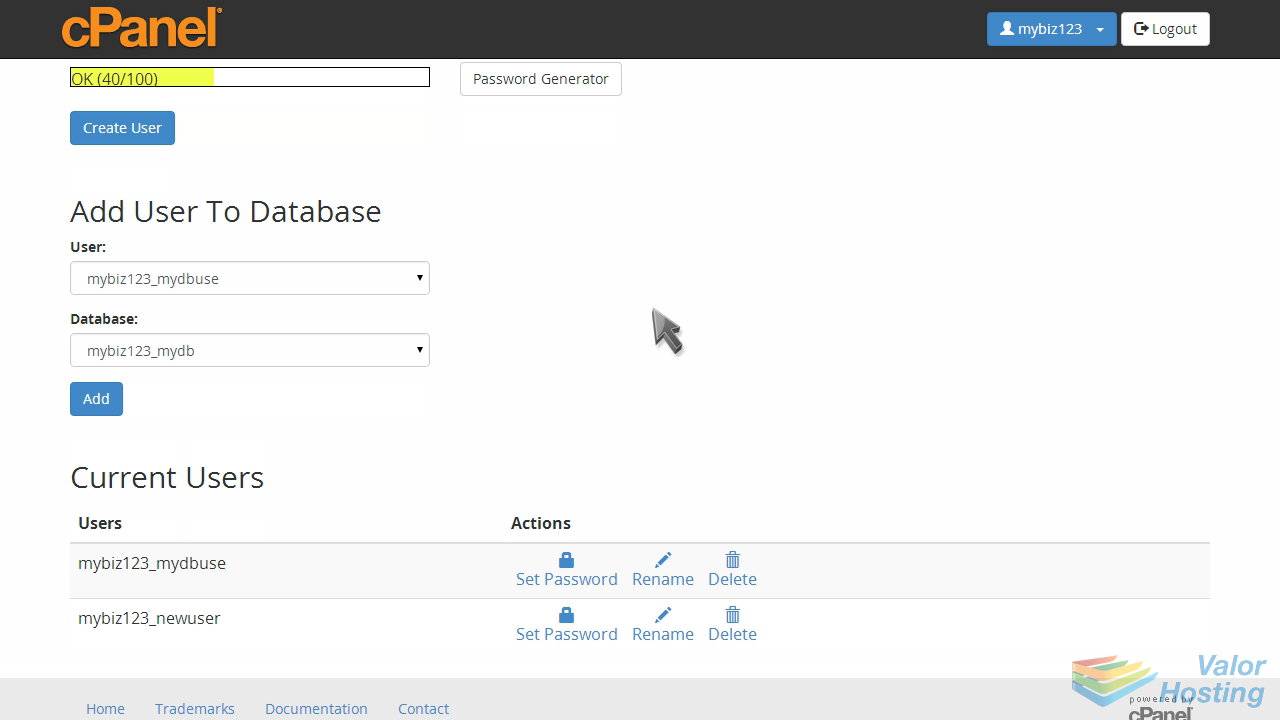
It has simply been removed from that database.
This is the end of the tutorial. You now know how to remove a user from a database in cPanel.