
d5 cPanel server (and our client account portal) back online

The disruption at the European datacenter that was causing issues with our D5 cPanel server has been resolved. We apologise for any inconvenience caused.

We can confirm that there was no breach of customer data of any kind.

Websites that we transitioned to others servers will be migrated back to the d5 server over the next few days. You do not need to do anything.

cPanel MySQL 08 How to delete a MySQL user Print

  • MySQL, delete user
  • 0

8. How to delete a MySQL database user in cPanel

This demo assumes you've already logged in to cPanel, and are starting on the home screen.
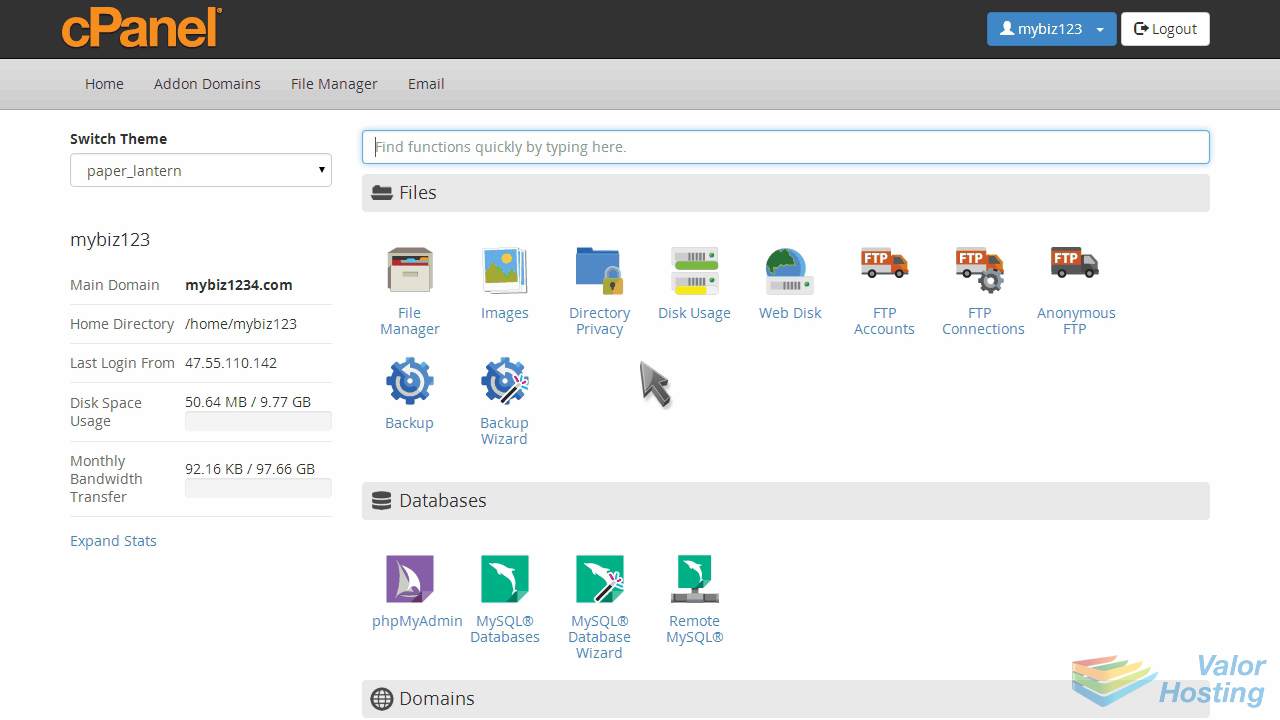
Now let's learn how to delete a database user.

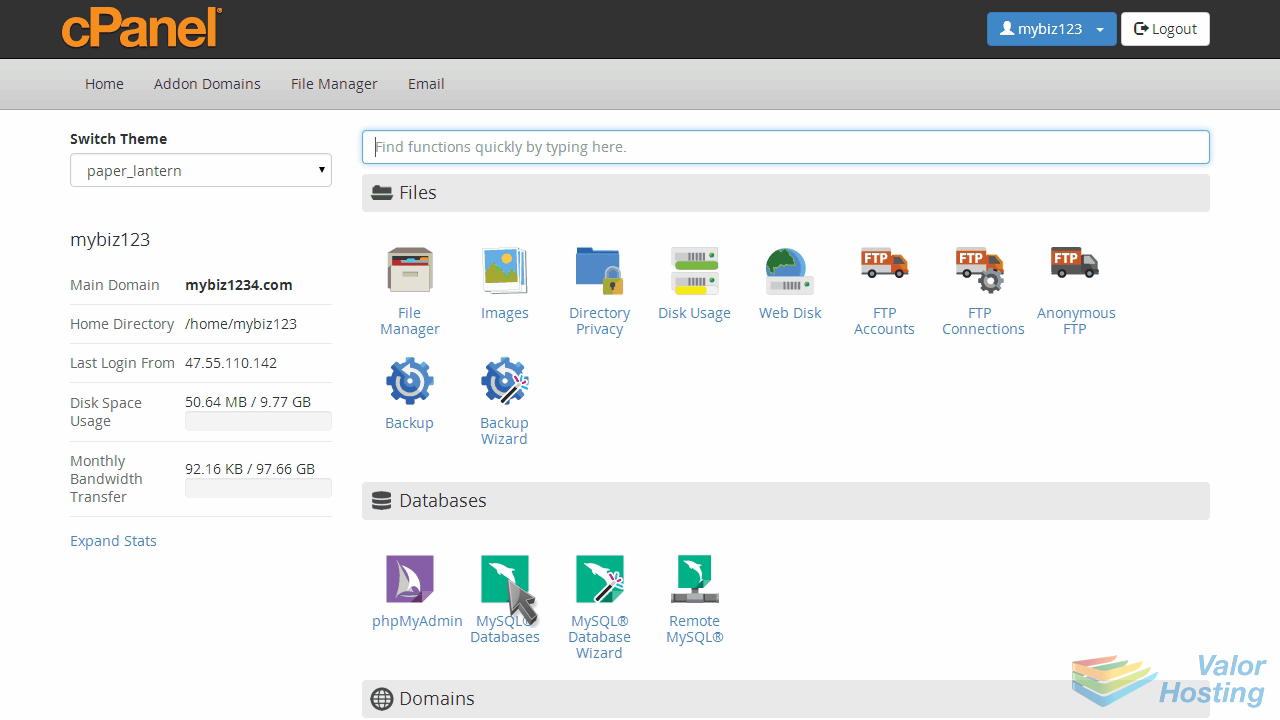
Click the "MySQL Databases" icon.
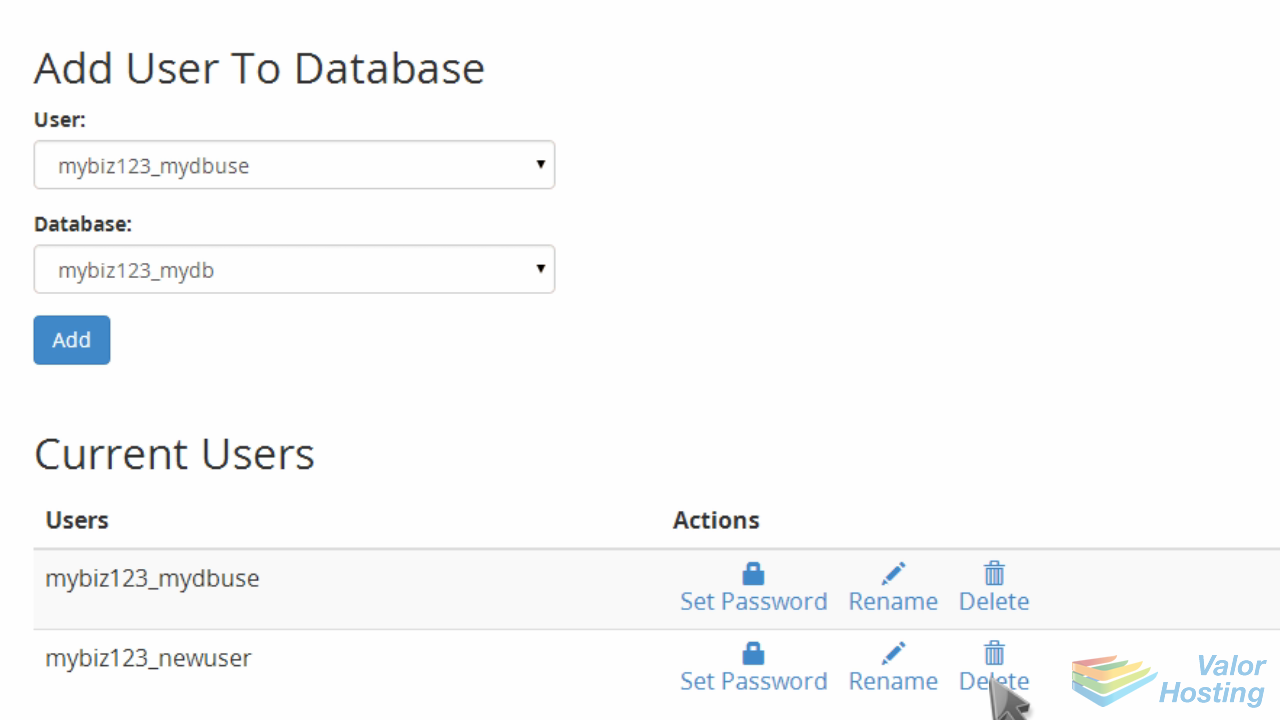
Locate the "Current Users" section at the bottom of the page, and click the "Delete" icon next to the user you want to delete.
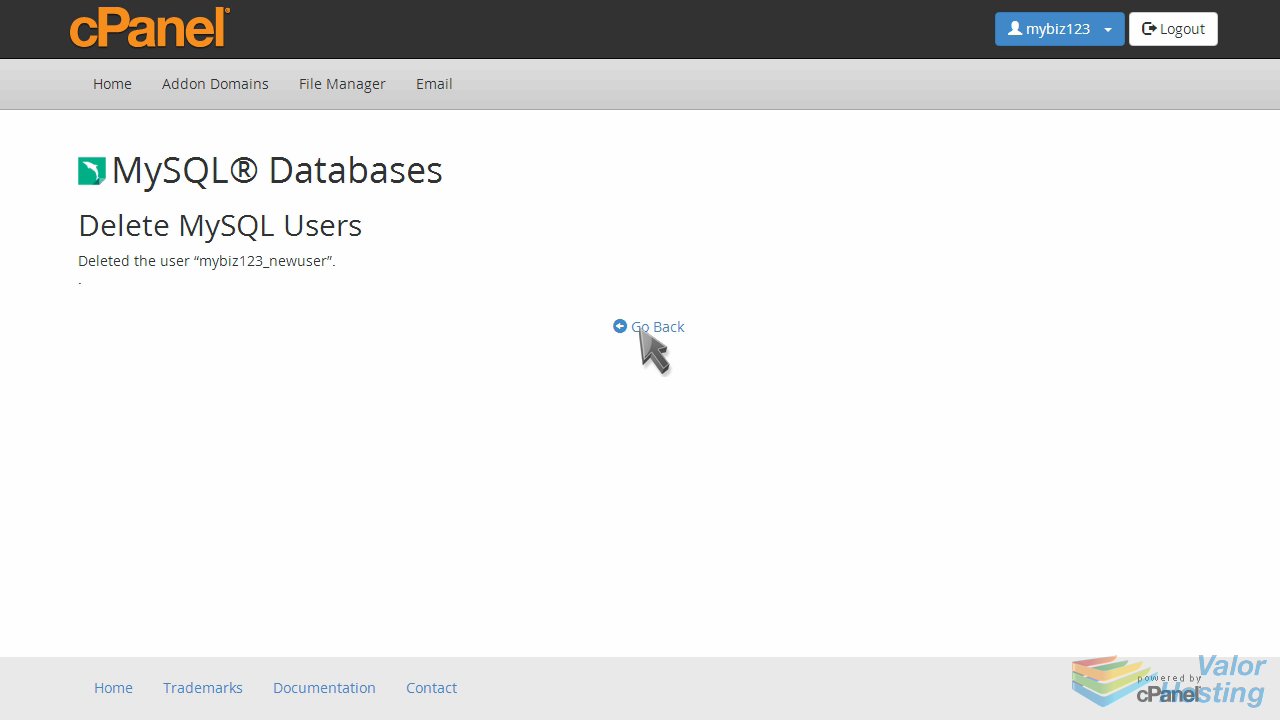
Then click "Delete User" to confirm.
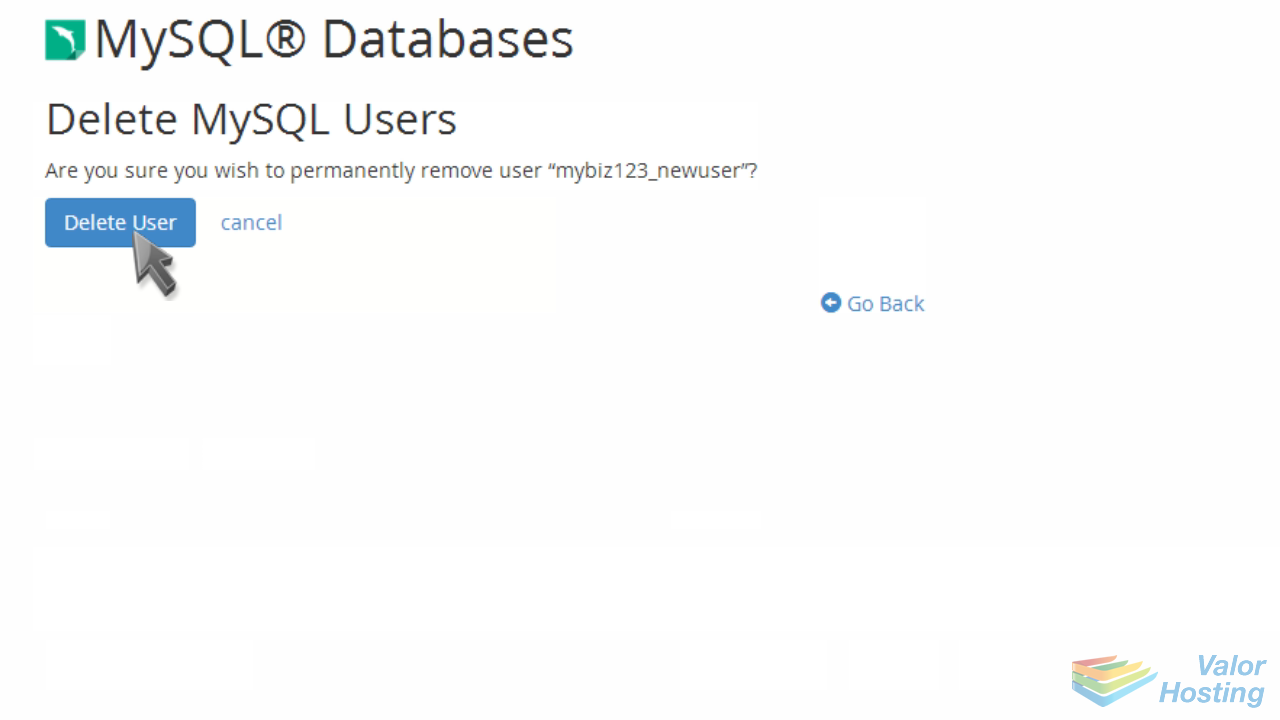
That's it! The database user has been deleted.
This is the end of the tutorial. You now know how to delete a database user in cPanel.


Was this answer helpful?

« Back