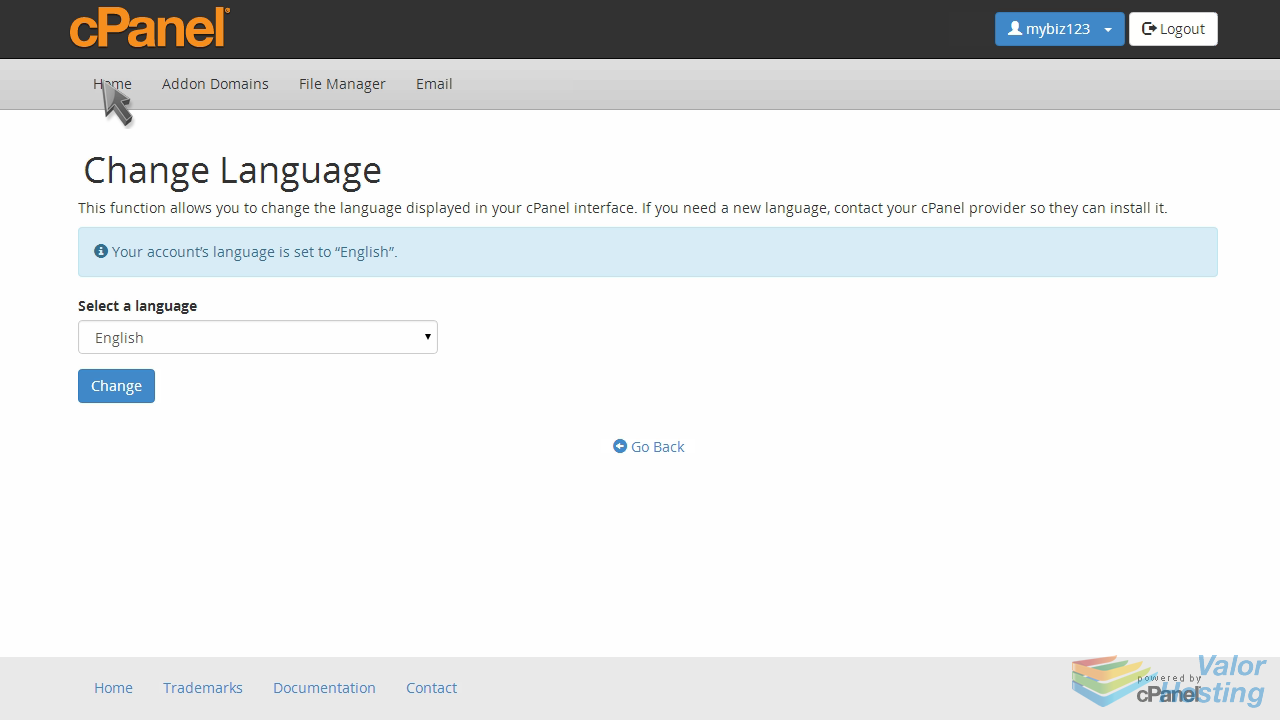
13. How to change the primary language in cPanel
This demo assumes you've already logged in to cPanel, and are starting on the home screen.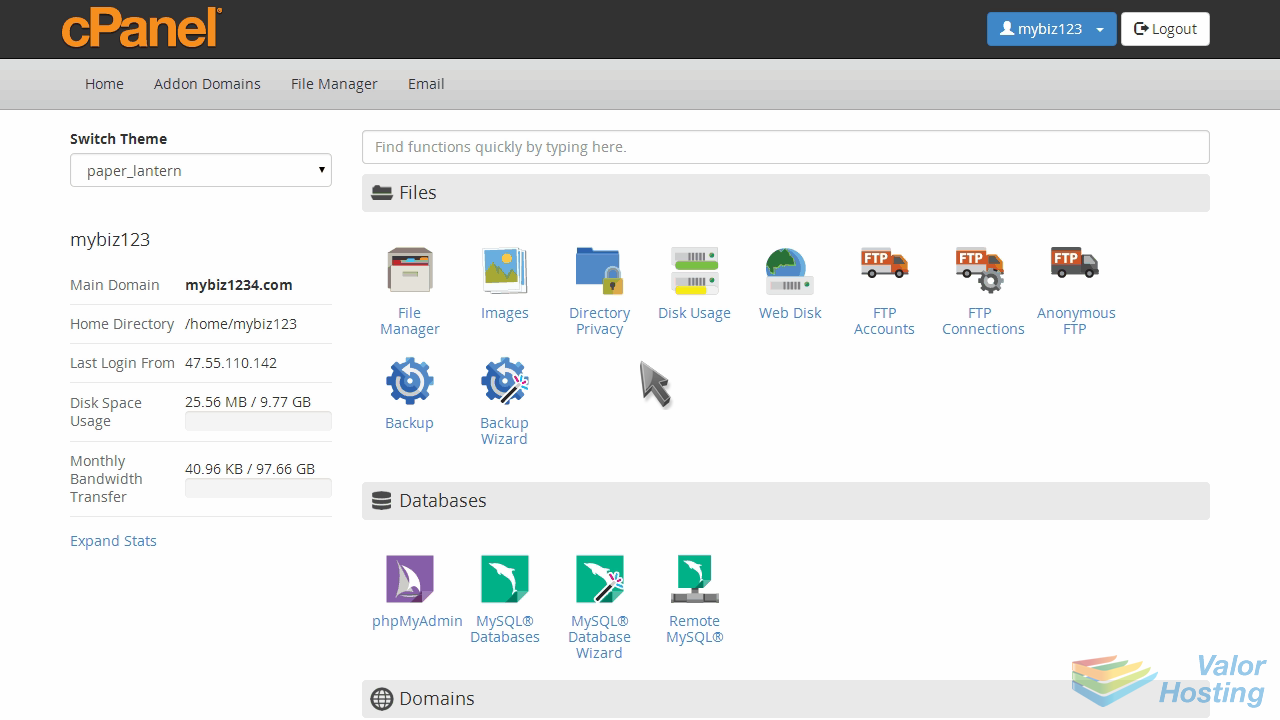
Now let's learn how to change the primary language.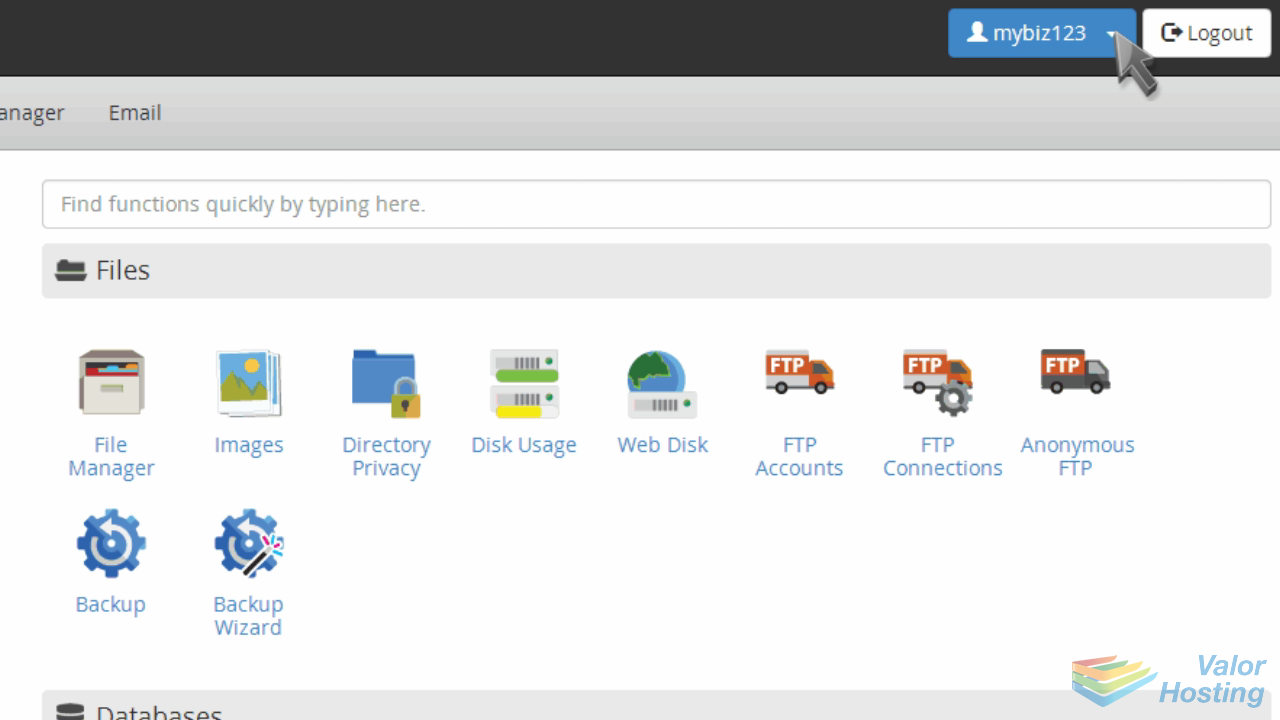
Click the "Change Language" link.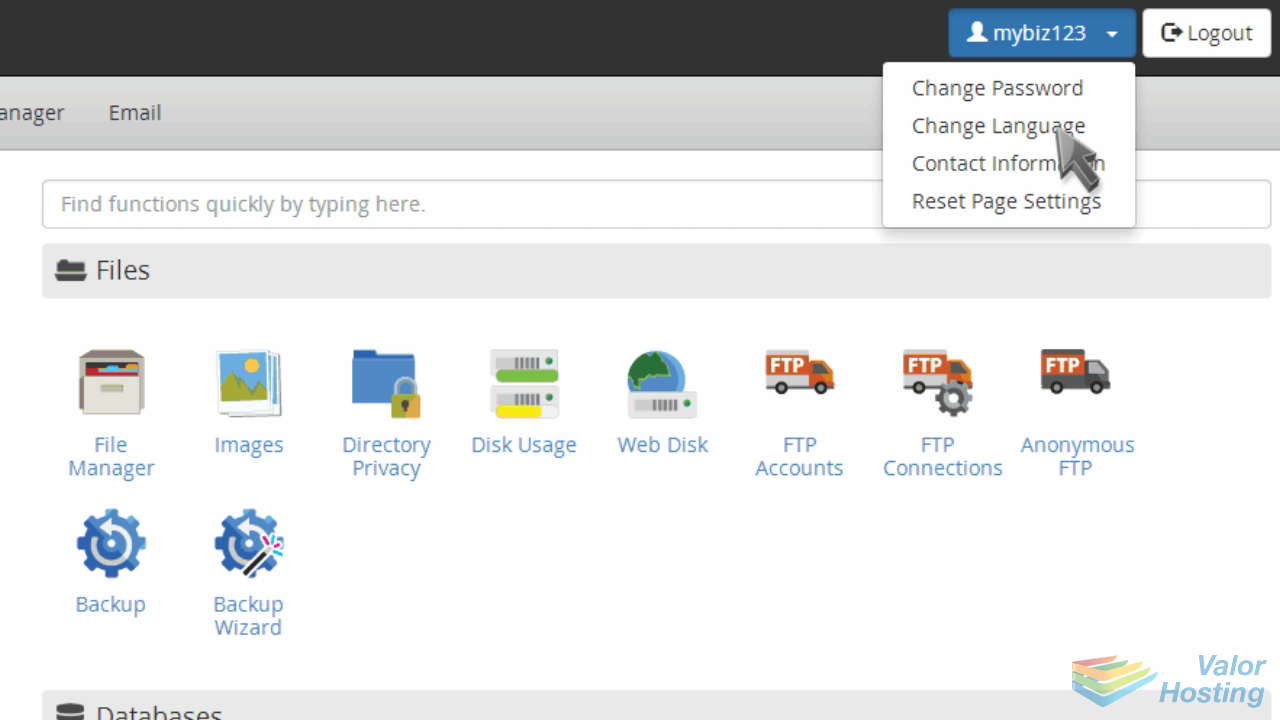
Select the new desired language, then click "Change".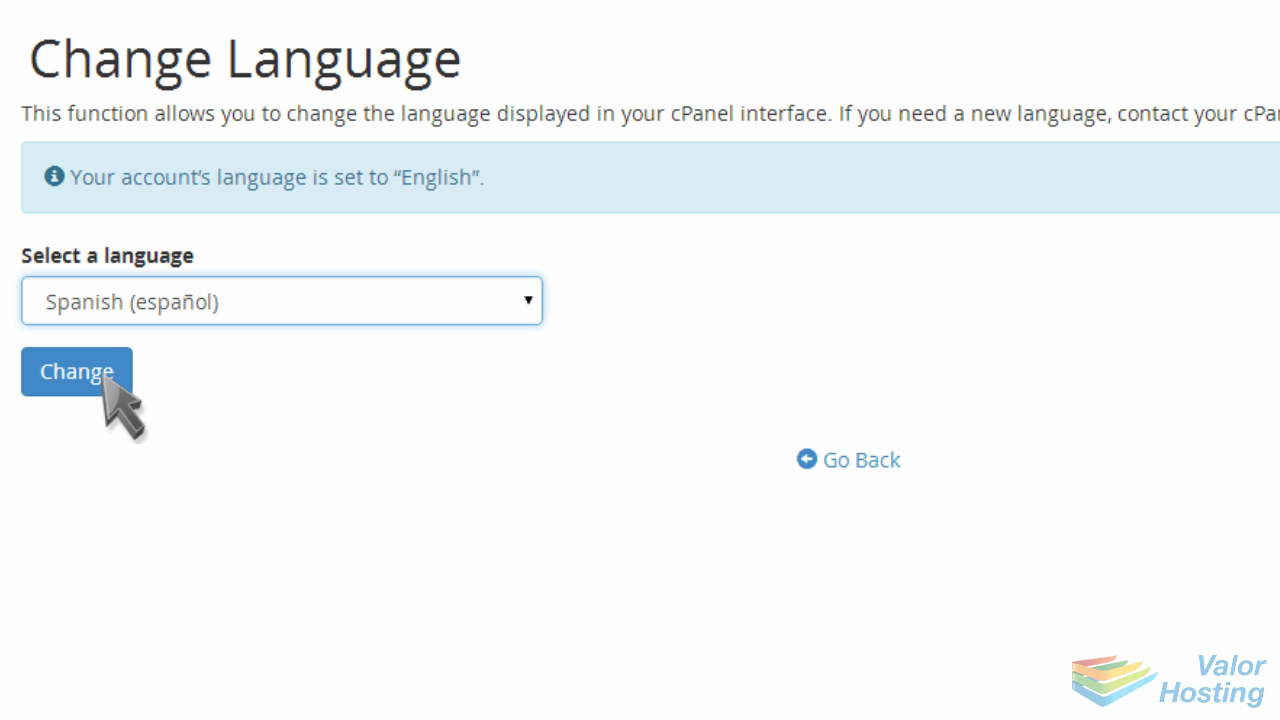
That's it! The language has been changed.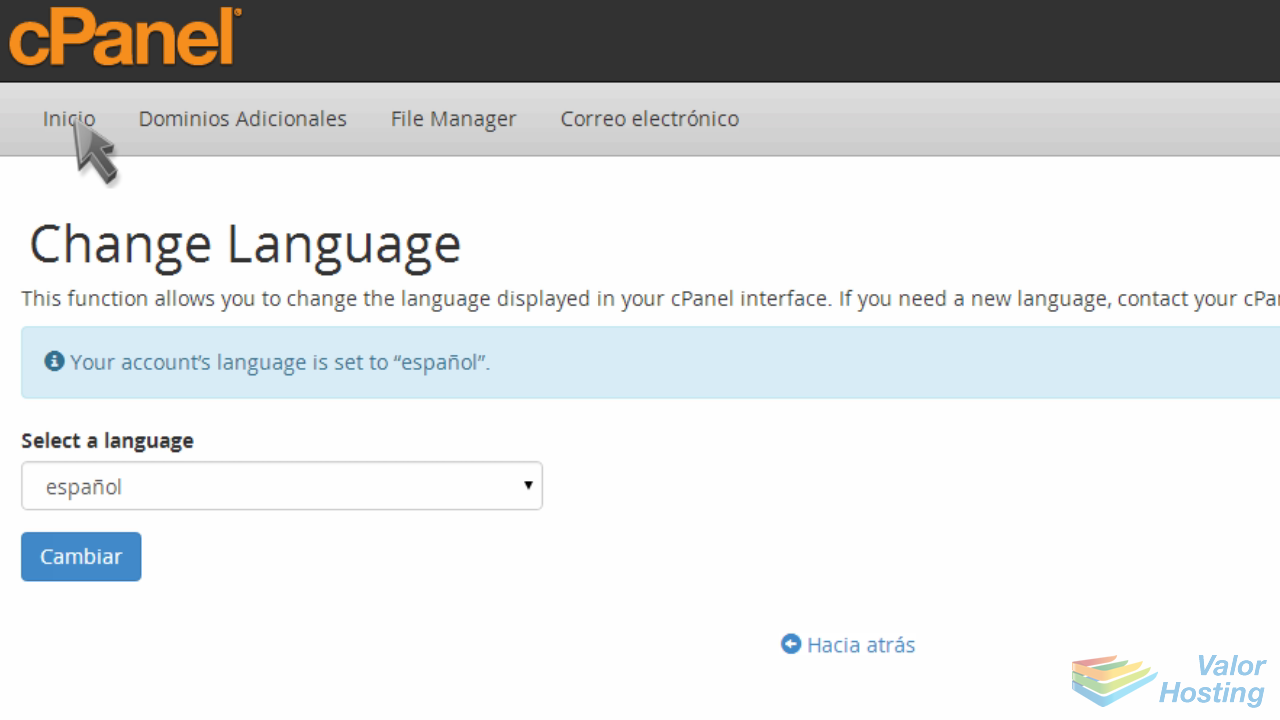
Now when you navigate through cPanel, you'll notice that the language used has been translated to the newly selected language.
To change back, simply repeat the process.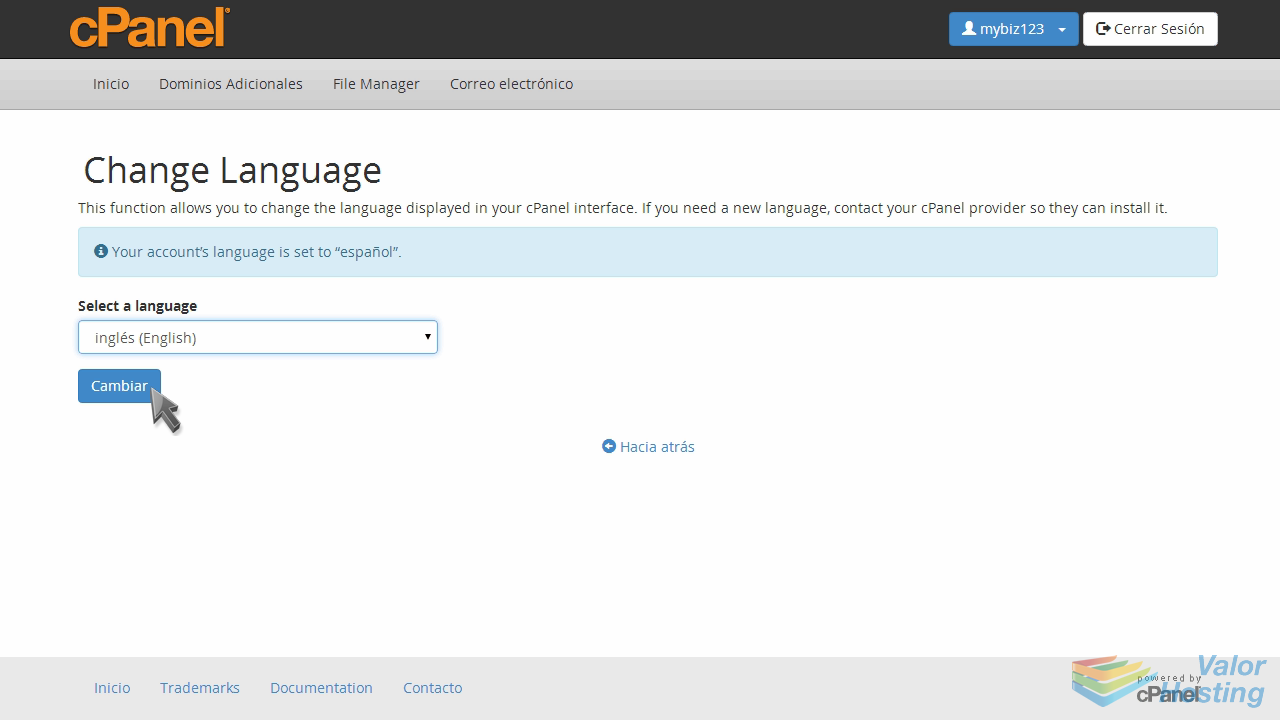
This is the end of the tutorial. You now know how to change the primary language in cPanel.