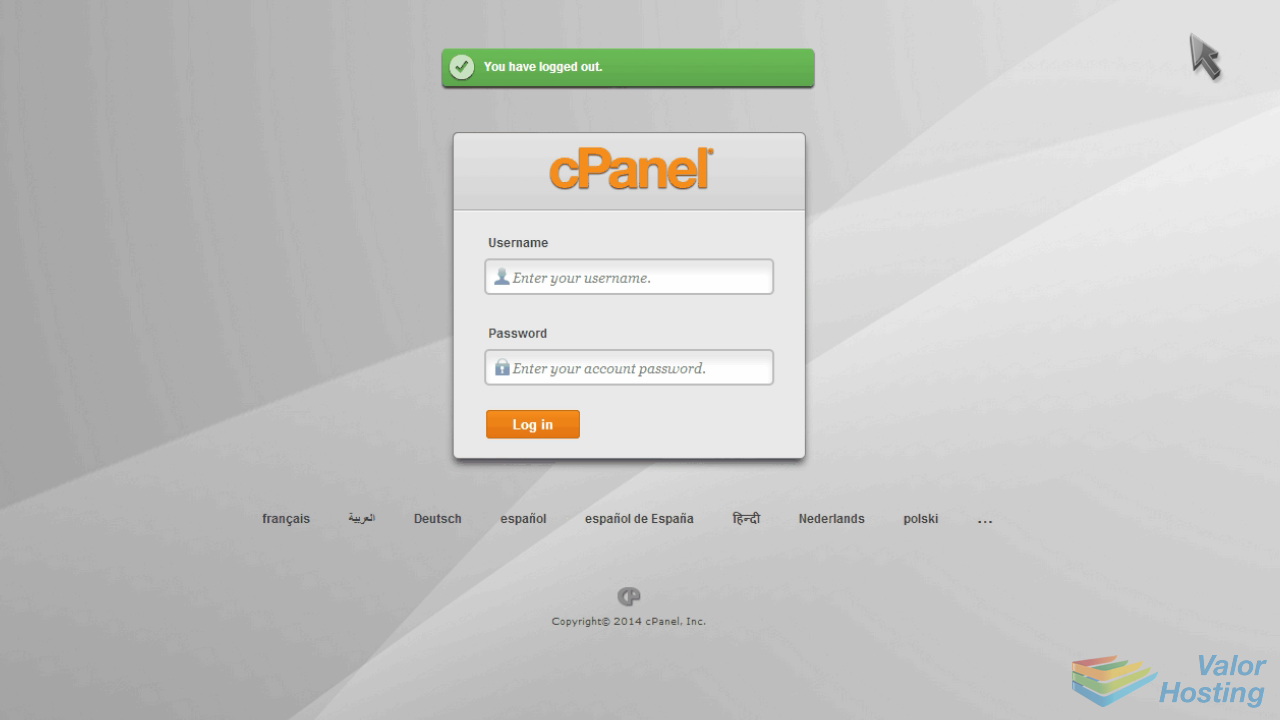
1. How to login to cPanel
This demo assumes you've already opened your browser and entered your cPanel login URL.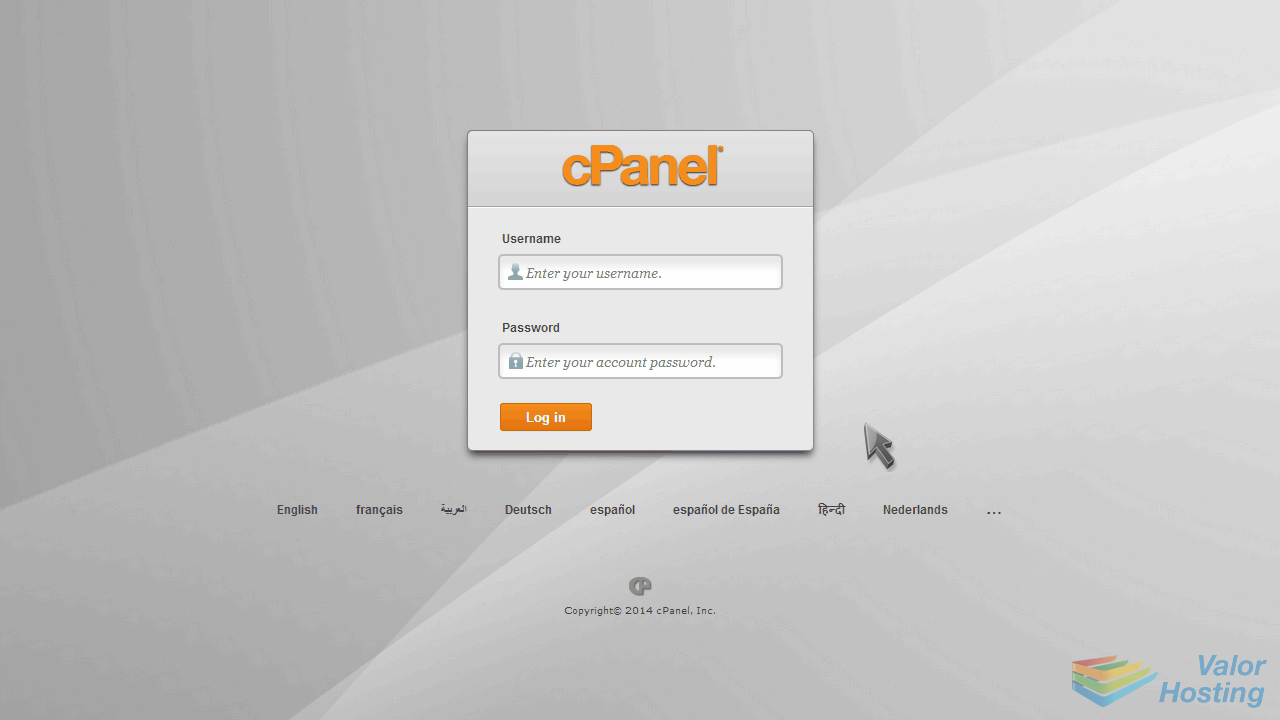
Now log in to cPanel using the username and password provided to you.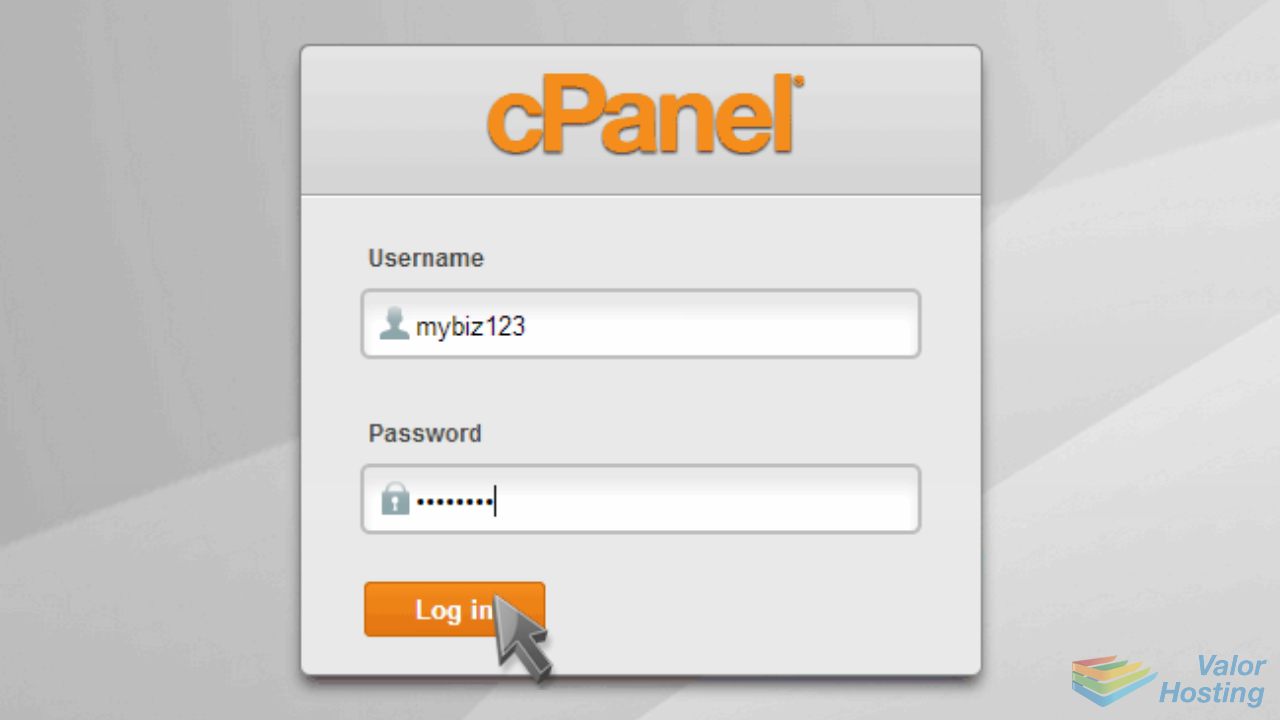
That's it! You're now logged in to cPanel, and can begin to setup email accounts, parked domains, databases, shopping carts, and dozens of other features.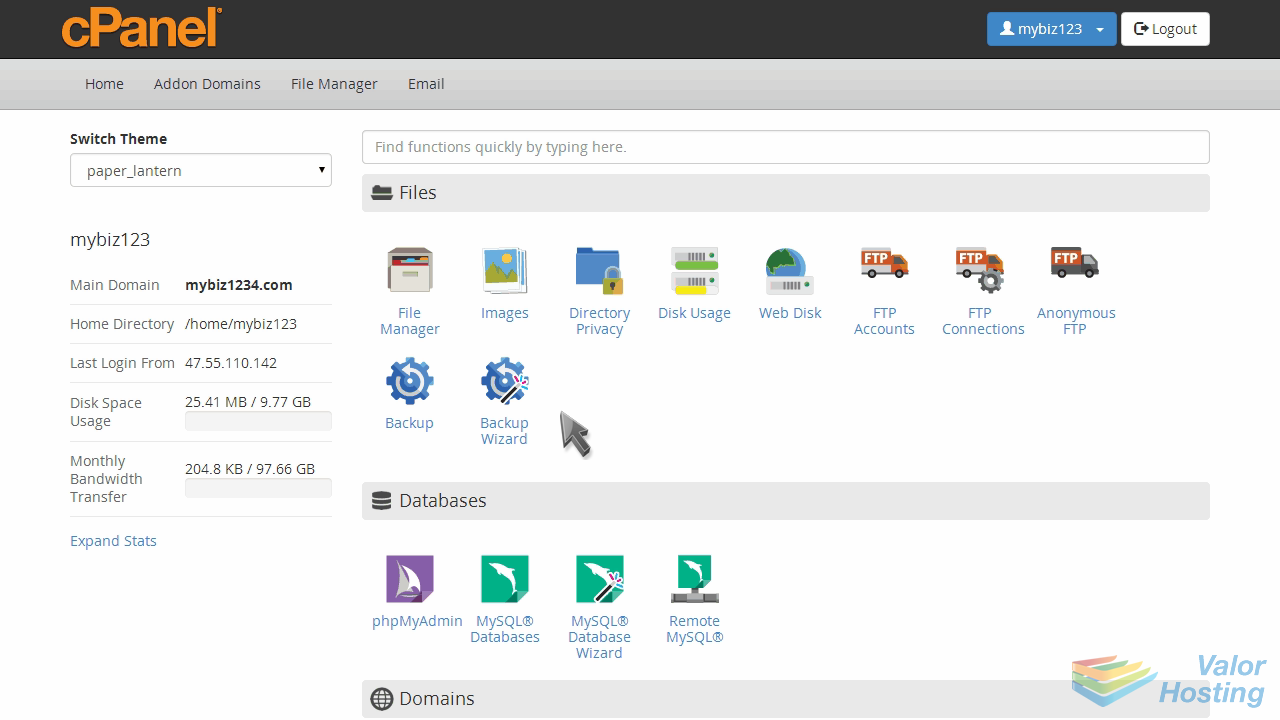
To logout of cPanel, click the logout icon in the upper right corner.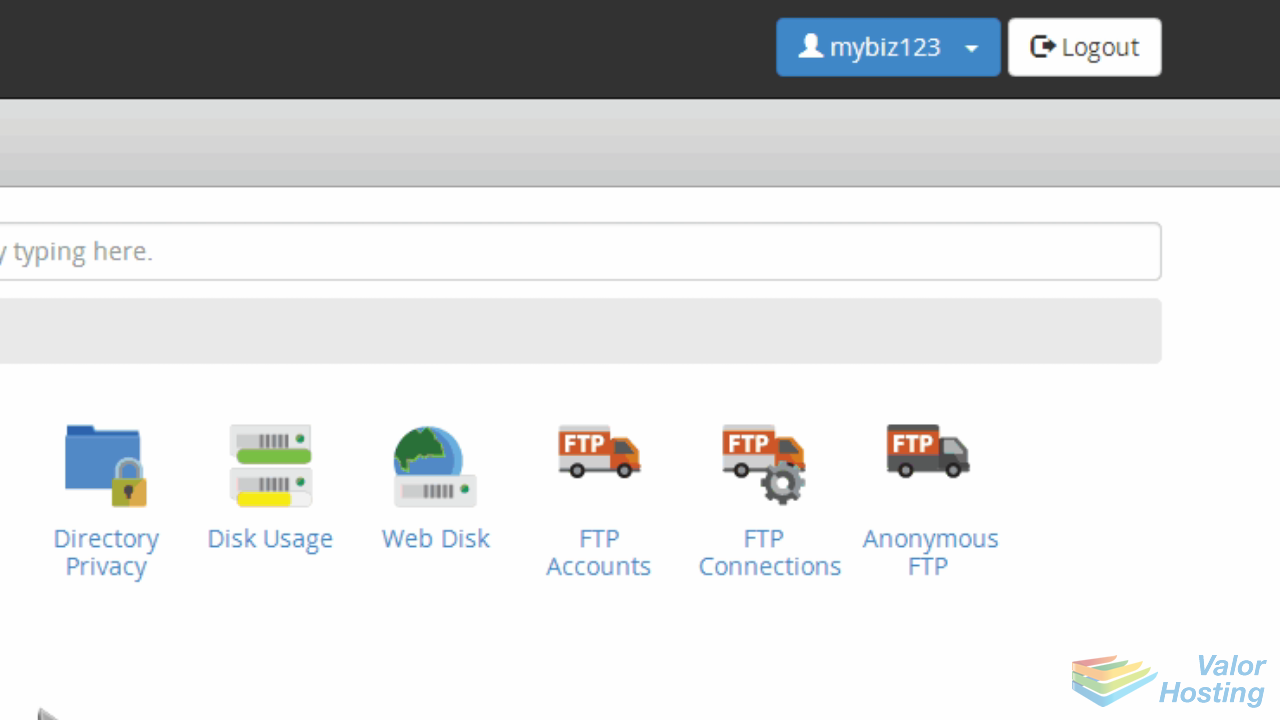
This is the end of the tutorial. Be sure to check out the other cPanel tutorials to learn all the great features available to you.