
27. How to create custom error pages in cPanel
This demo assumes you've already logged in to cPanel, and are starting on the home screen.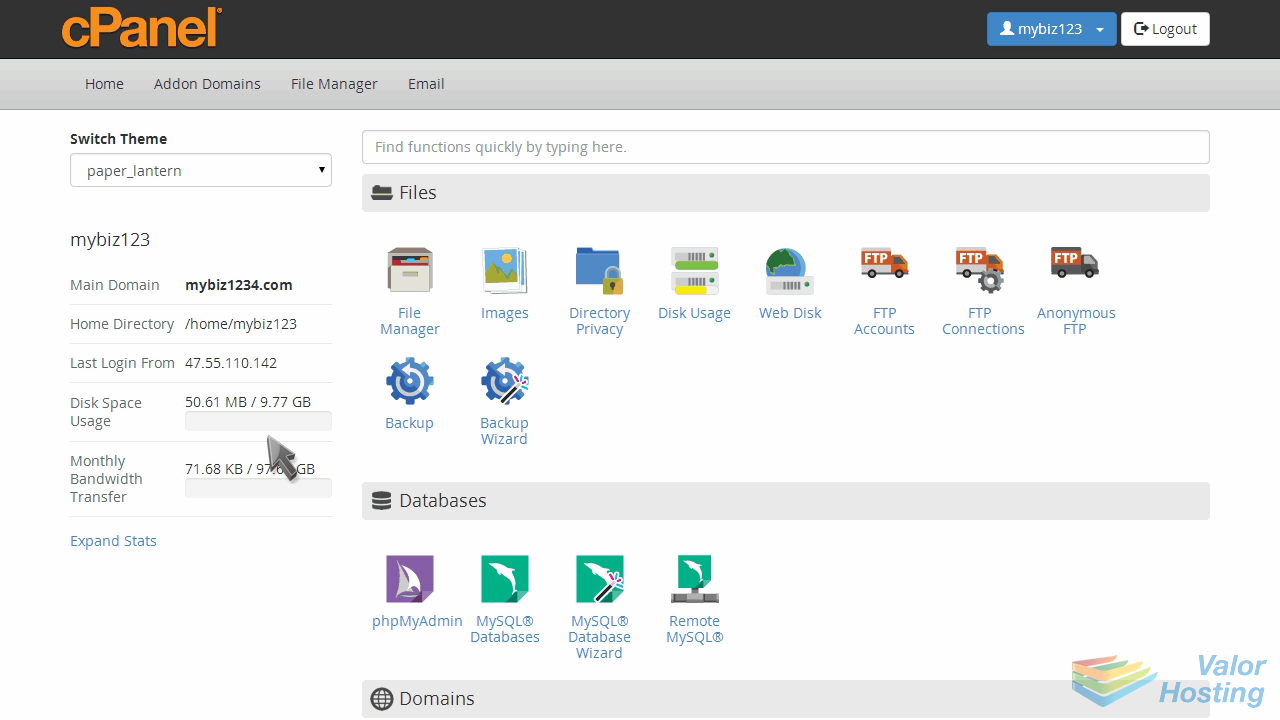
Now let's learn how to create custom error pages.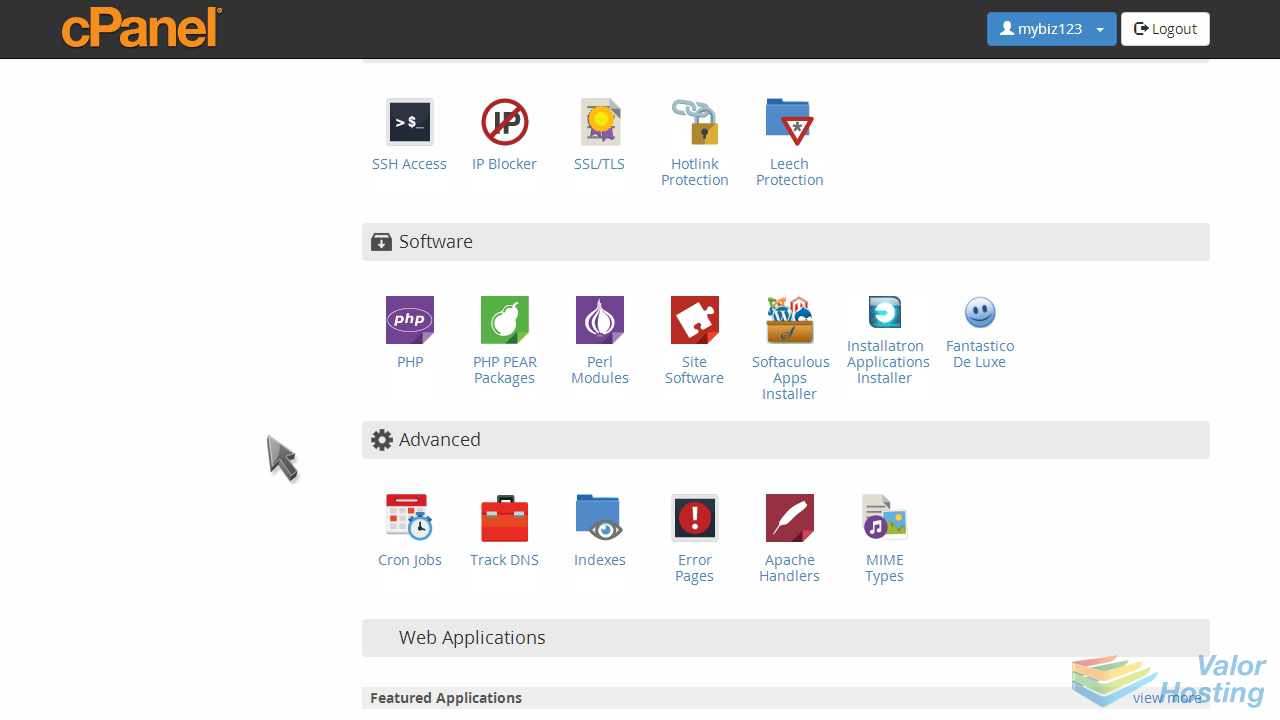
Click the "Error Pages" icon.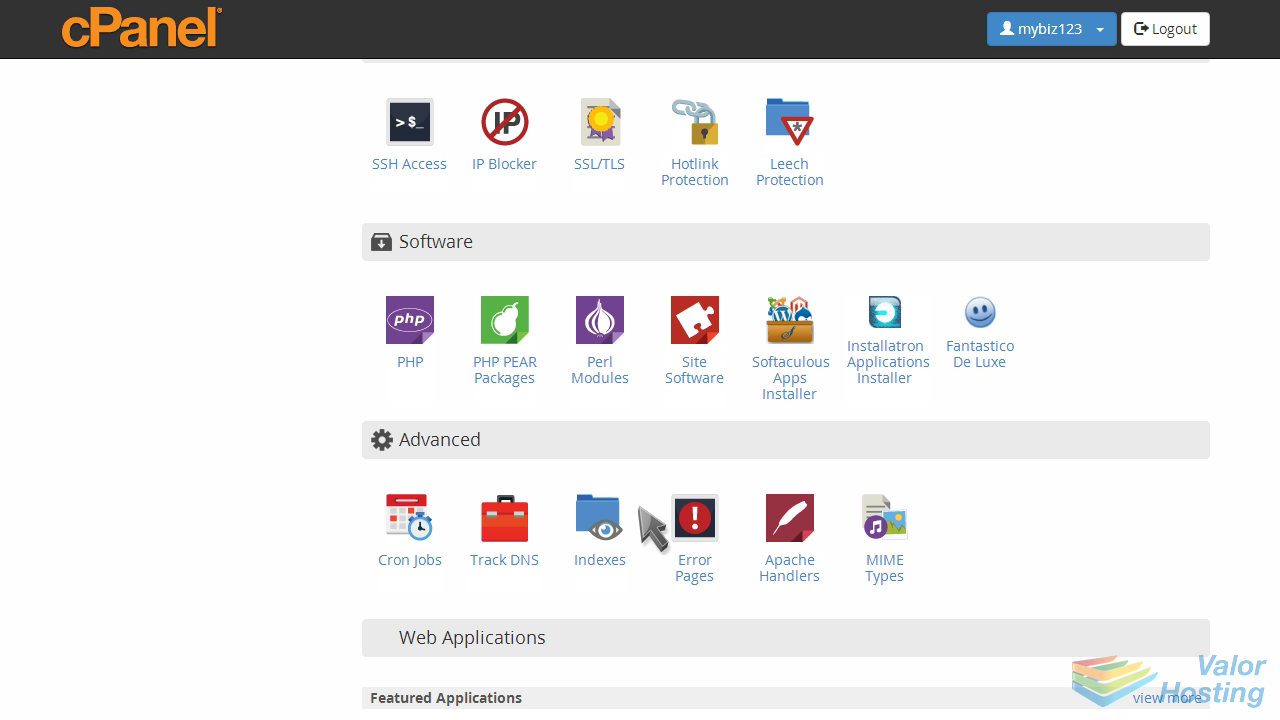
There are several different error pages you can customize. Let's customize the "404 error page".
This is where you create your custom error page... and you can include one or more tags to further customize the page.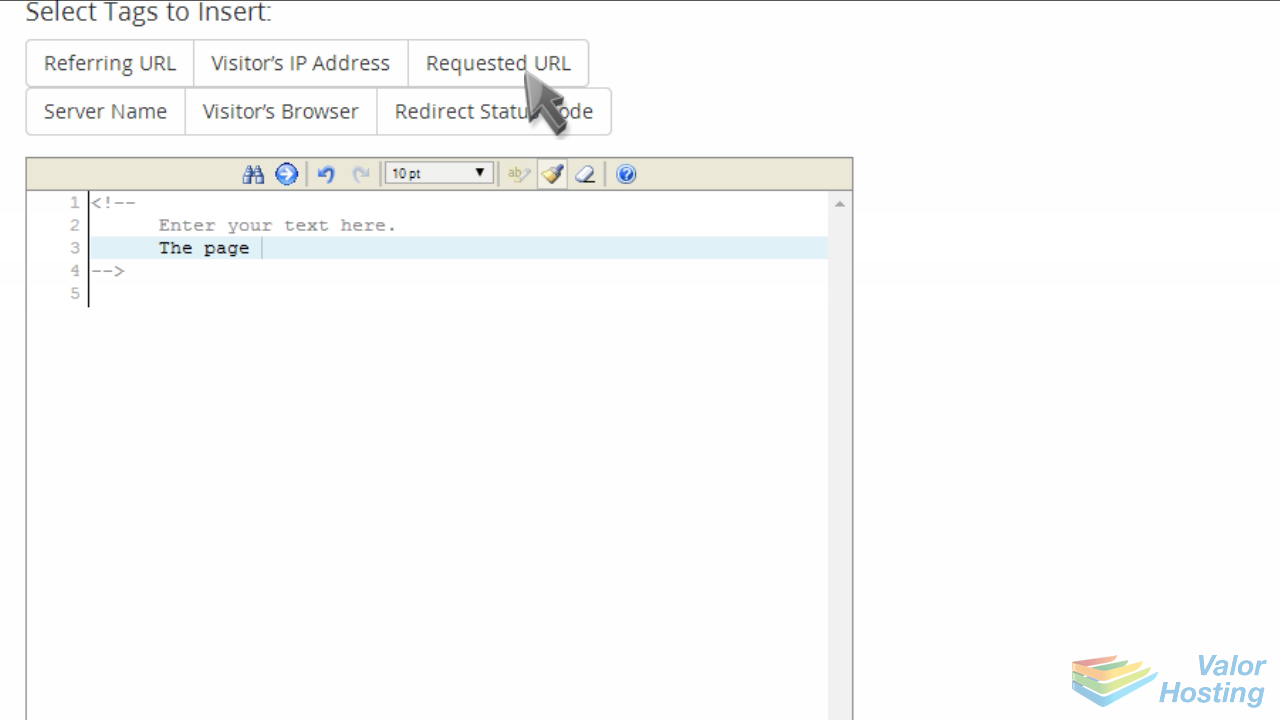
When finished, click "Save".
That's it! The custom 404 error page has been created.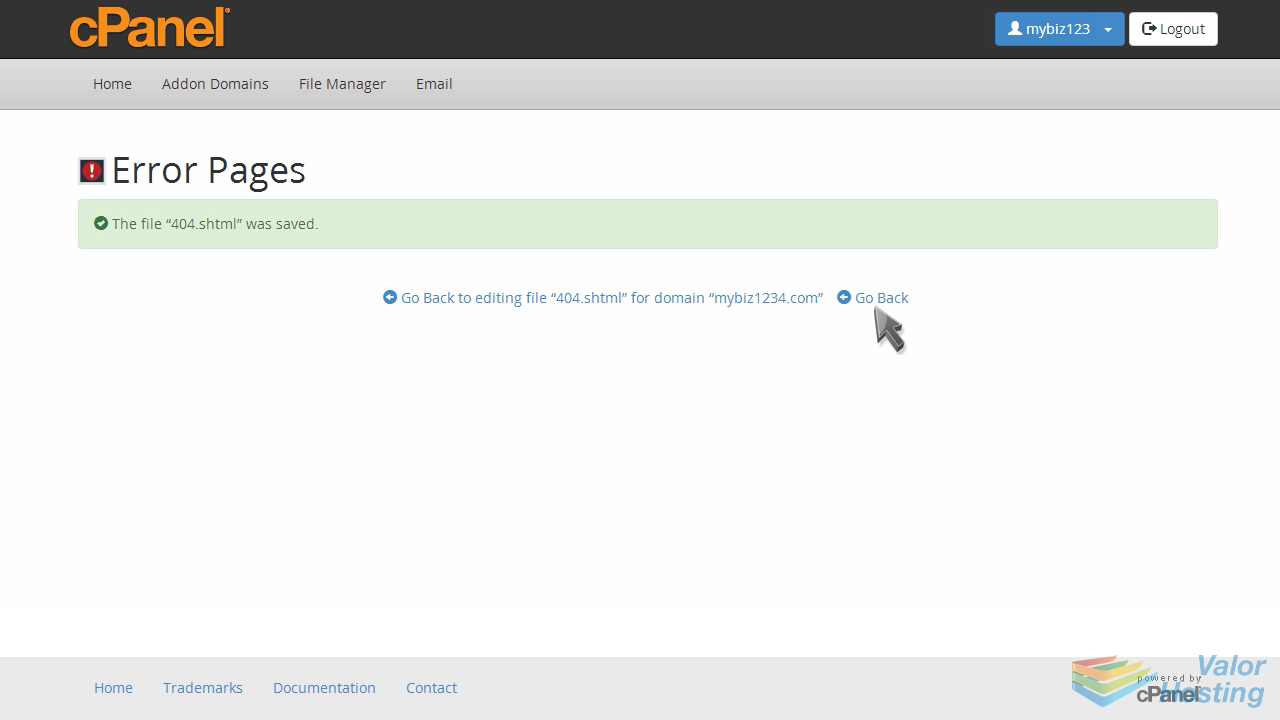
You can customize the other error pages as well... but you don't have to... all accounts come preset with standard error pages.
This is the end of the tutorial. You now know how to create custom error pages in cPanel.