3. How to set your default address in cPanel
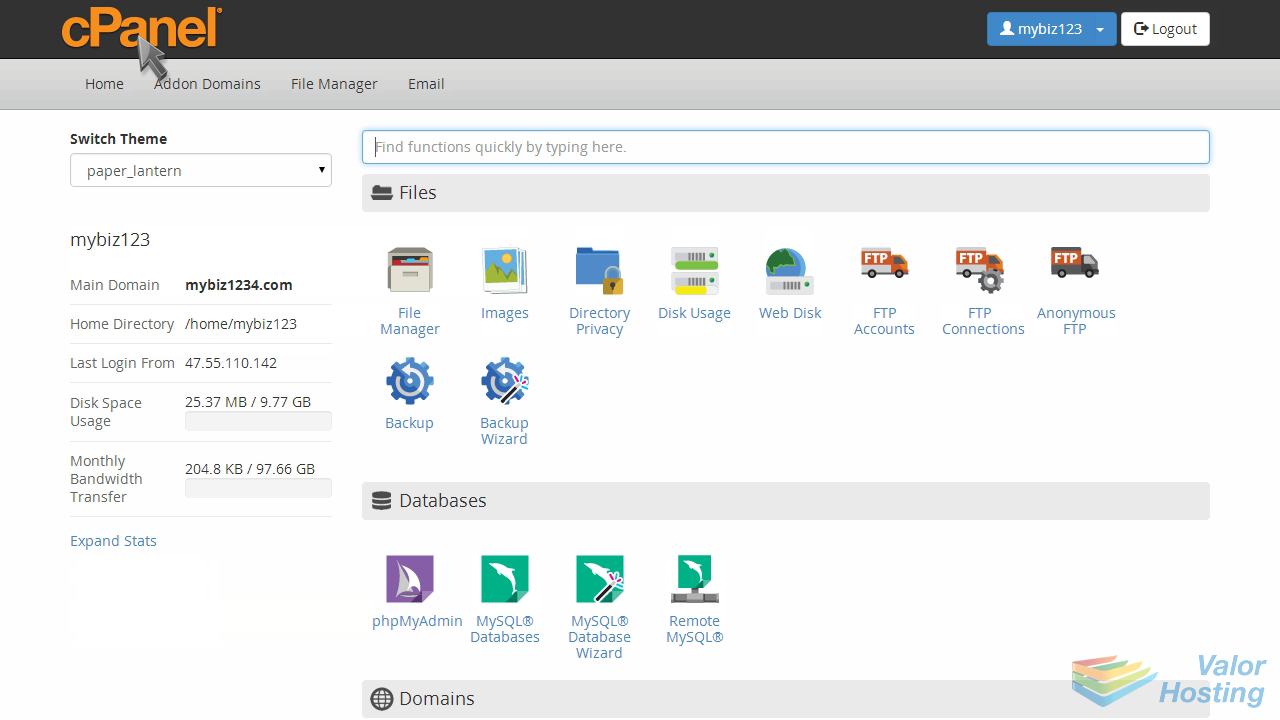
This demo assumes you've already logged in to cPanel, and are starting on the home screen.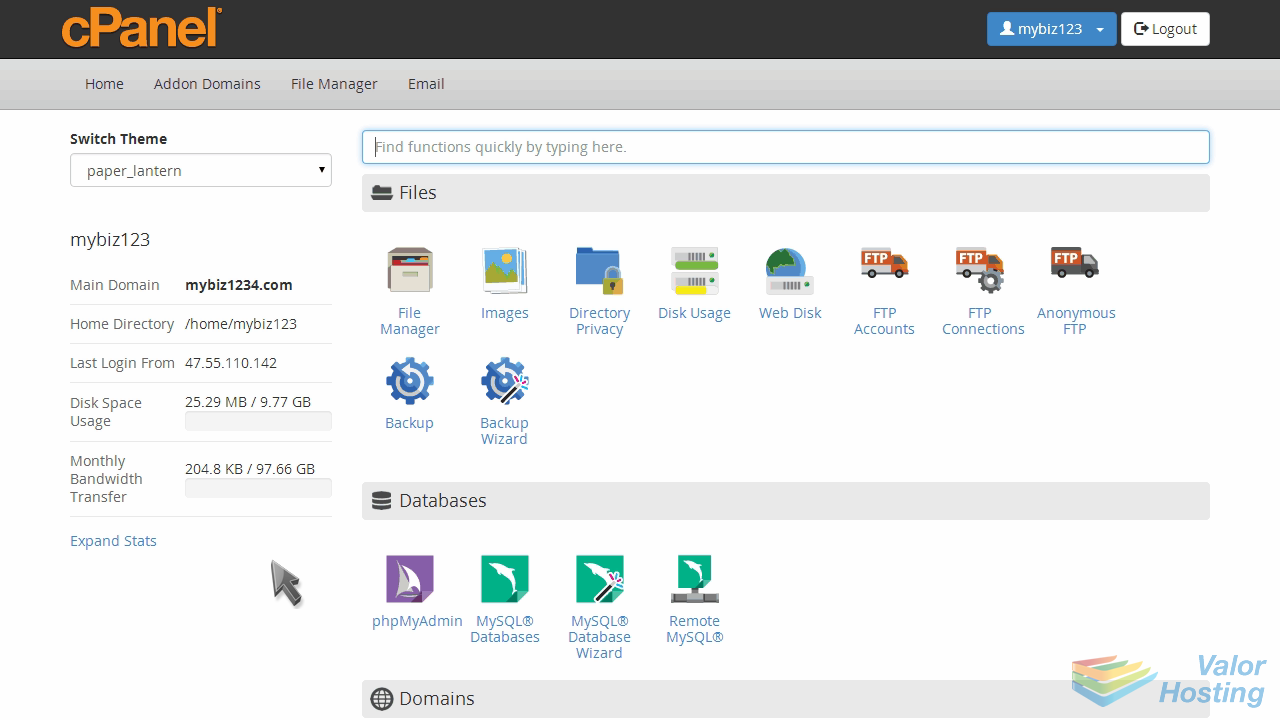
Now let's set our default email address.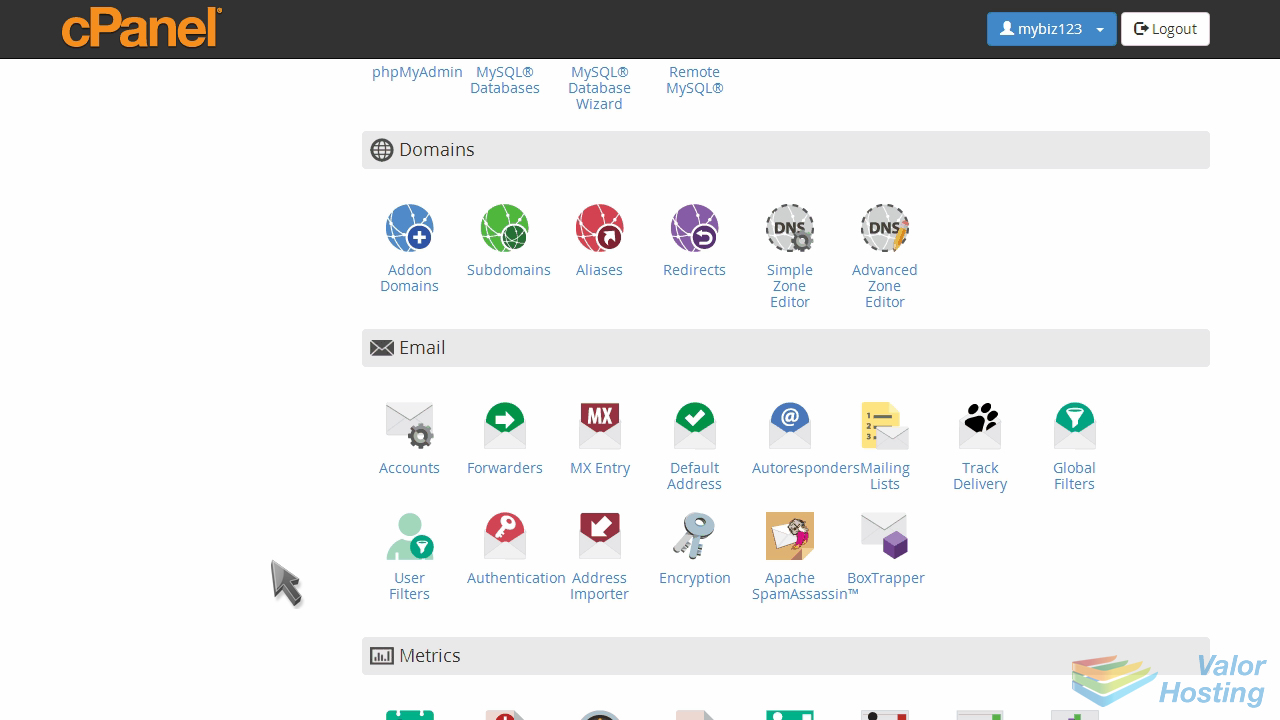
Click the Default Address icon.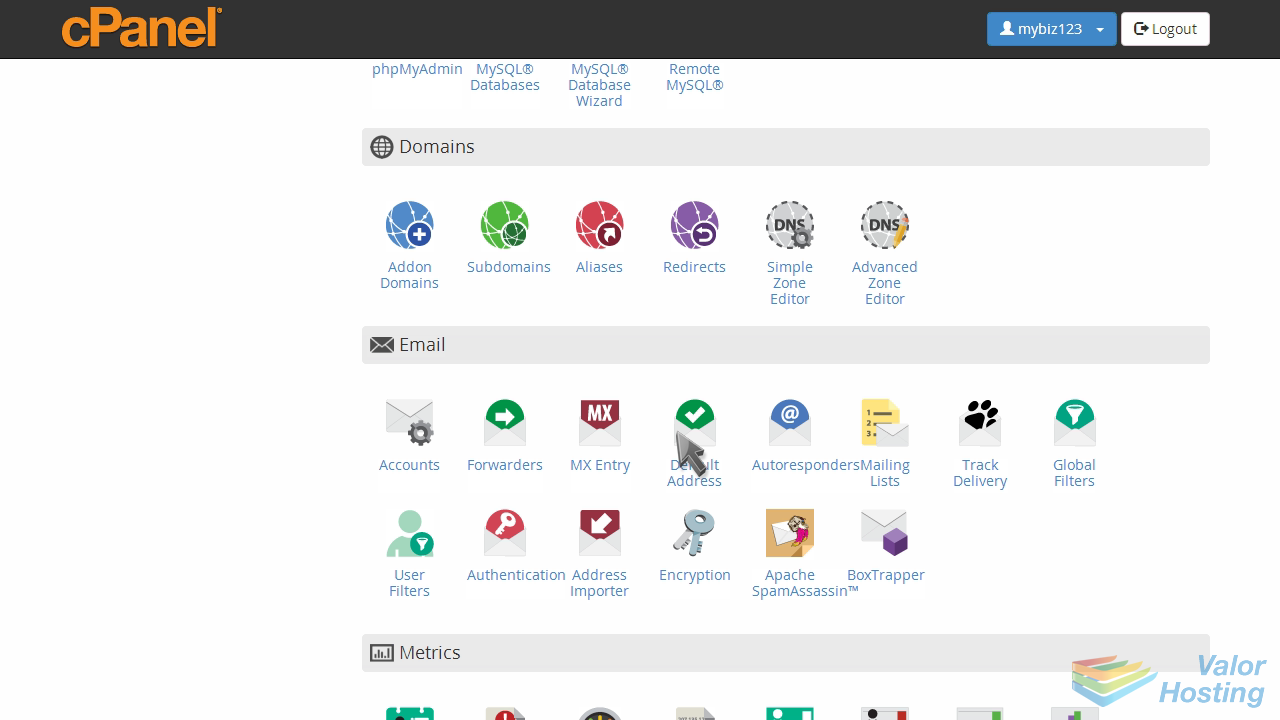
This is where you set your default address, so that all unrouted email will have a place to go.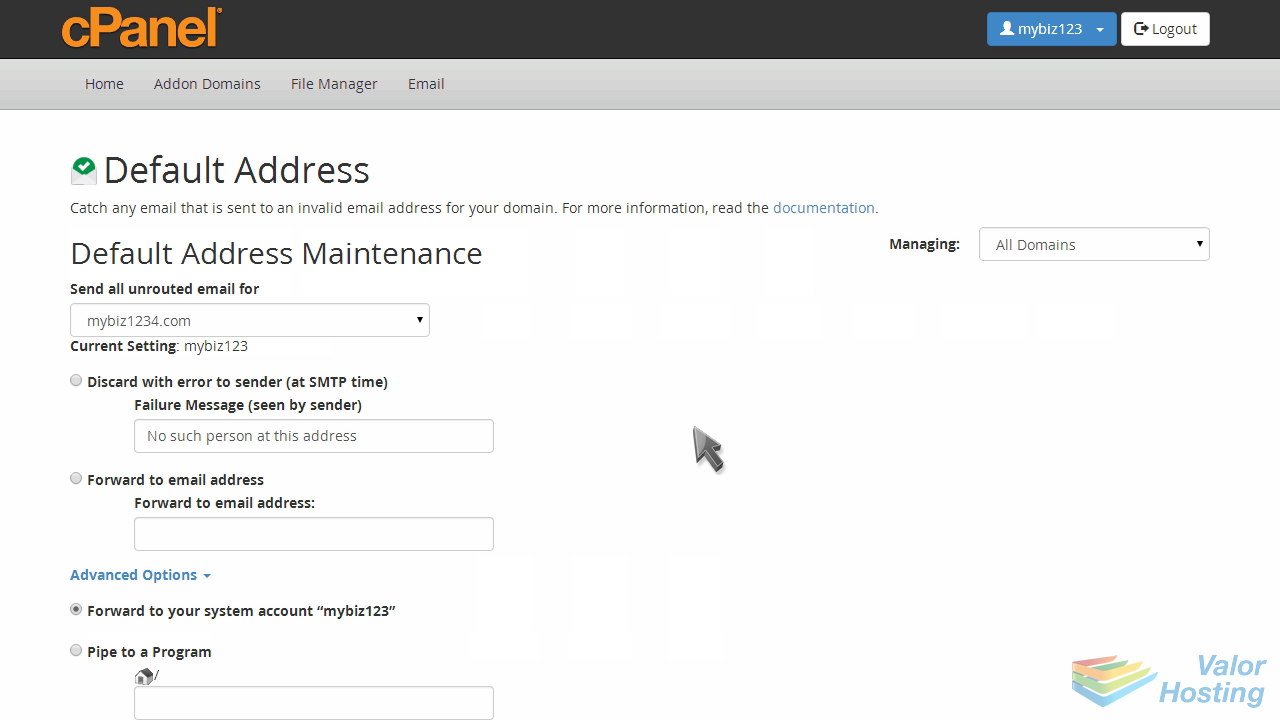
Currently our default address is set to our account name, meaning all unrouted emails will be stored in our main email account.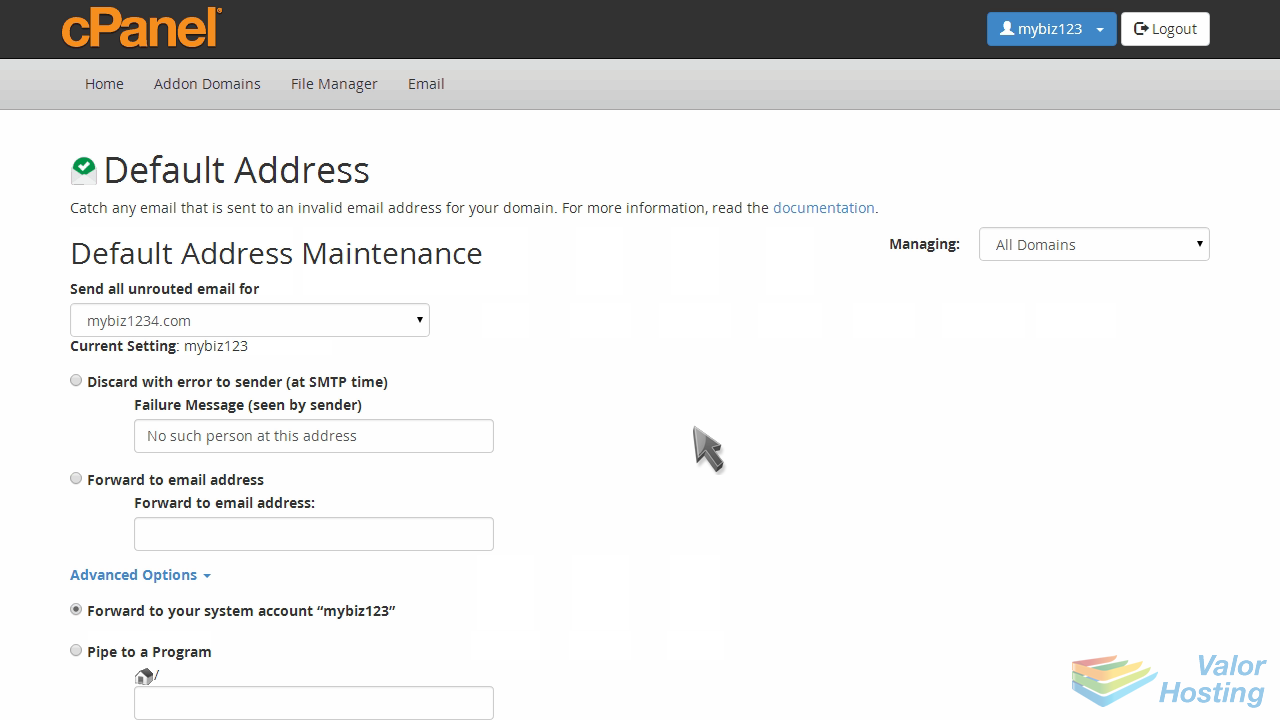
Since we likely won't be using that address, let's set it to an email address we will be using.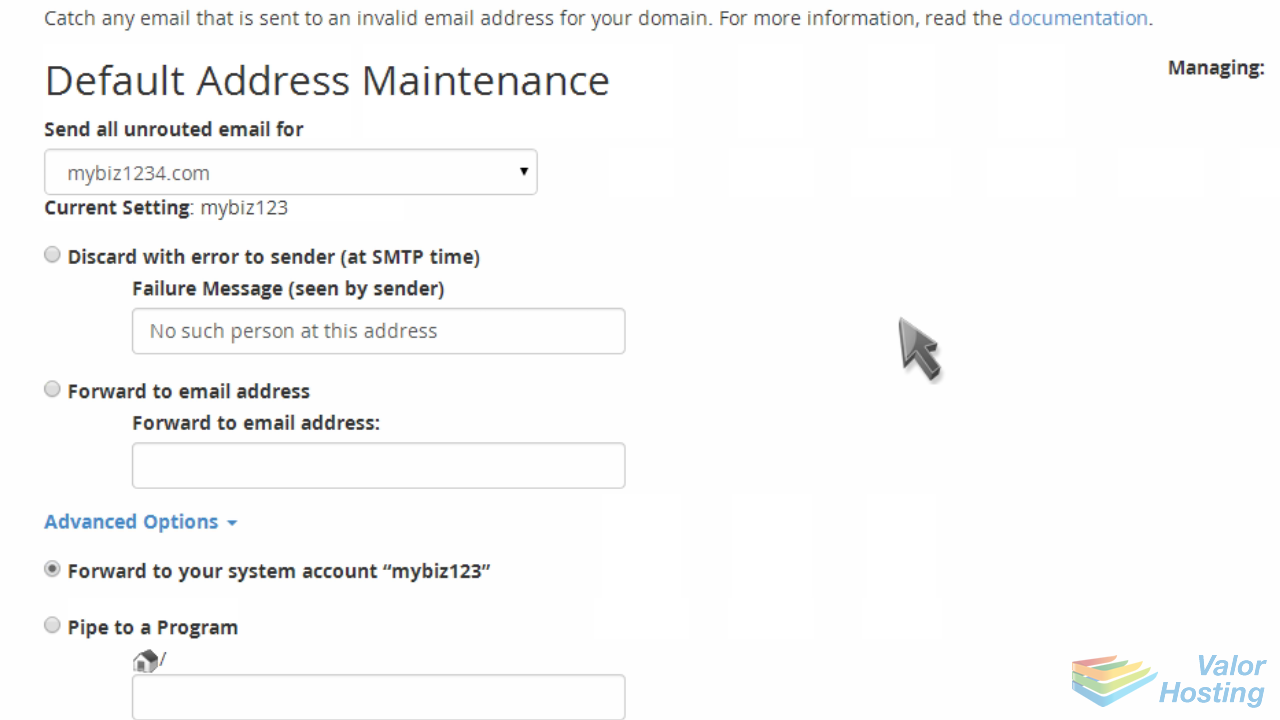
Click "Forward to email address".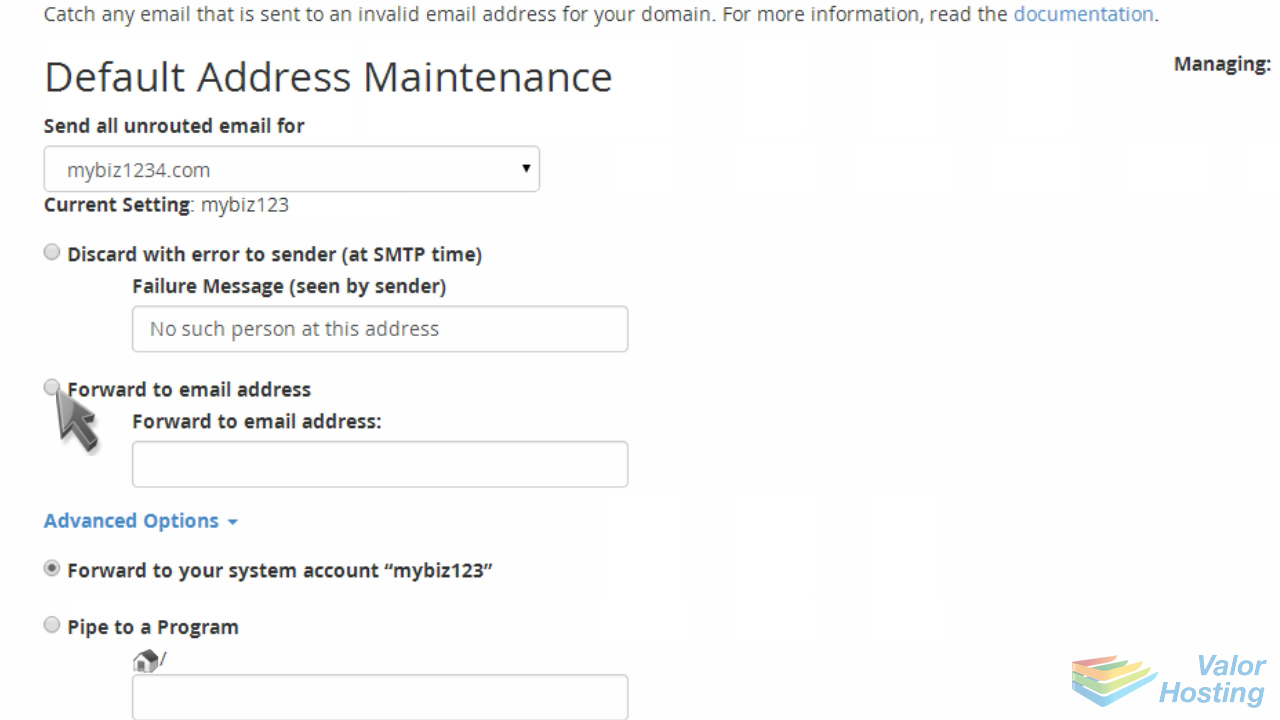
Then enter the email address you want as your default address.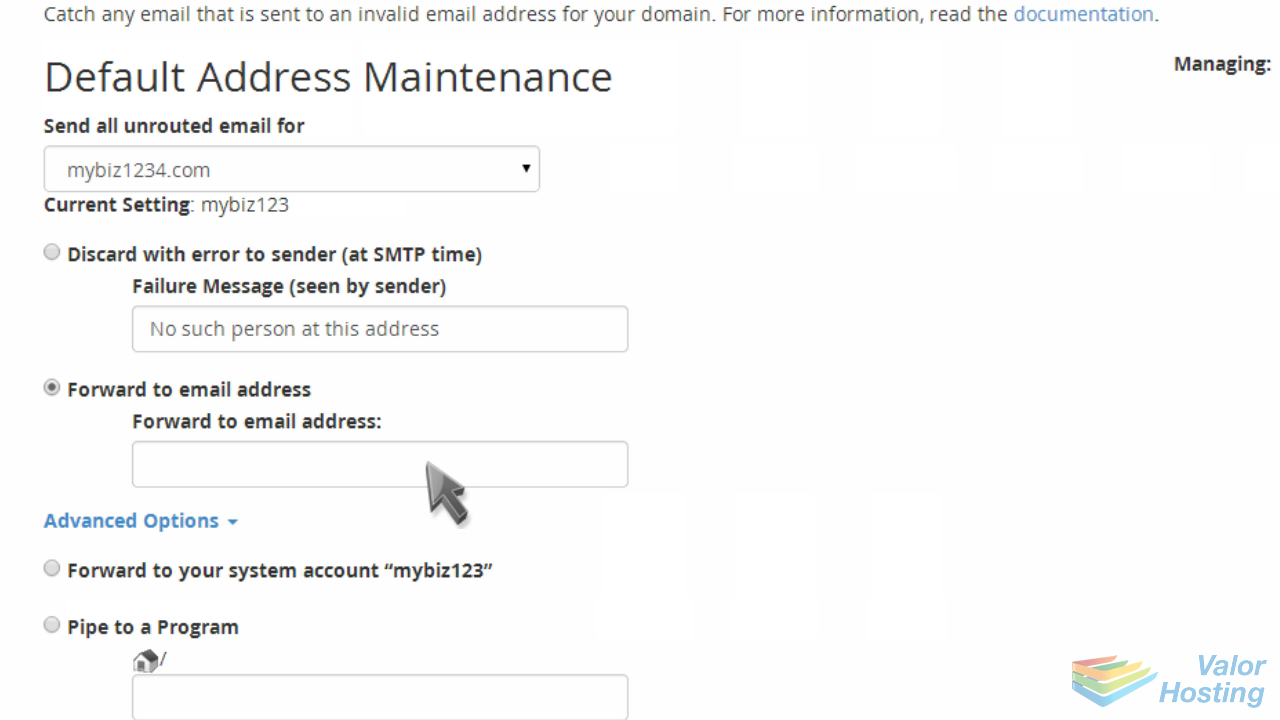
Click "Change".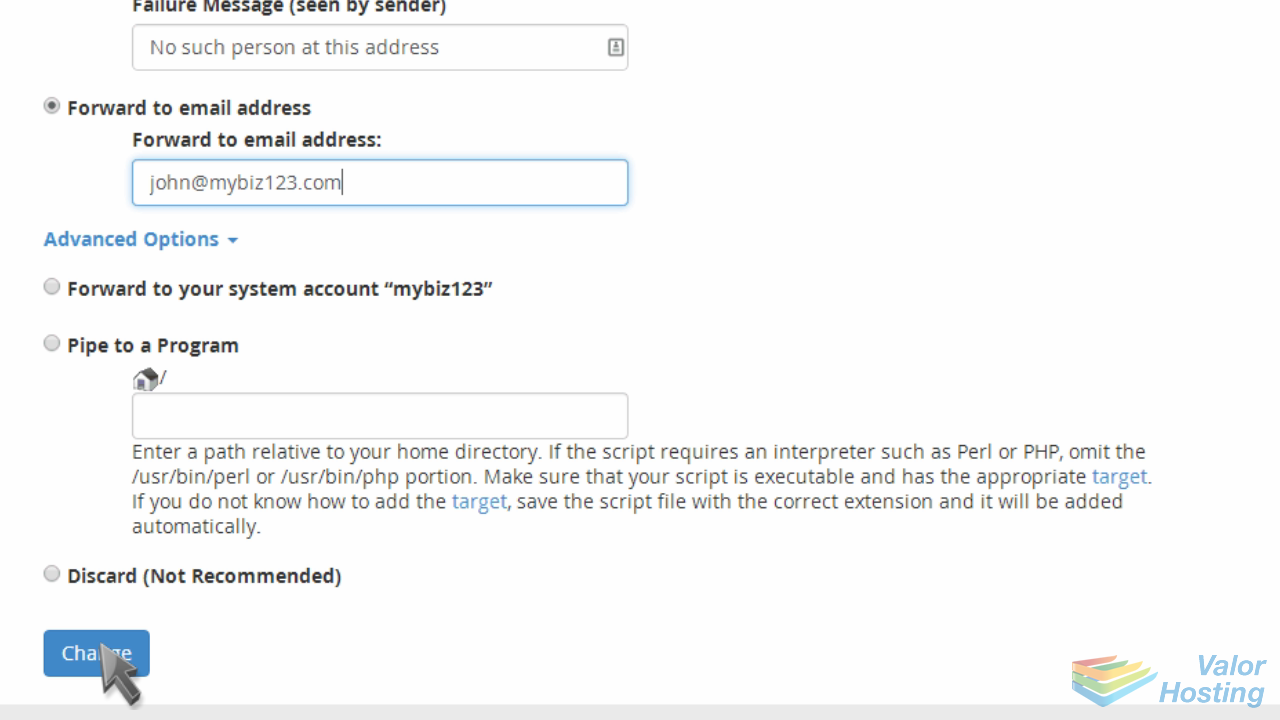
That's it! The default address has been set.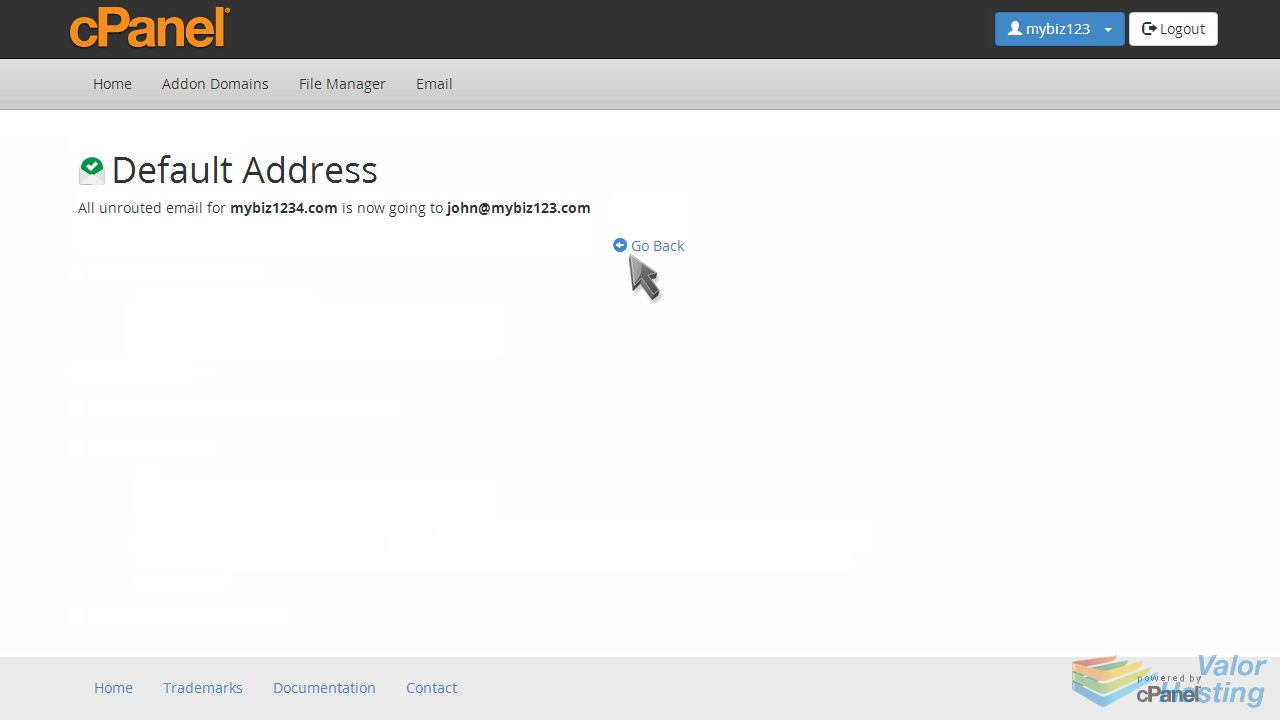
The new default address setting can be seen here.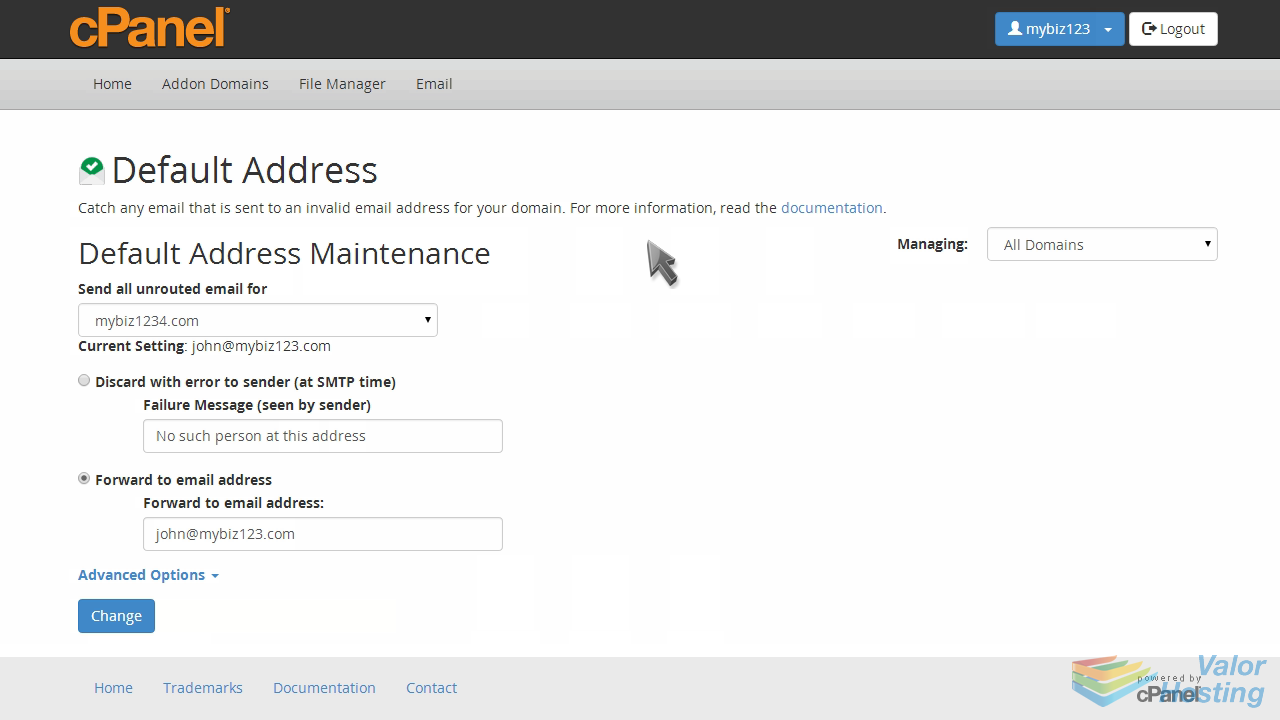
You can always update your default address setting by returning to this screen.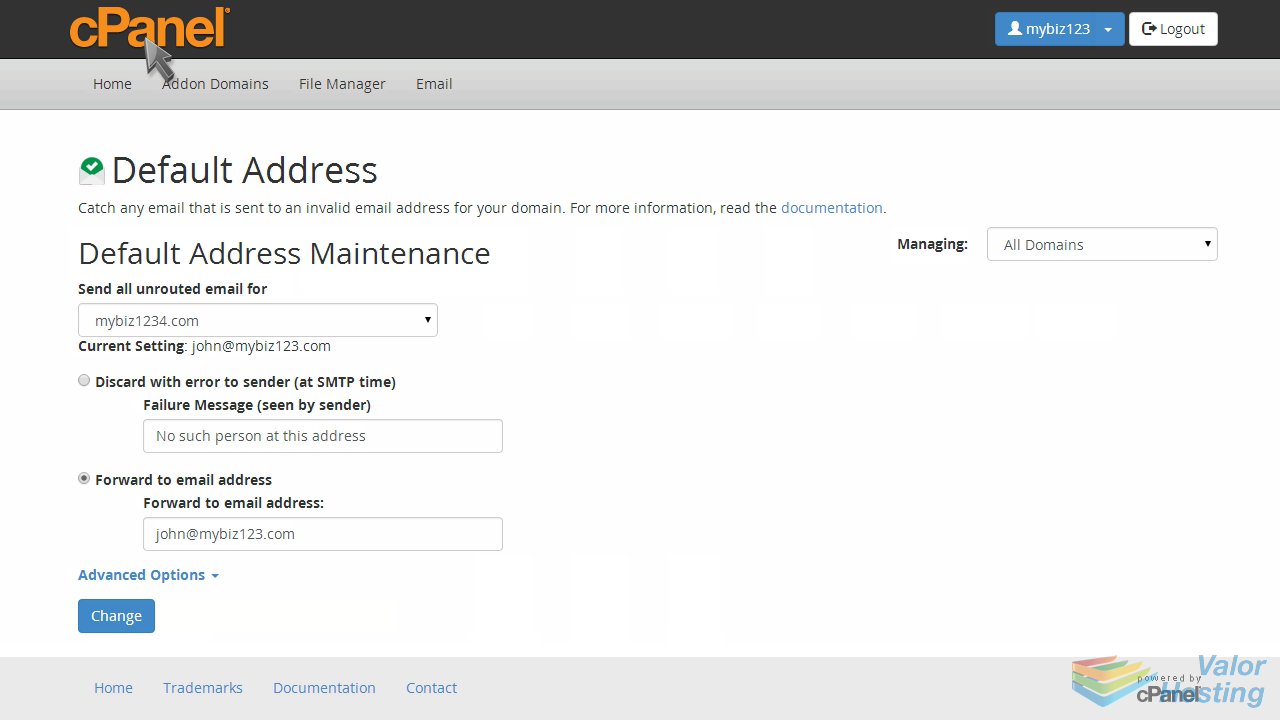
This is the end of the tutorial. You now know how to setup your default email address in cPanel.