
Updating DNS Nameserver series
11. How to update your nameservers at iwantmyname.com
You need to change your nameservers. Please check the email you received from us with your account details to see the correct name servers to use.
This demo assumes you have a domain name registered through iwantmyname.com, and starts from their home page.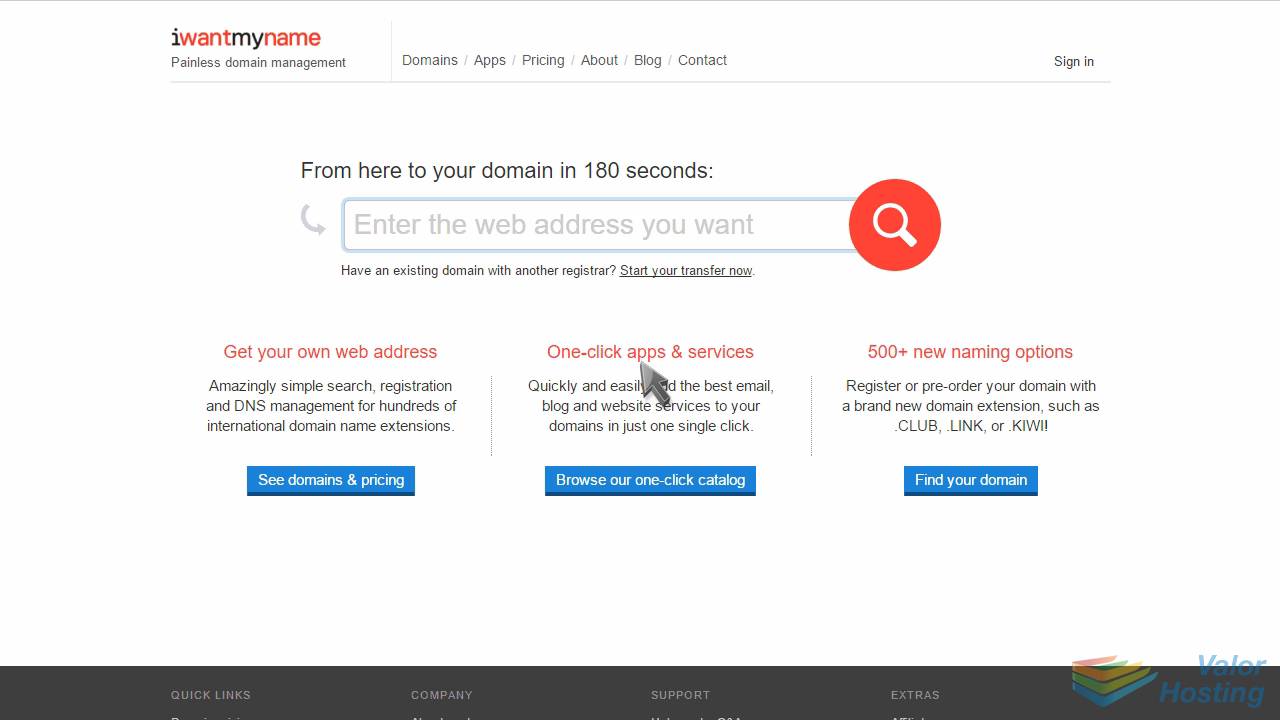
Now let's learn how to update our domain name's Nameserver settings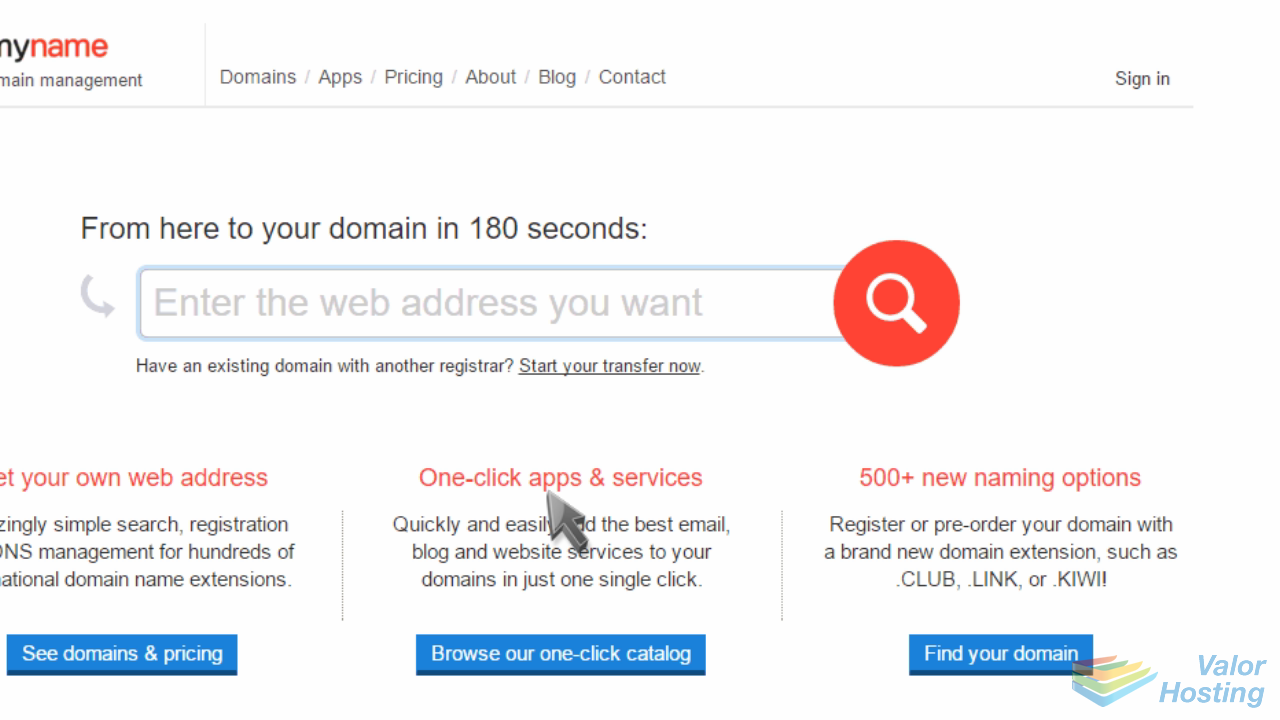
Click the "Sign in" link in the upper right corner of the home page.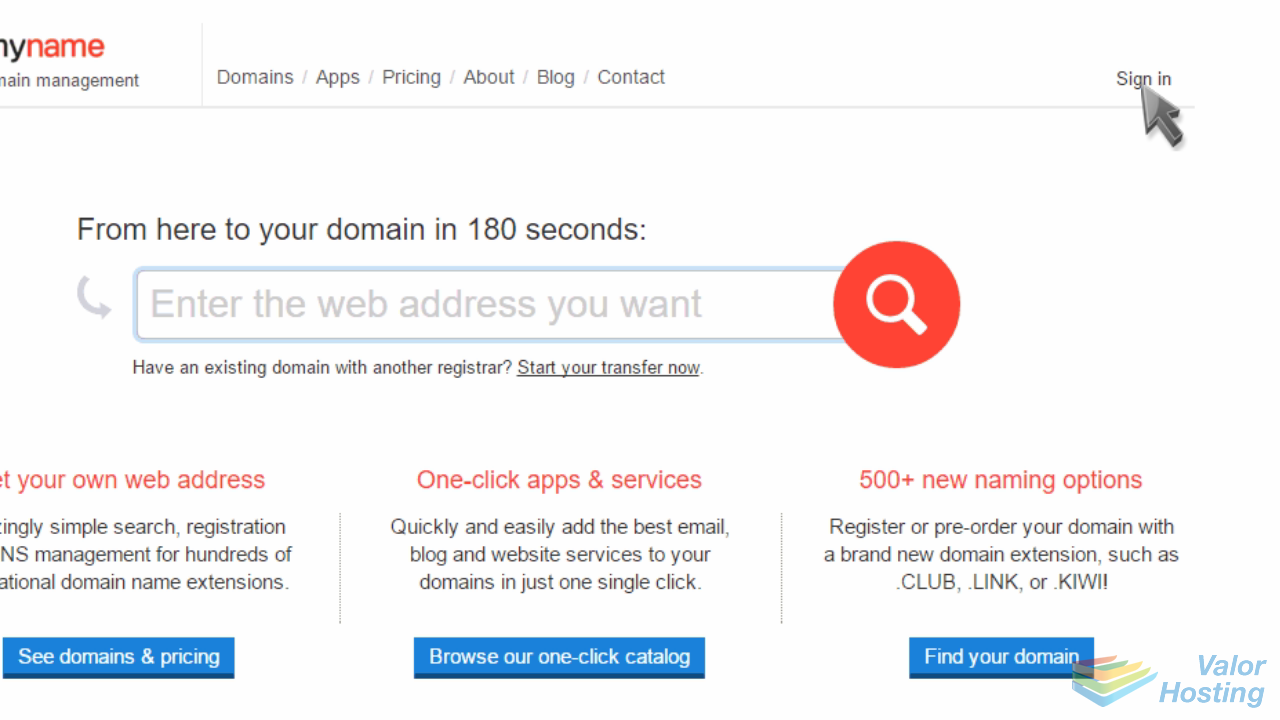
Login with your email address and password.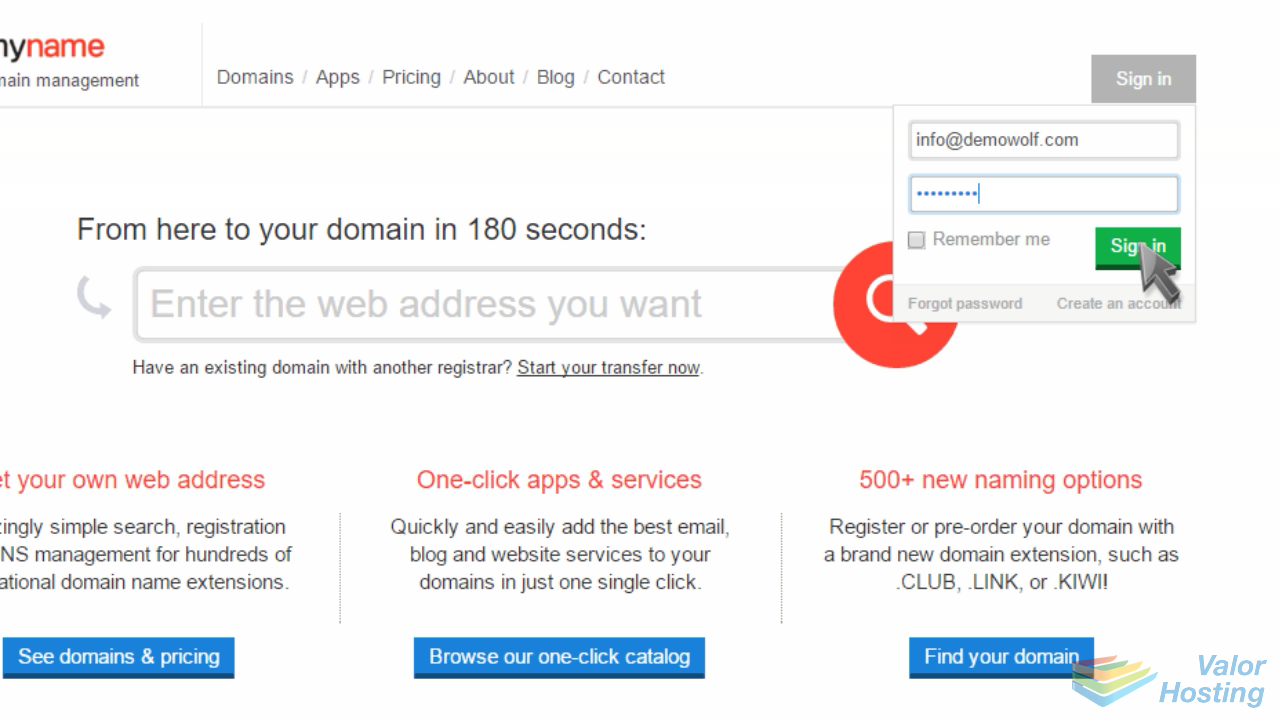
Click the domains link to locate your domain name.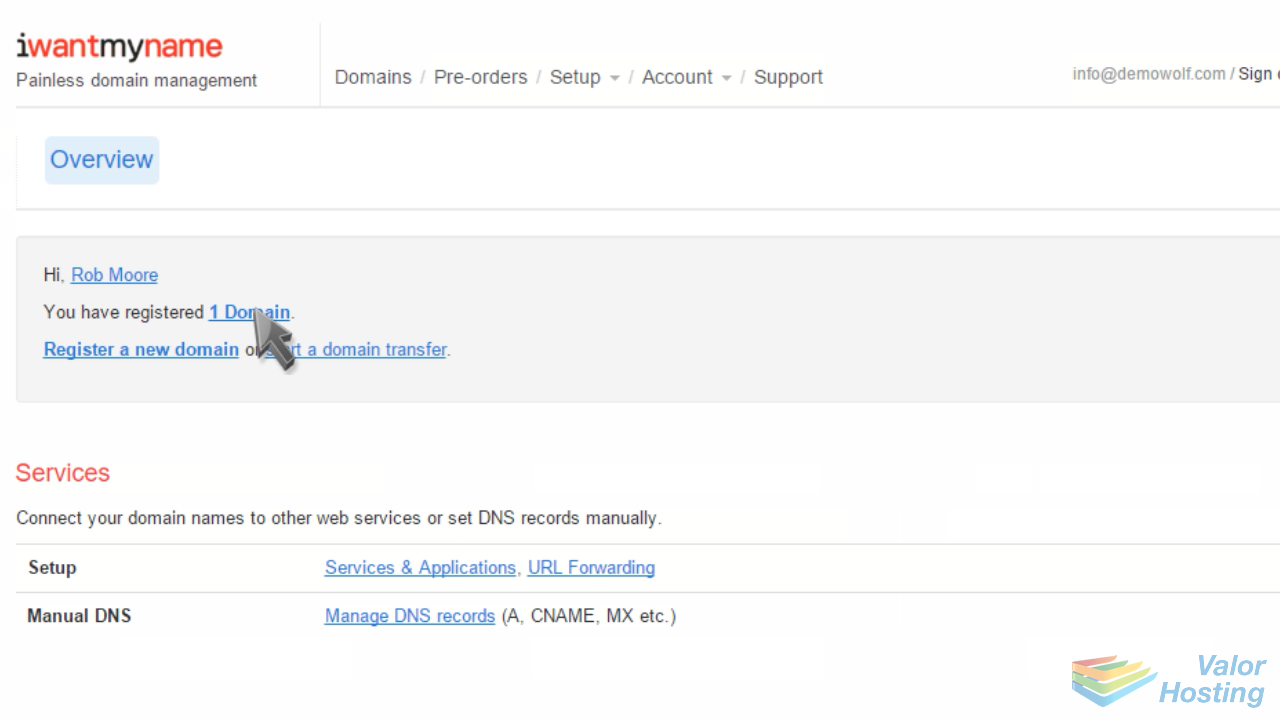
Then select the domain name you want to manage.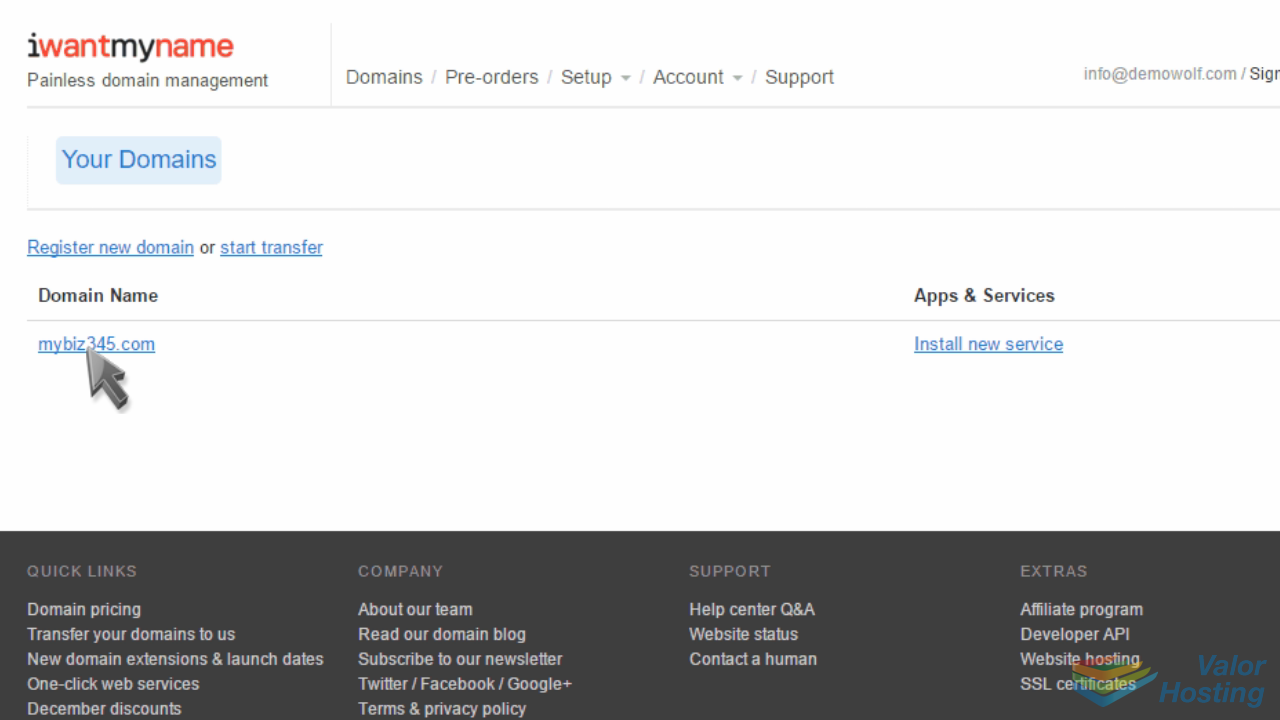
Click the "Update Nameservers" link.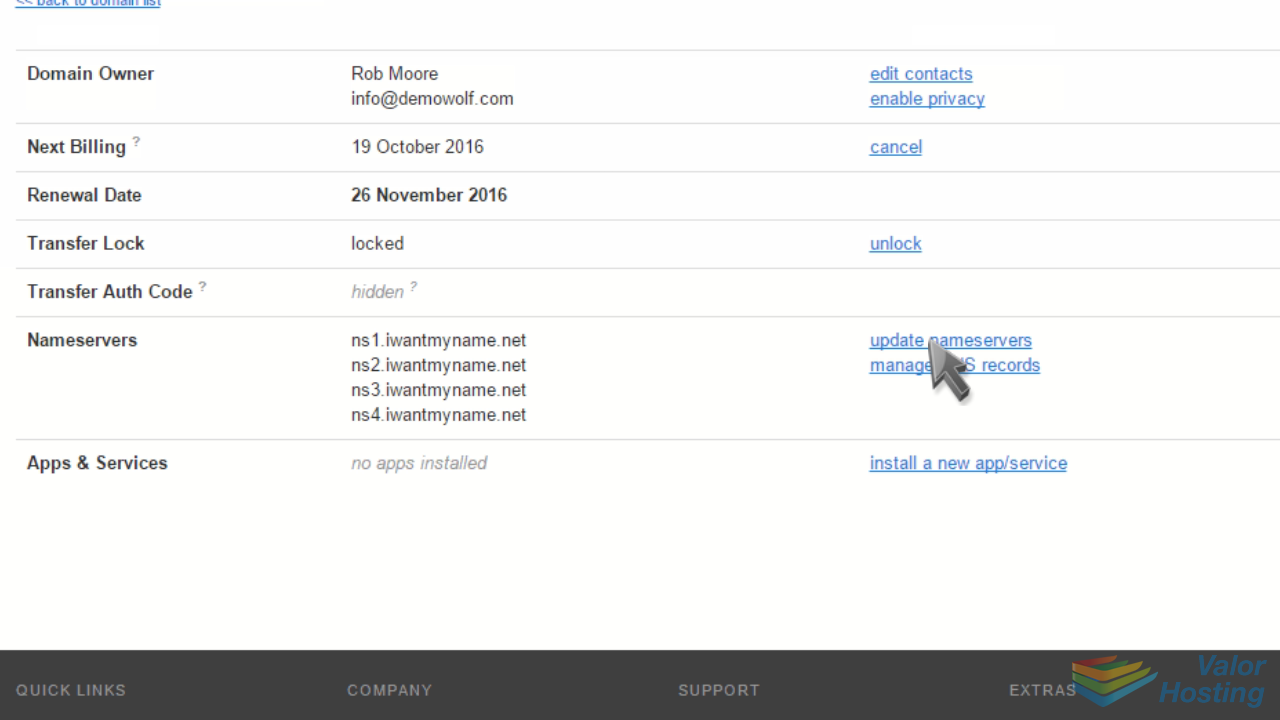
Then enter your new nameservers, and click "Update Nameservers".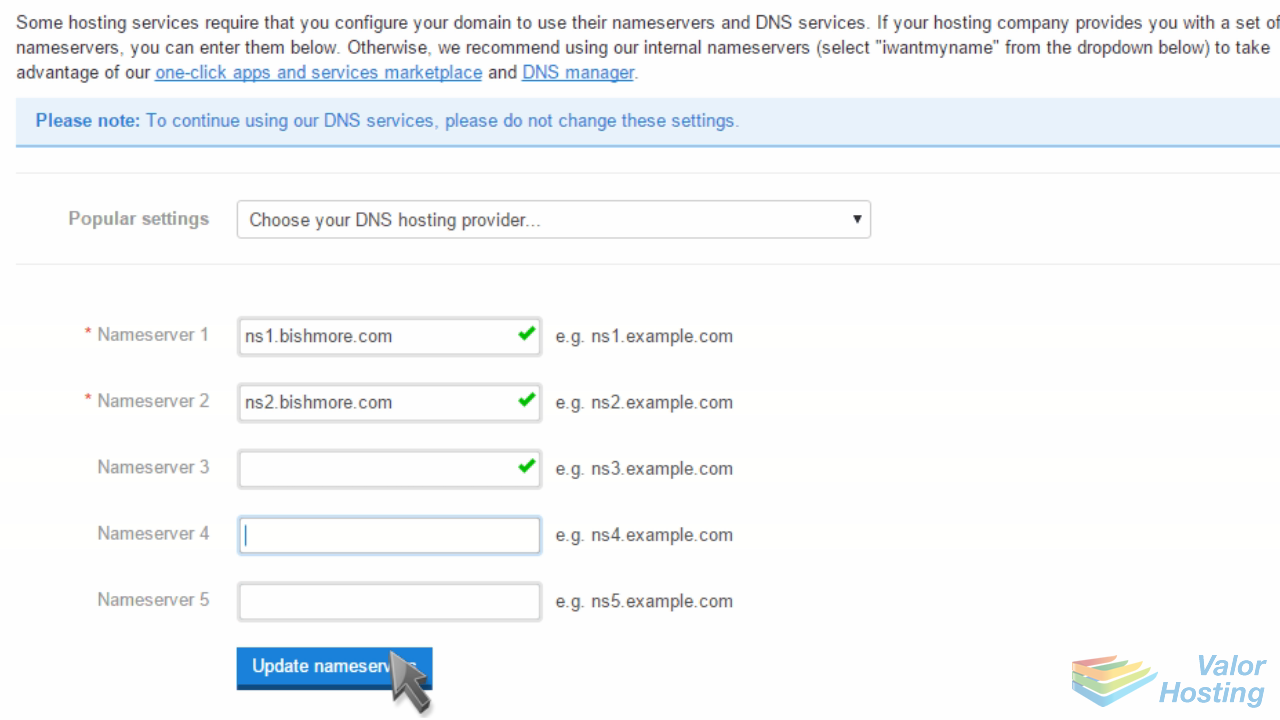
That's it! The domain name's nameservers have been updated.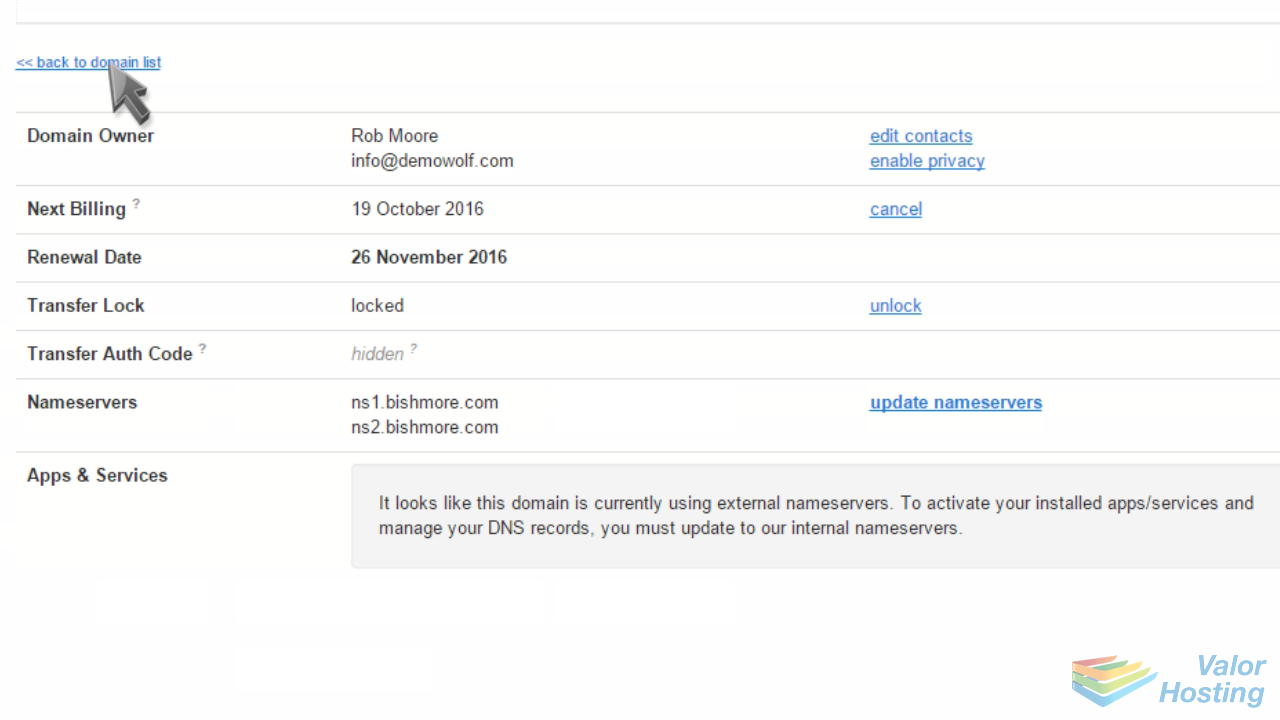
Please note that it could take up to 24 hours for your new nameservers to propagate and be recognized across the internet.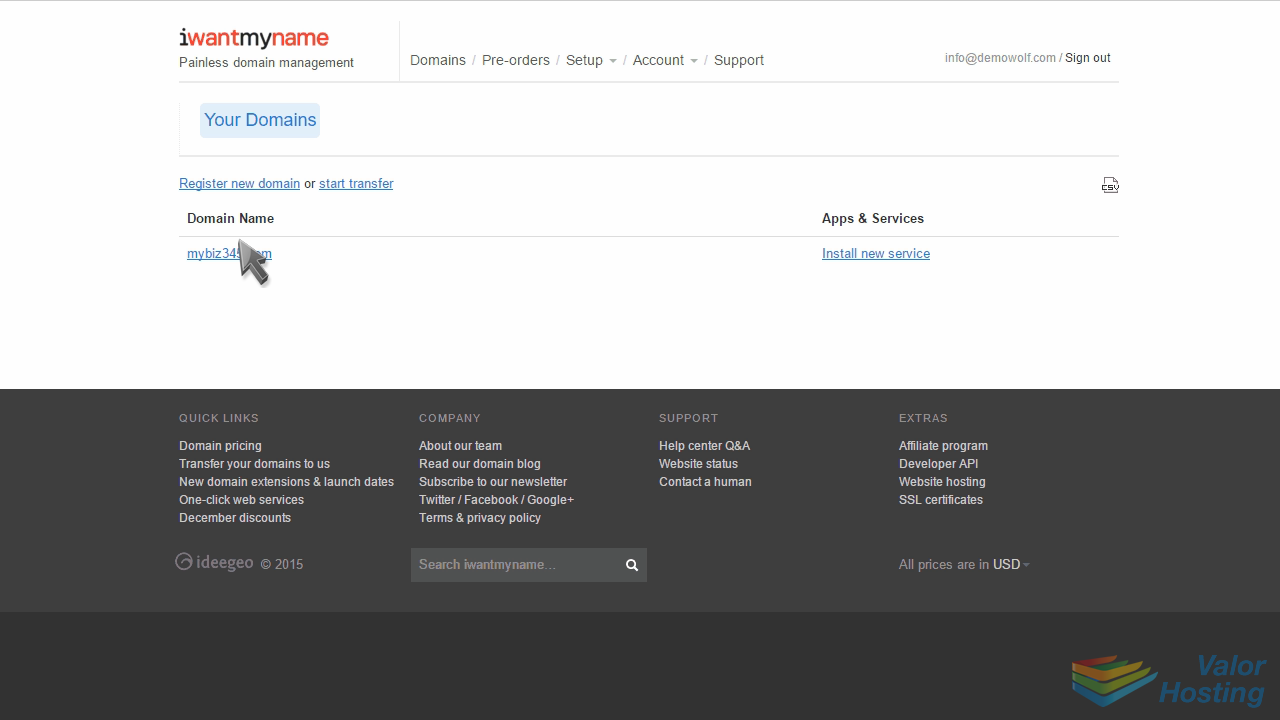
This is the end of the tutorial. You now know how to update your domain name's nameserver settings at iwantmyname.com.