
6. How to set a default email address for unrouted emails in cPanel
This demo assumes you've already logged in to cPanel, and are starting on the home screen.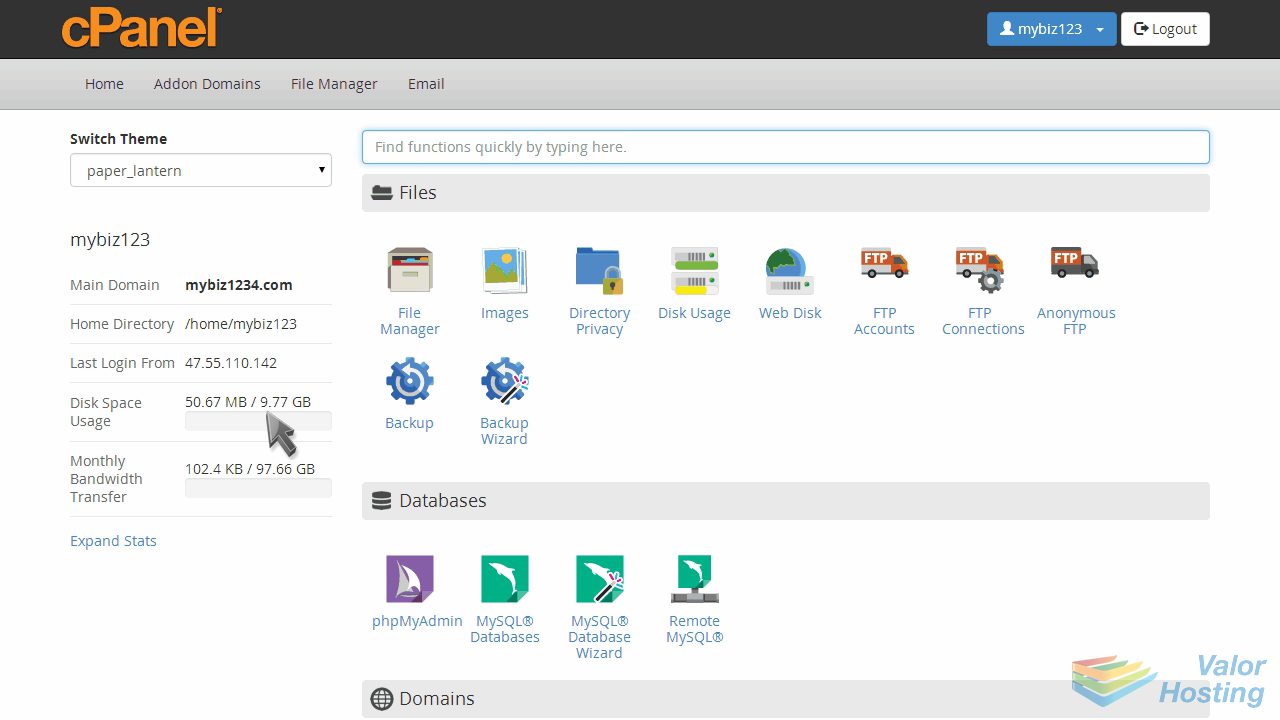
Now let's learn how to set our default email address.
Click the "Default Address" icon.
If you have more than one domain, select the domain for which you want to set a default address.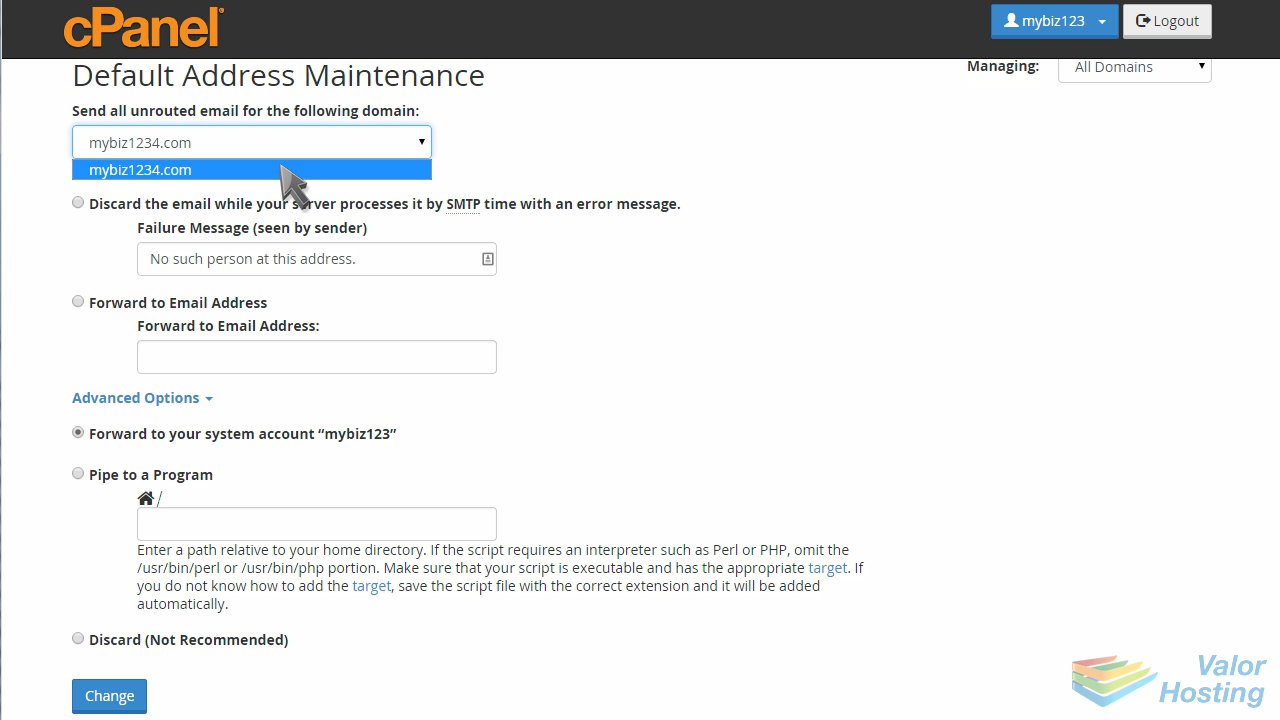
Click the "Forward to email address" option.
Then enter an email address where you want all unrouted email to be forwarded to, and click "Change".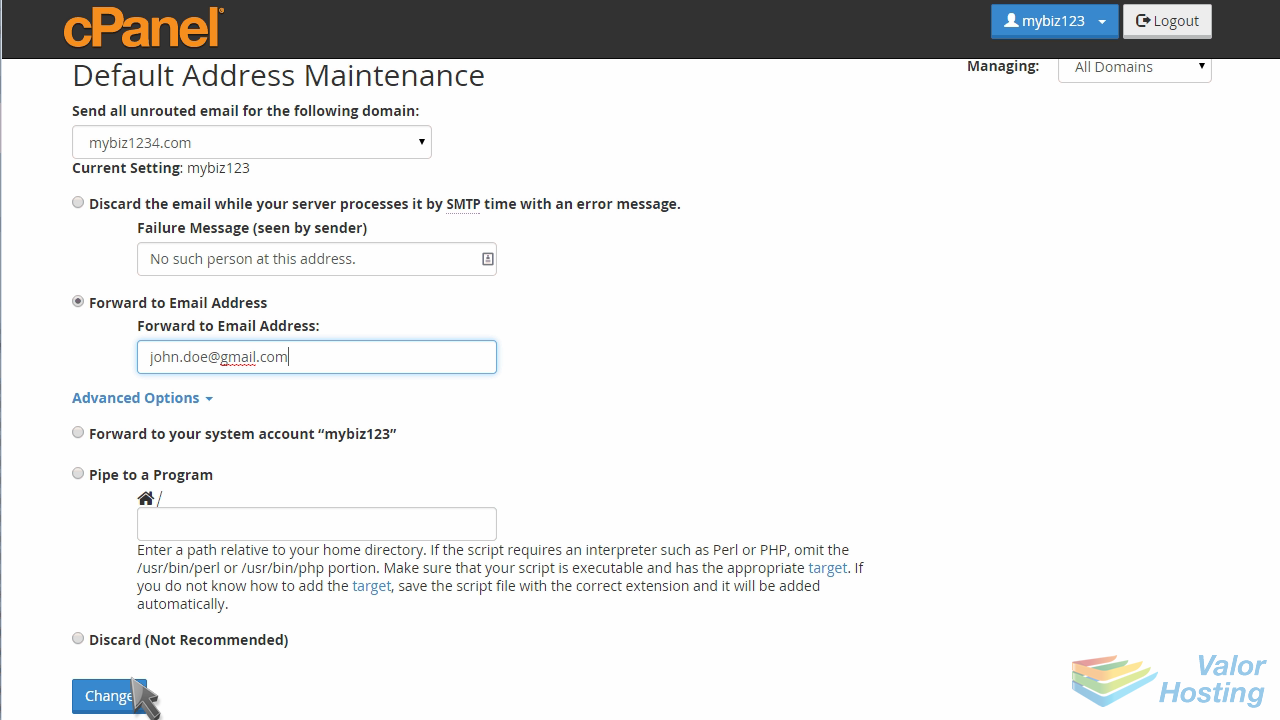
That's it! Now when someone tries to send an email to an address on that domain that you haven't setup, it will automatically be forwarded to the address you just entered.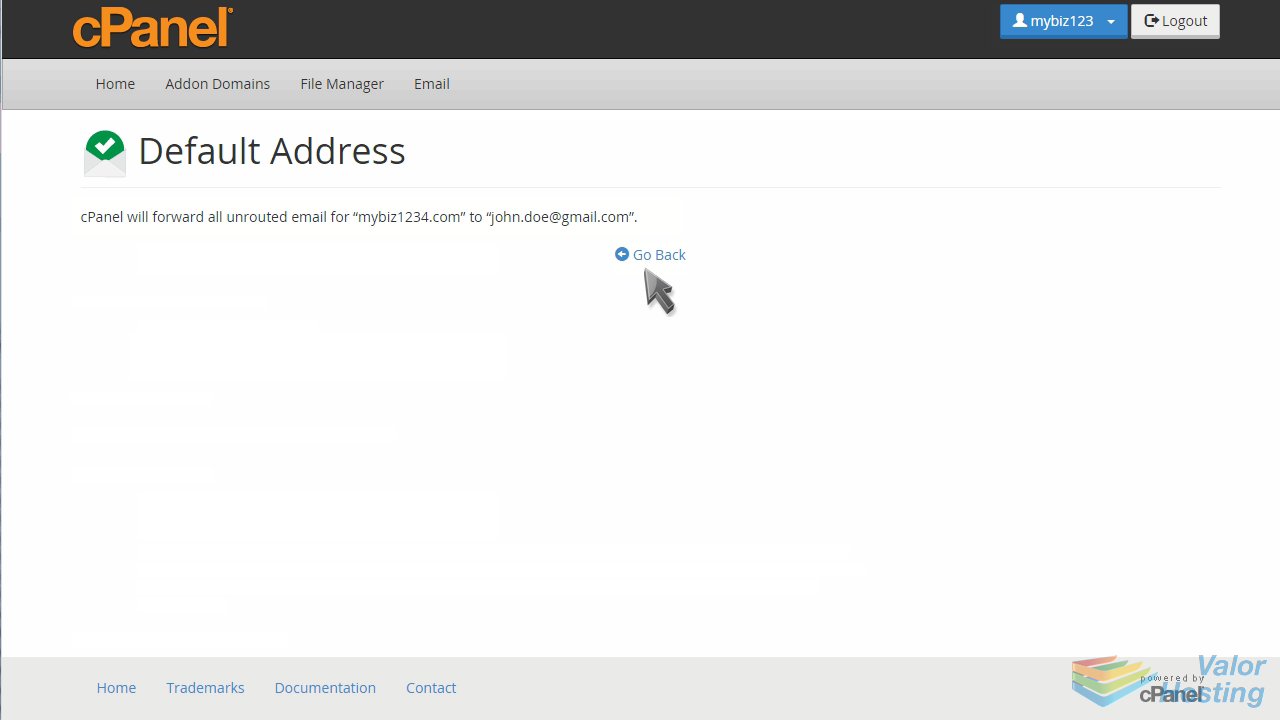
This is the end of the tutorial. You now know how to set a default email address for unrouted emails in cPanel.