7. How to enable spam protection in cPanel
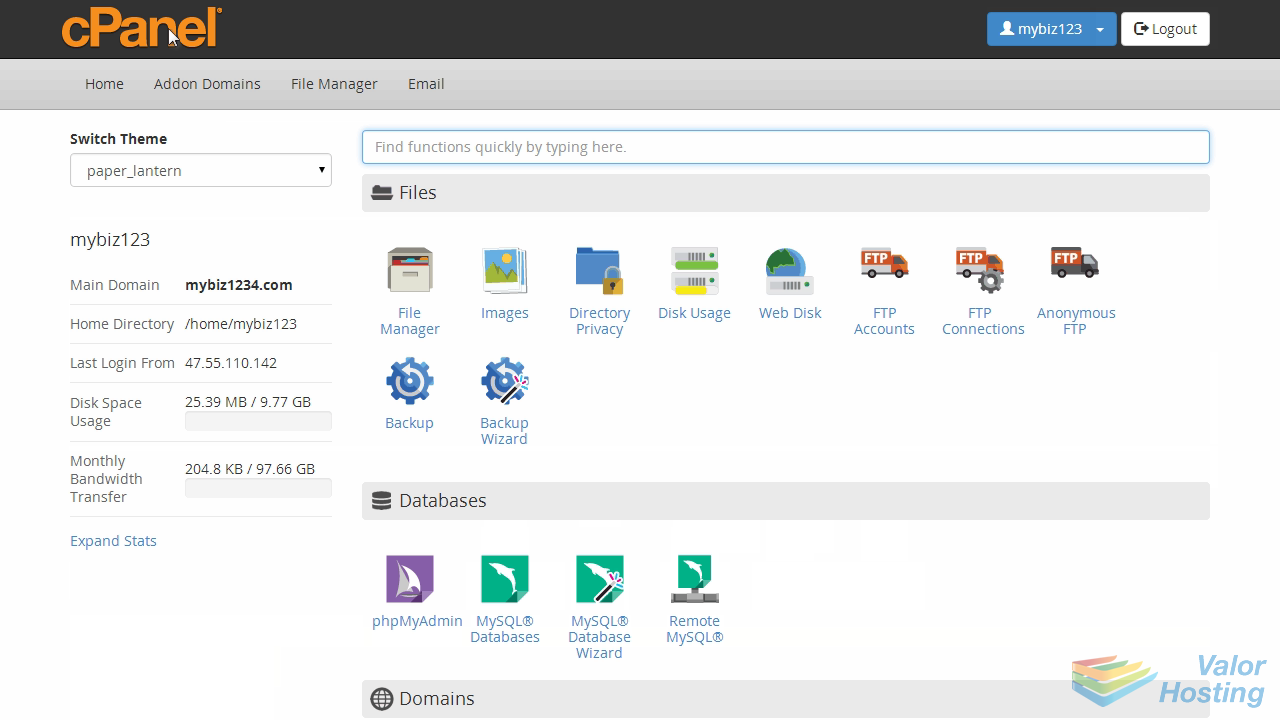
This demo assumes you've already logged in to cPanel, and are starting on the home screen.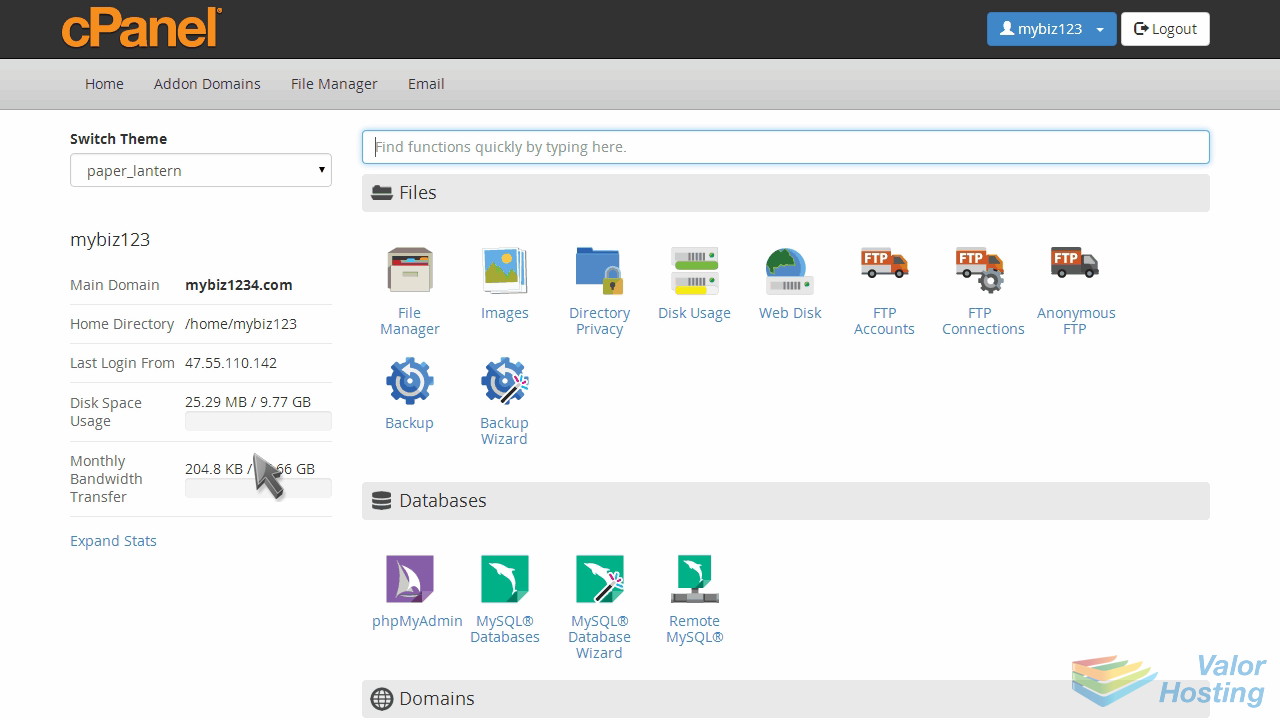
Now let's learn how to enable spam protection.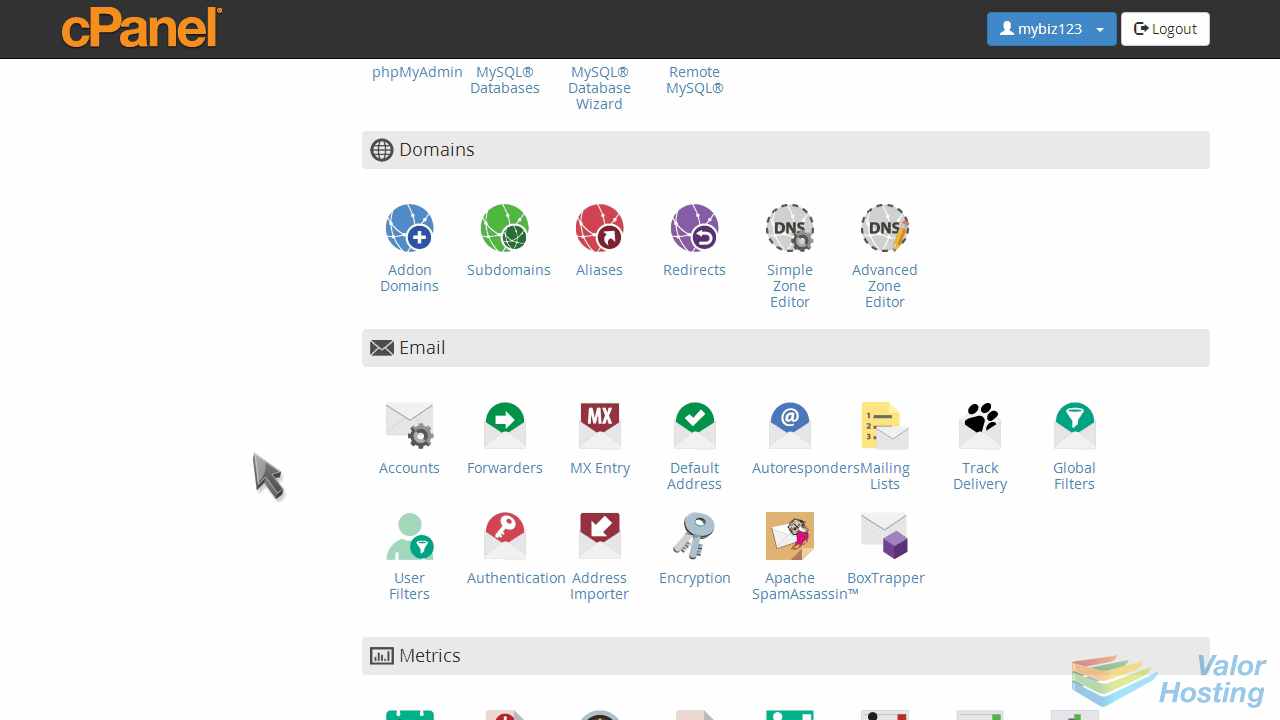
Click the BoxTrapper icon.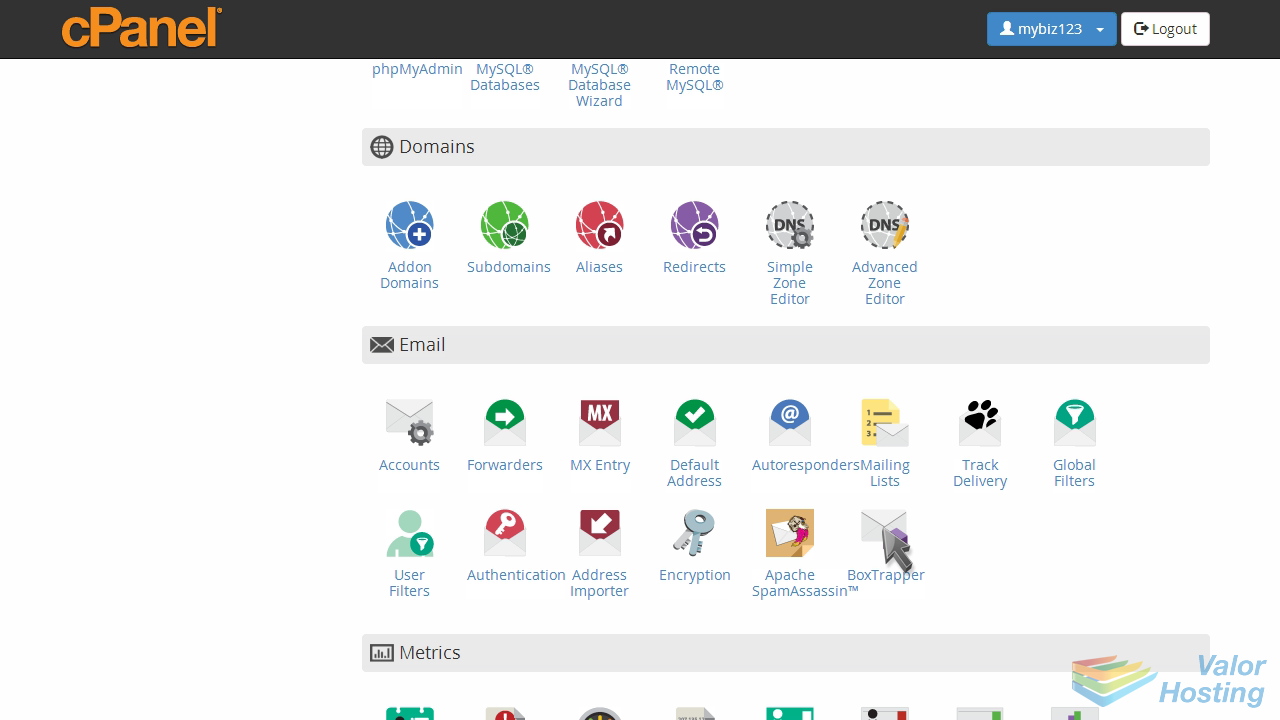
Box Trapper protects your inbox from spam by requiring all email sendors who aren't on your Whitelist, to reply to a verification email before you can receive their mail.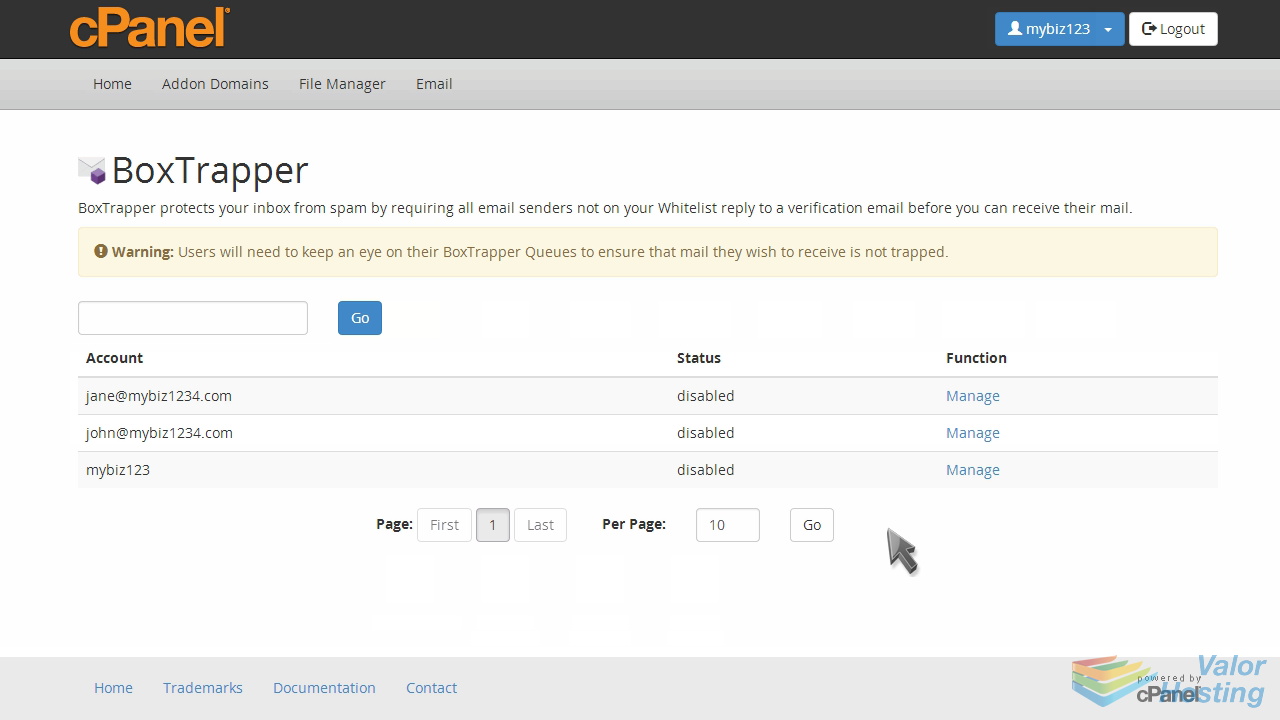
To enable BoxTrapper for an email address, click "Manage".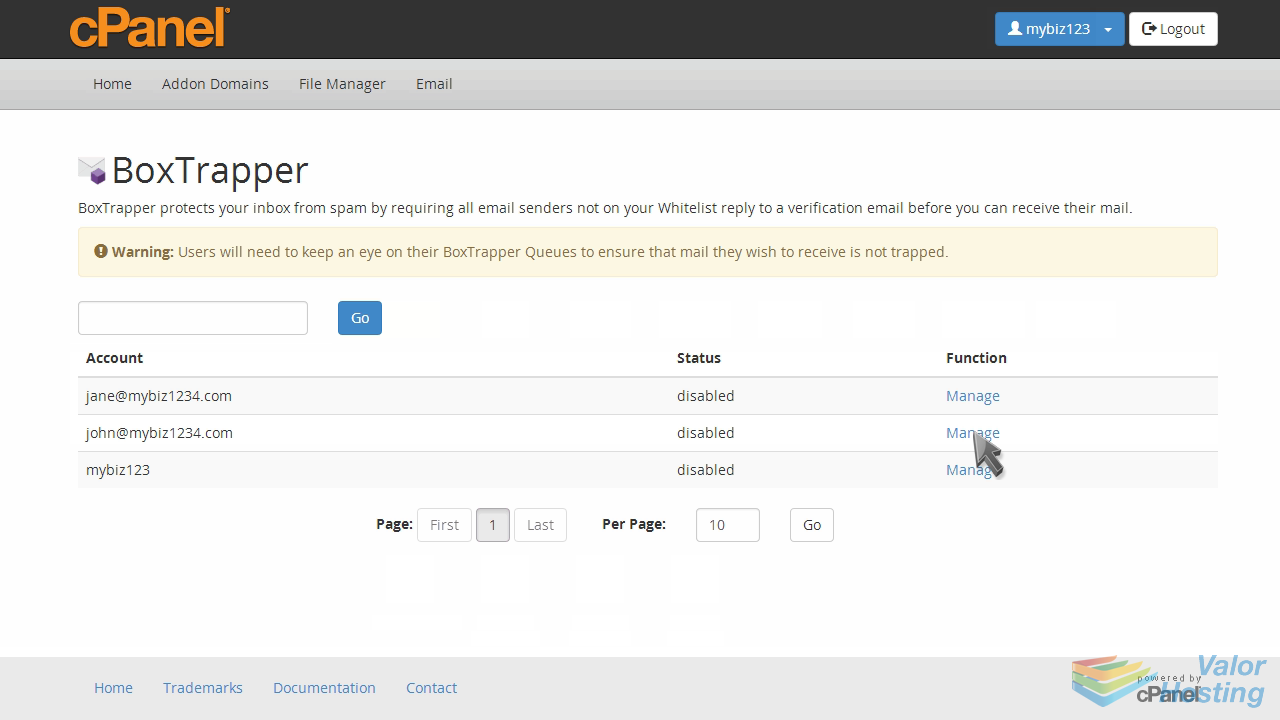
Then click the "Enable" button.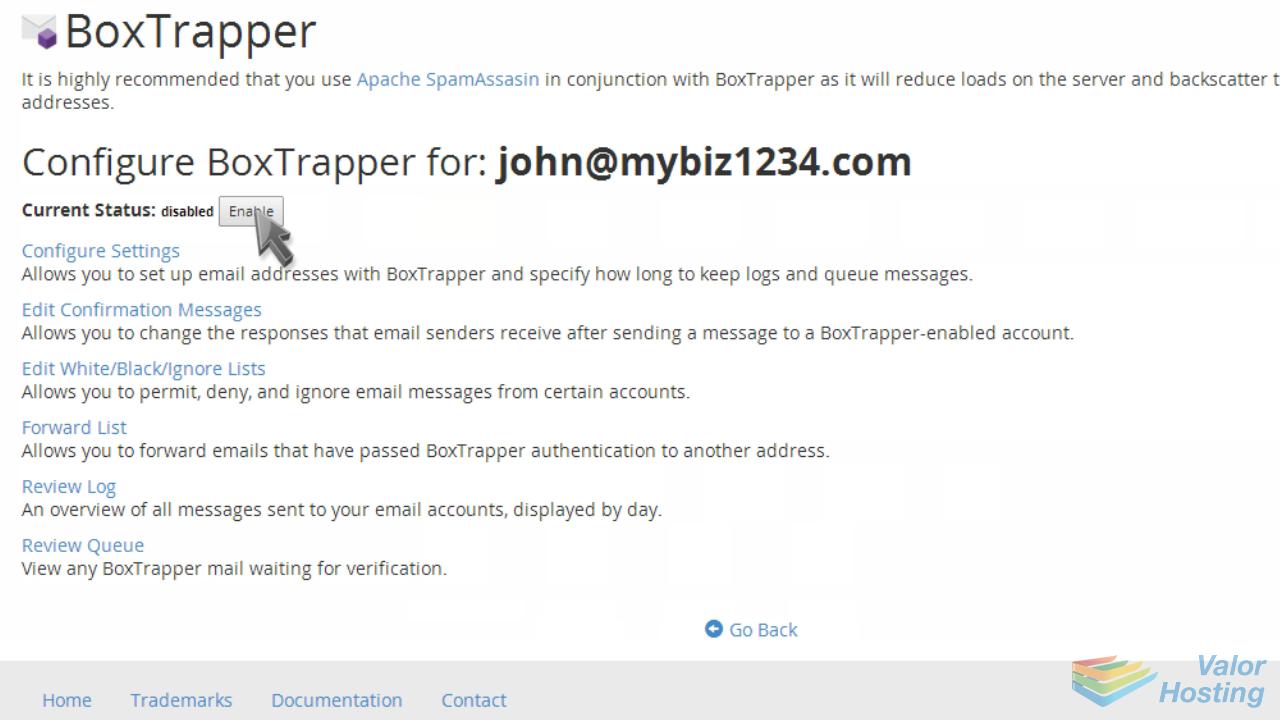
BoxTrapper has now been enabled for this address. Click "Go Back".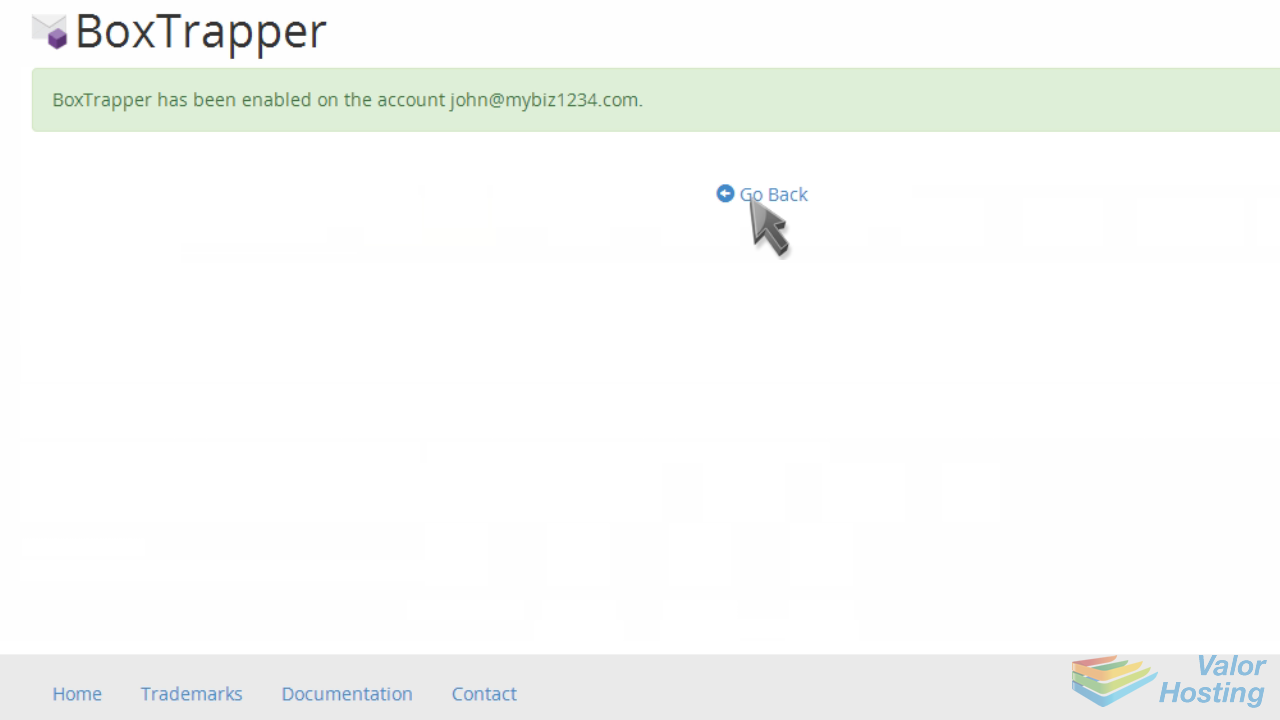
Next you'll want to configure your BoxTrapper settings. Click the "Configure Settings" link.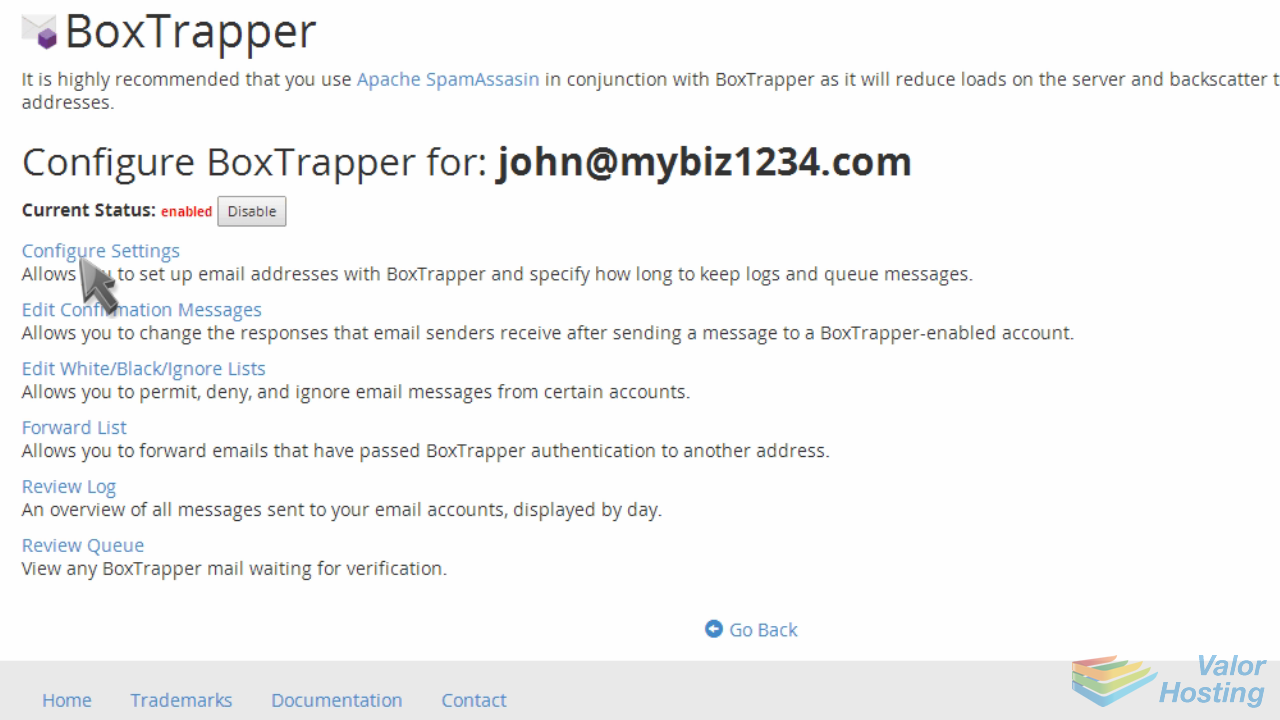
You can set various options here, including auto-whitelisting for addresses you send email to.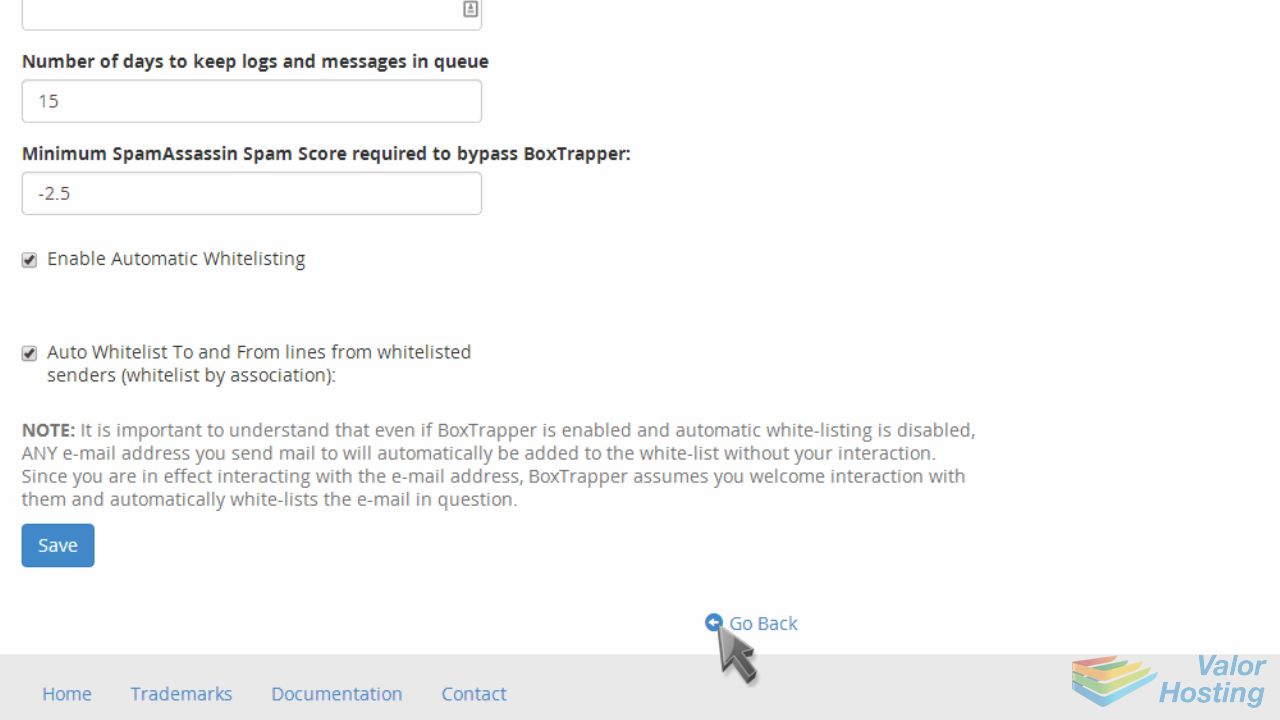
Next click "Edit Confirmation Messages".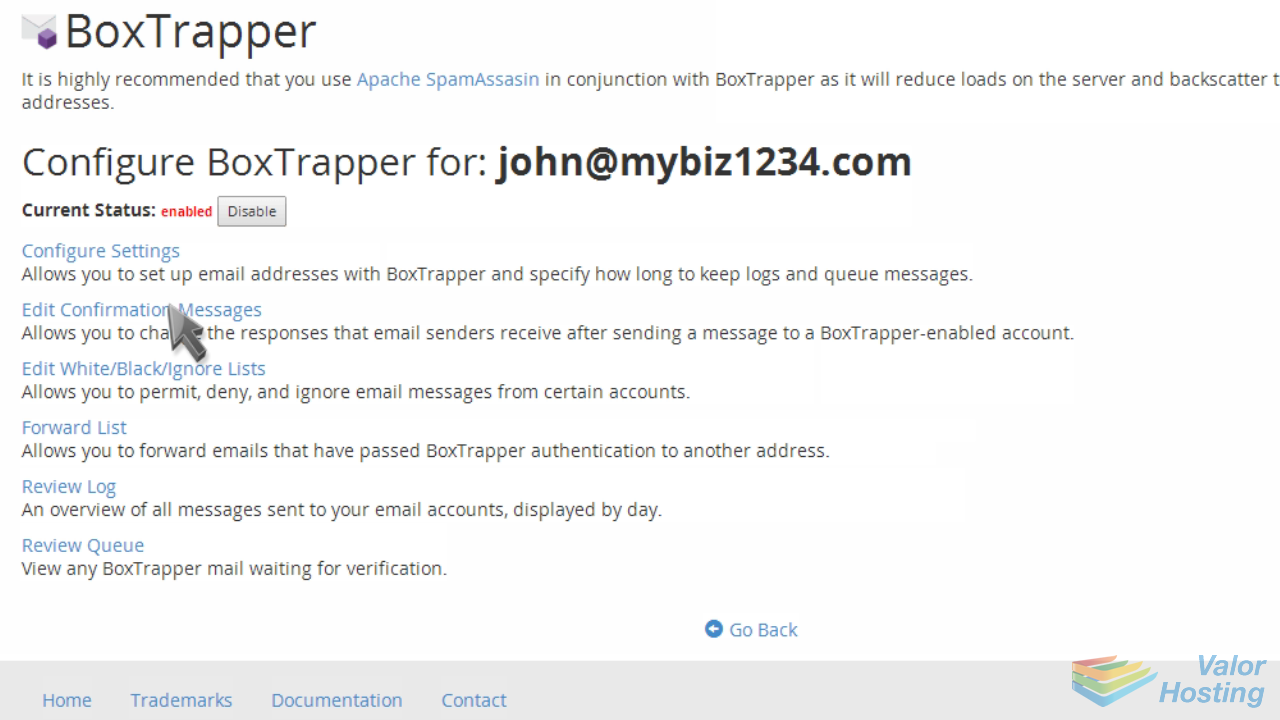
From here you can edit the standard confirmation messages already setup for you.
Next, click "Edit White/Black/Ignore Lists".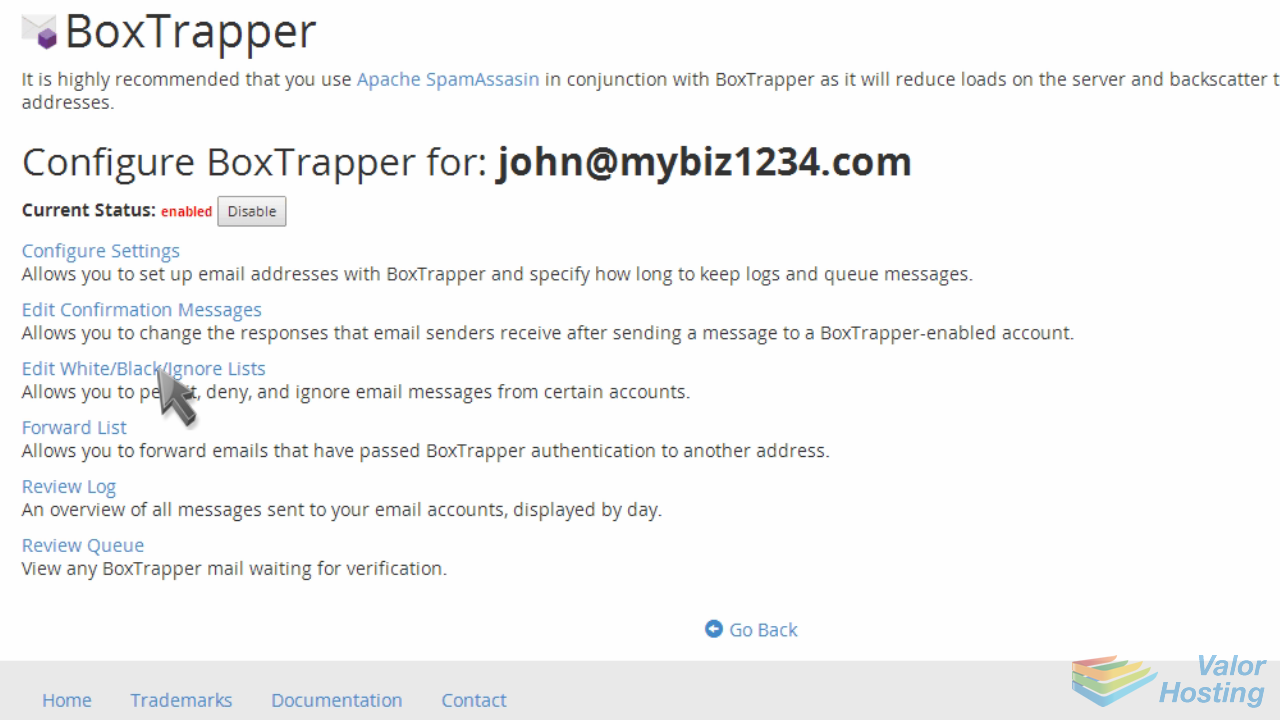
From here you can add addresses to your Whitelist, Blacklist, and Ignore list.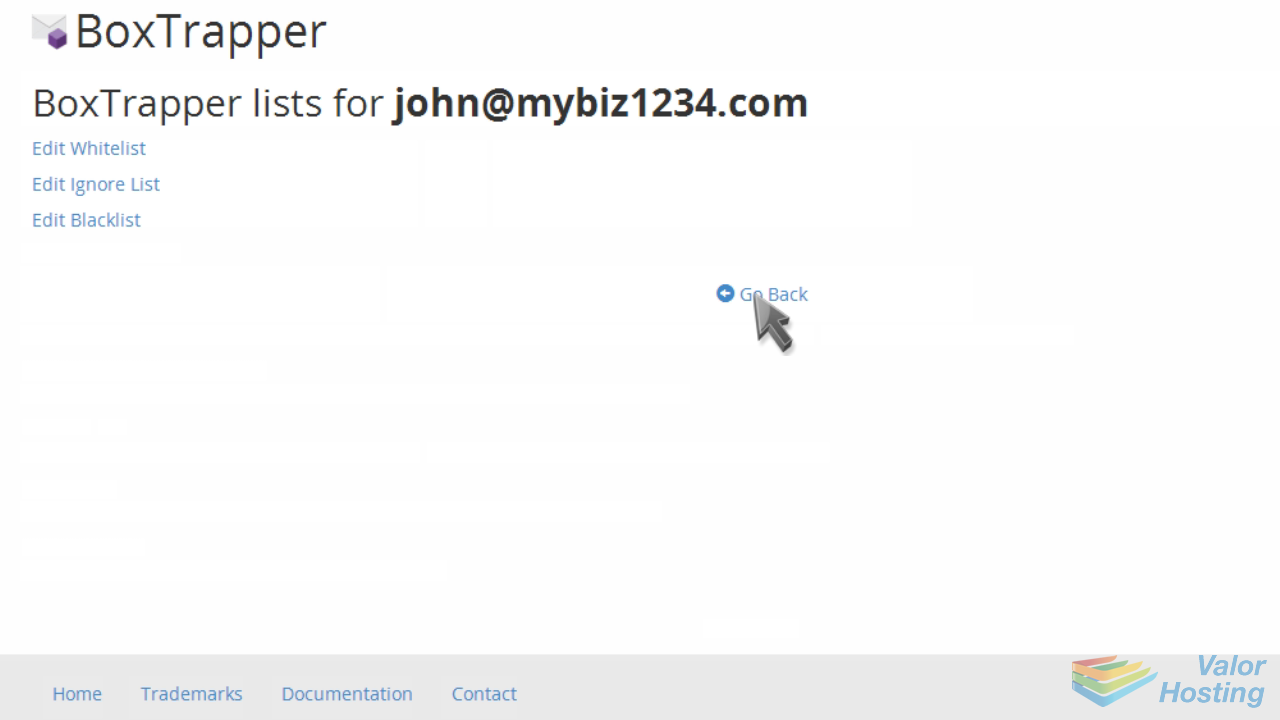
Once you have BoxTrapper setup the way you want, you'll notice a huge reduction in spam.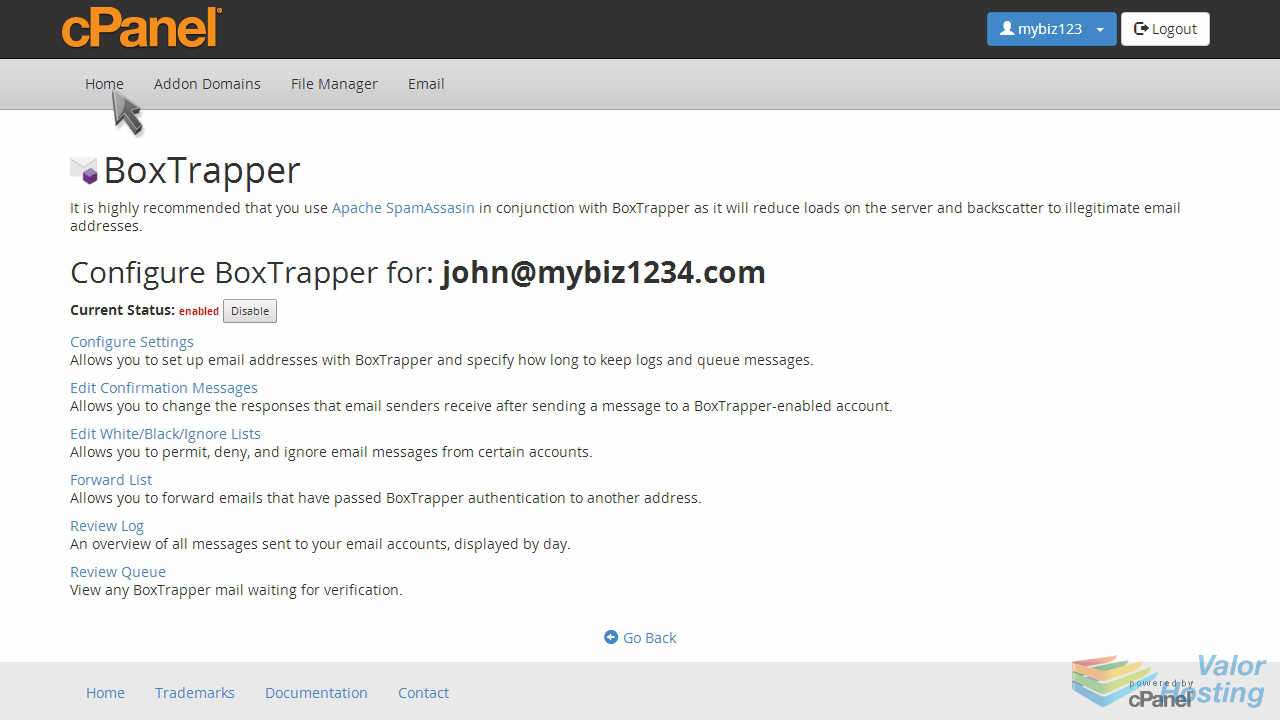
Another option for controlling spam is to use SpamAssassin.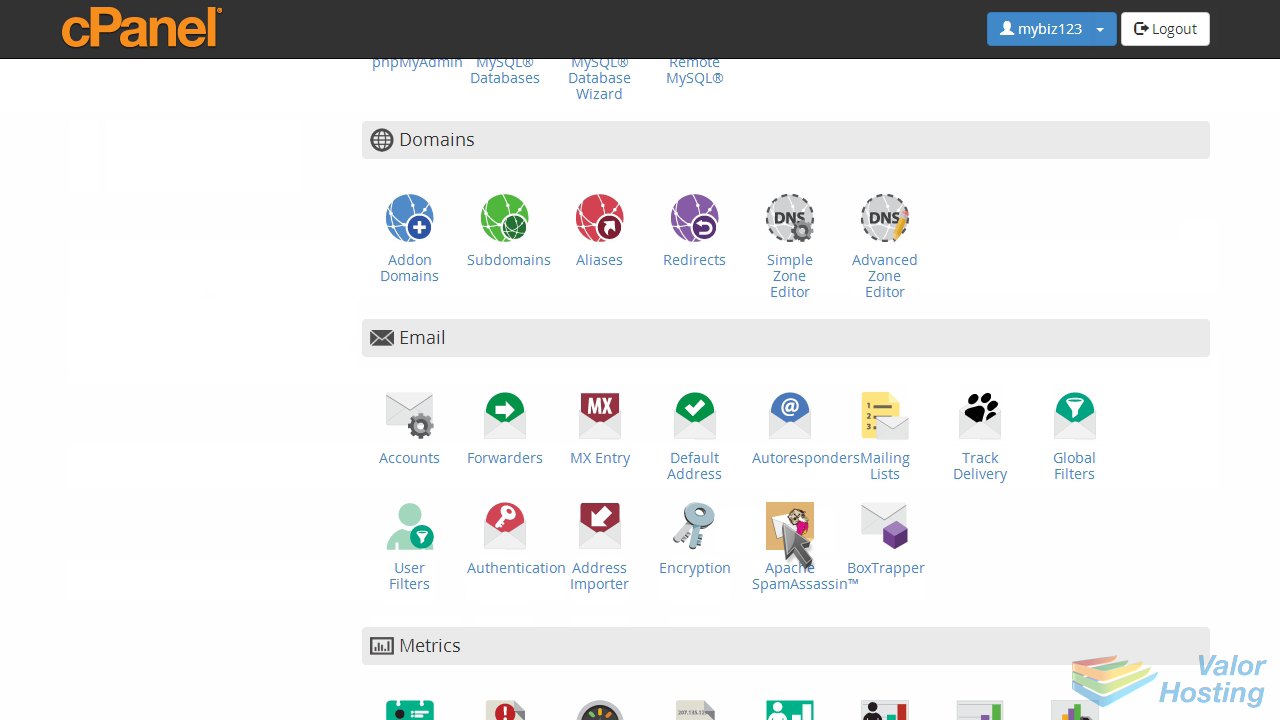
You can use SpammAssassin in conjunction with BoxTrapper for maximum spam control, or you can use BoxTrapper on its own, or SpamAssassin on its own.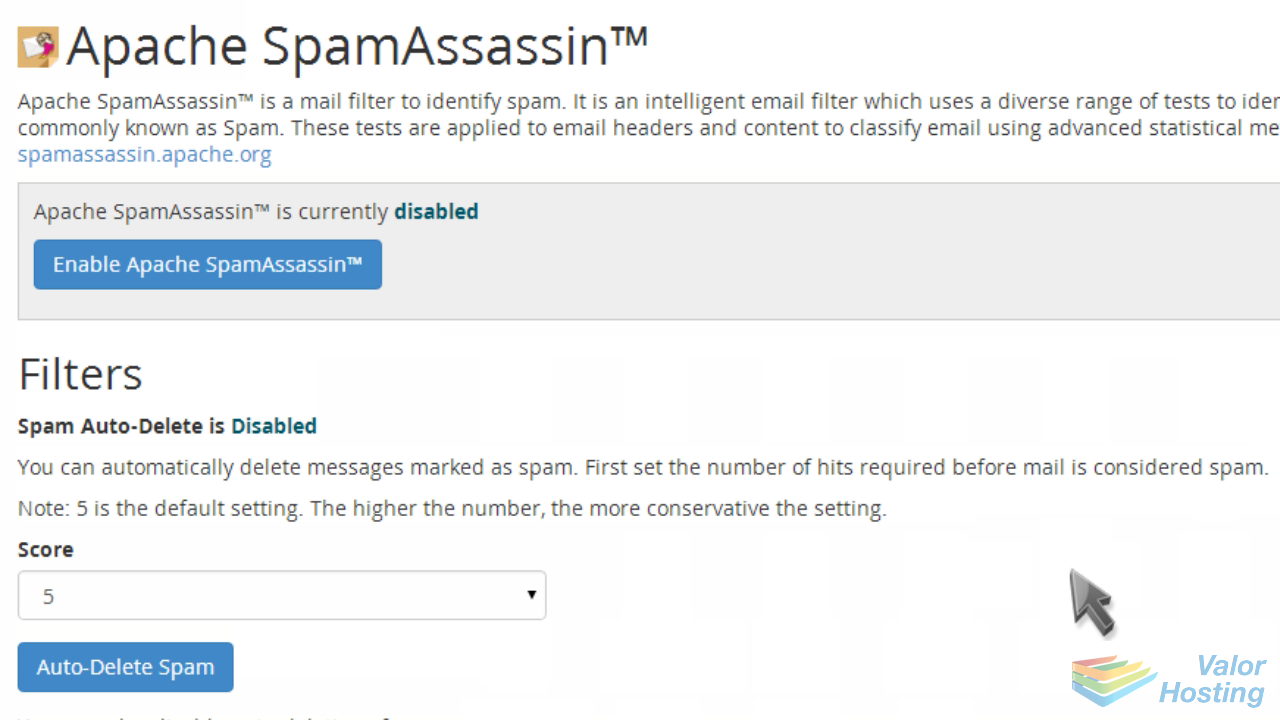
Click to Enable SpamAssassin.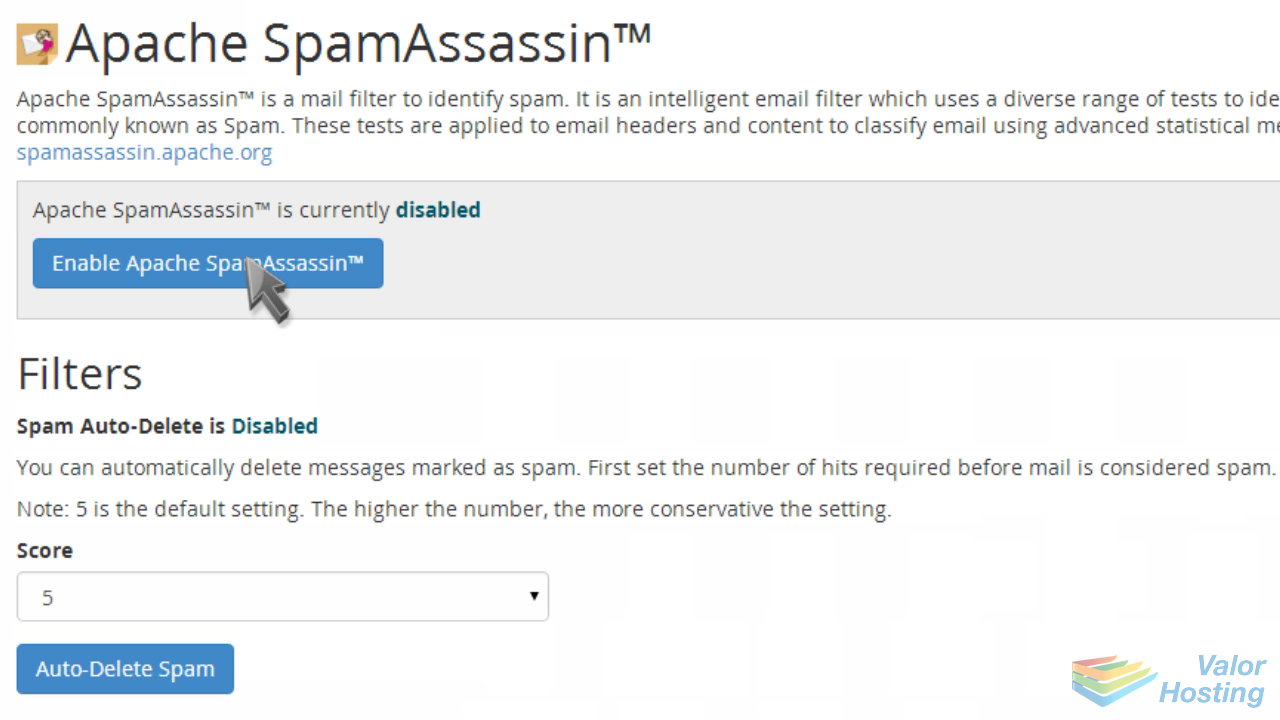
Then click "Go Back".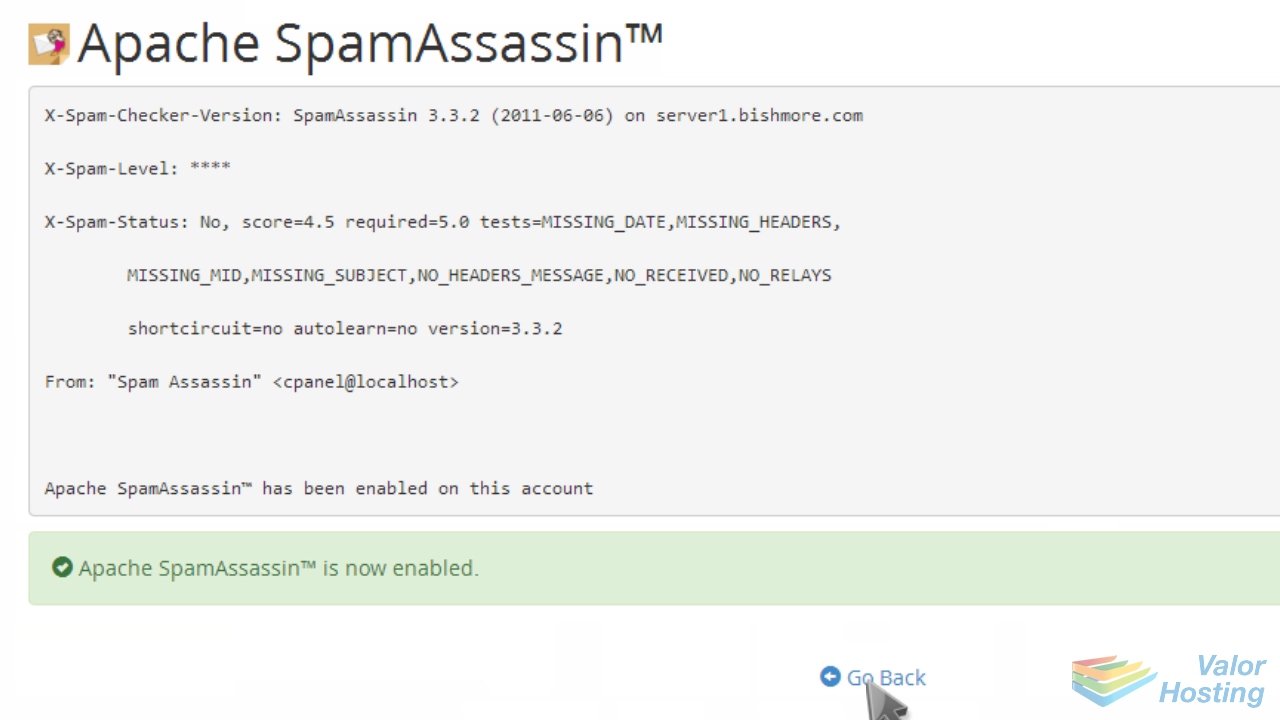
You'll now want to configure SpamAssassin, so click the "Configure" button.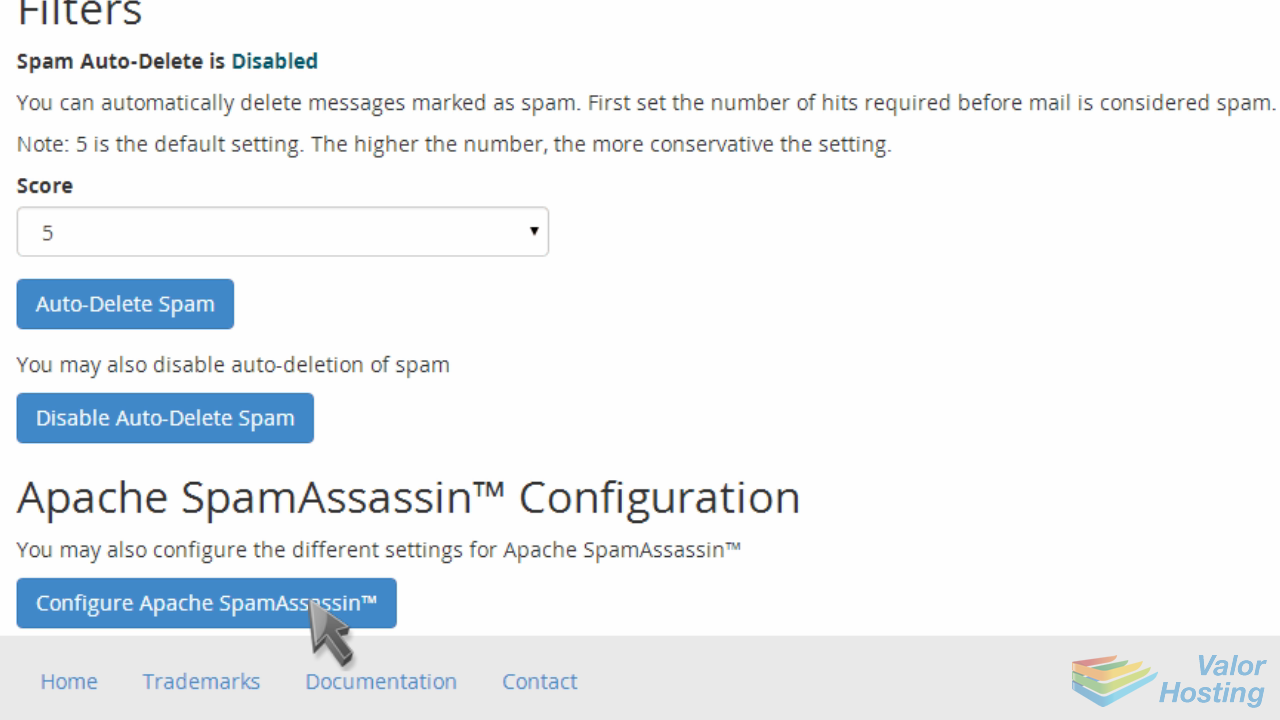
From here you can setup your blacklist with email addresses you KNOW are spam...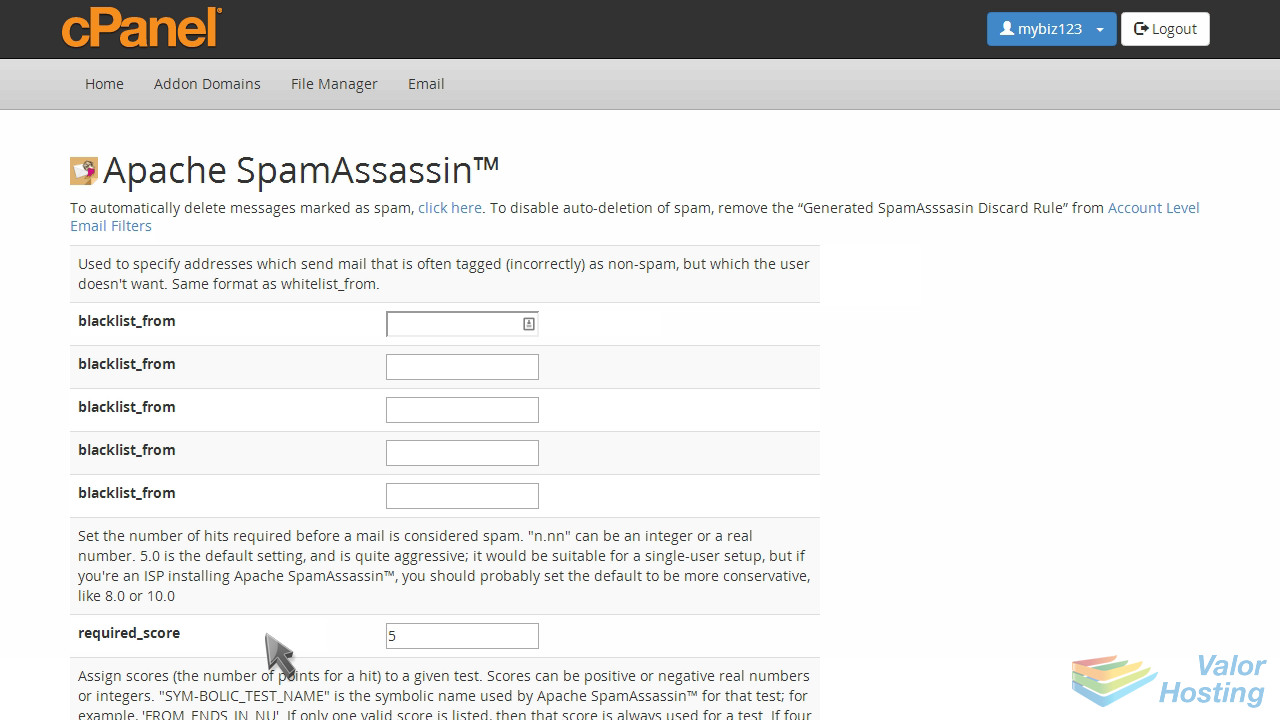
... and can add email addresses to your whitelist... addresses you KNOW are NOT spam.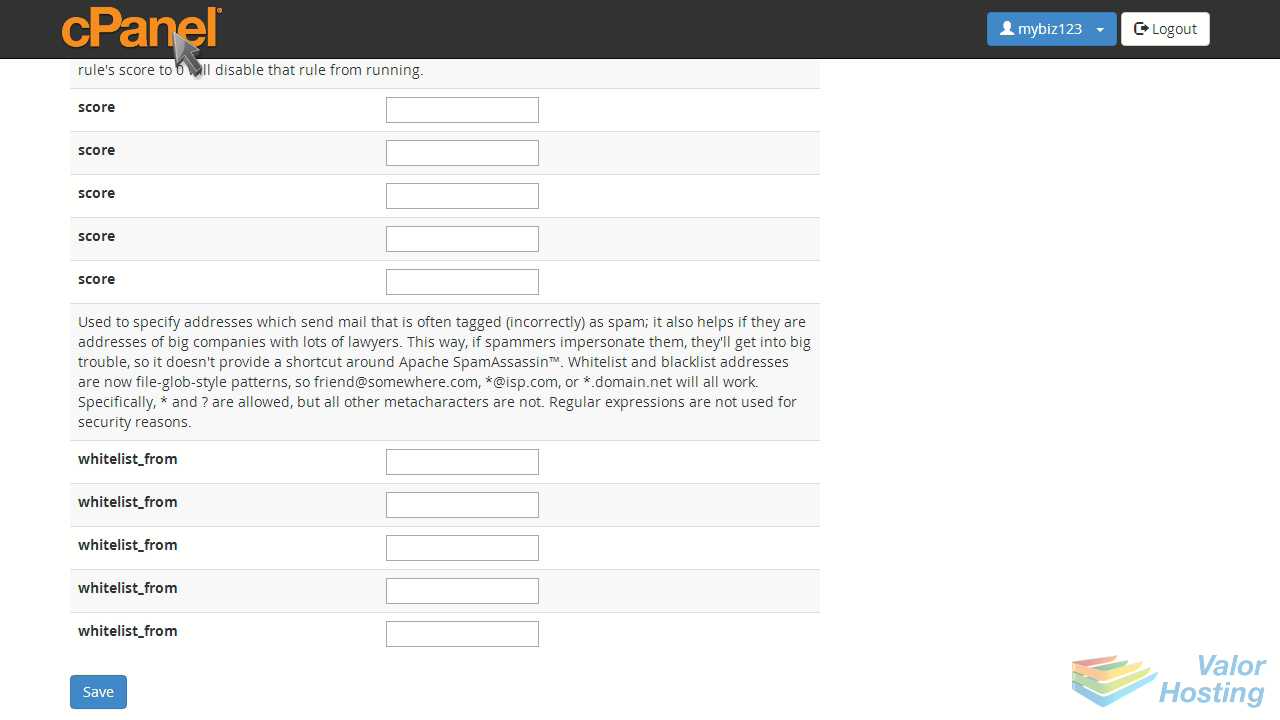
This is the end of the tutorial. You now know how to enable spam protection in cPanel, using BoxTrapper and SpamAssassin.